
Huidu HD-WF4 Wi-Fi LED Control Card – 4 HUB75E Ports
$ 8.00
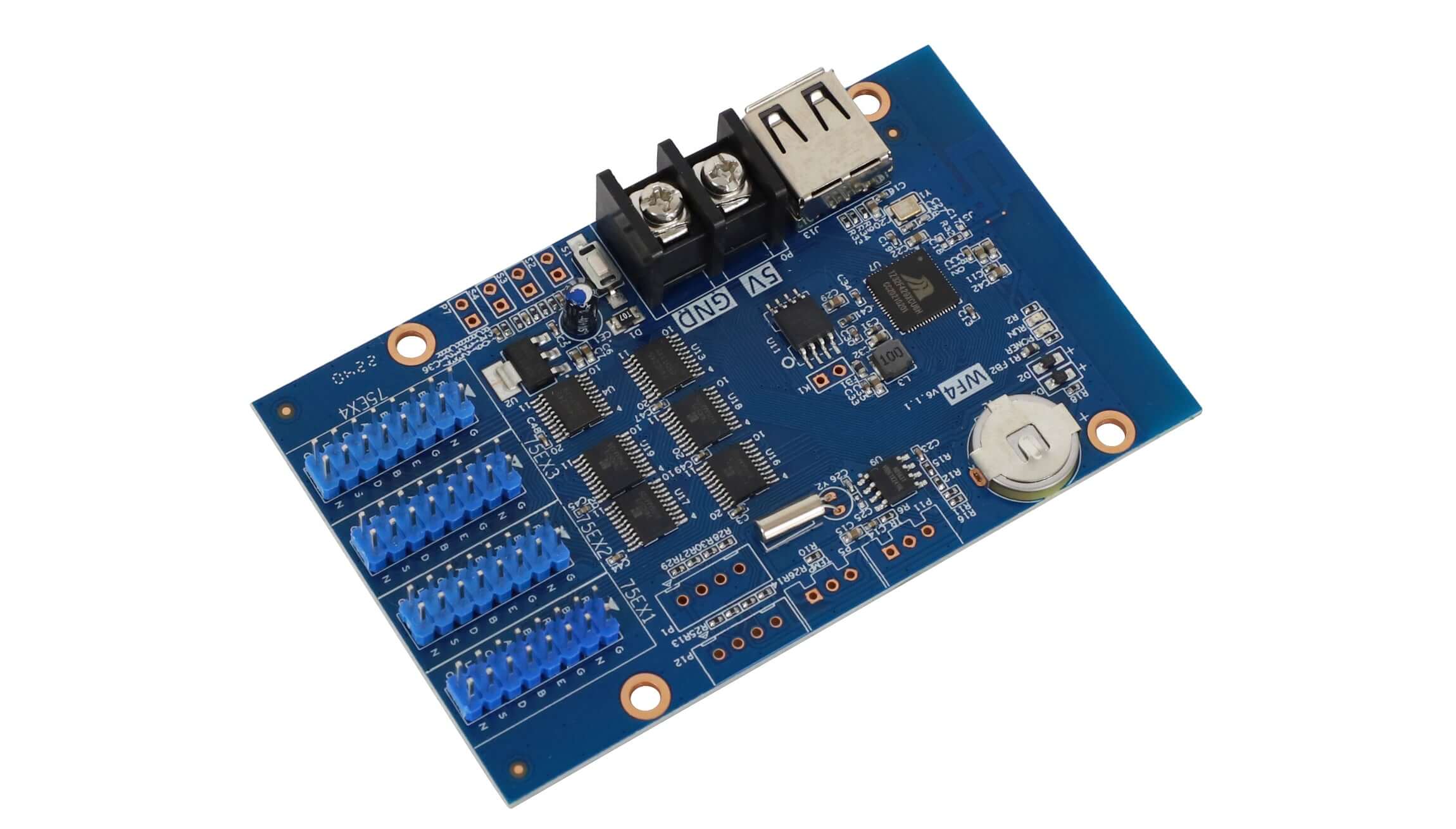
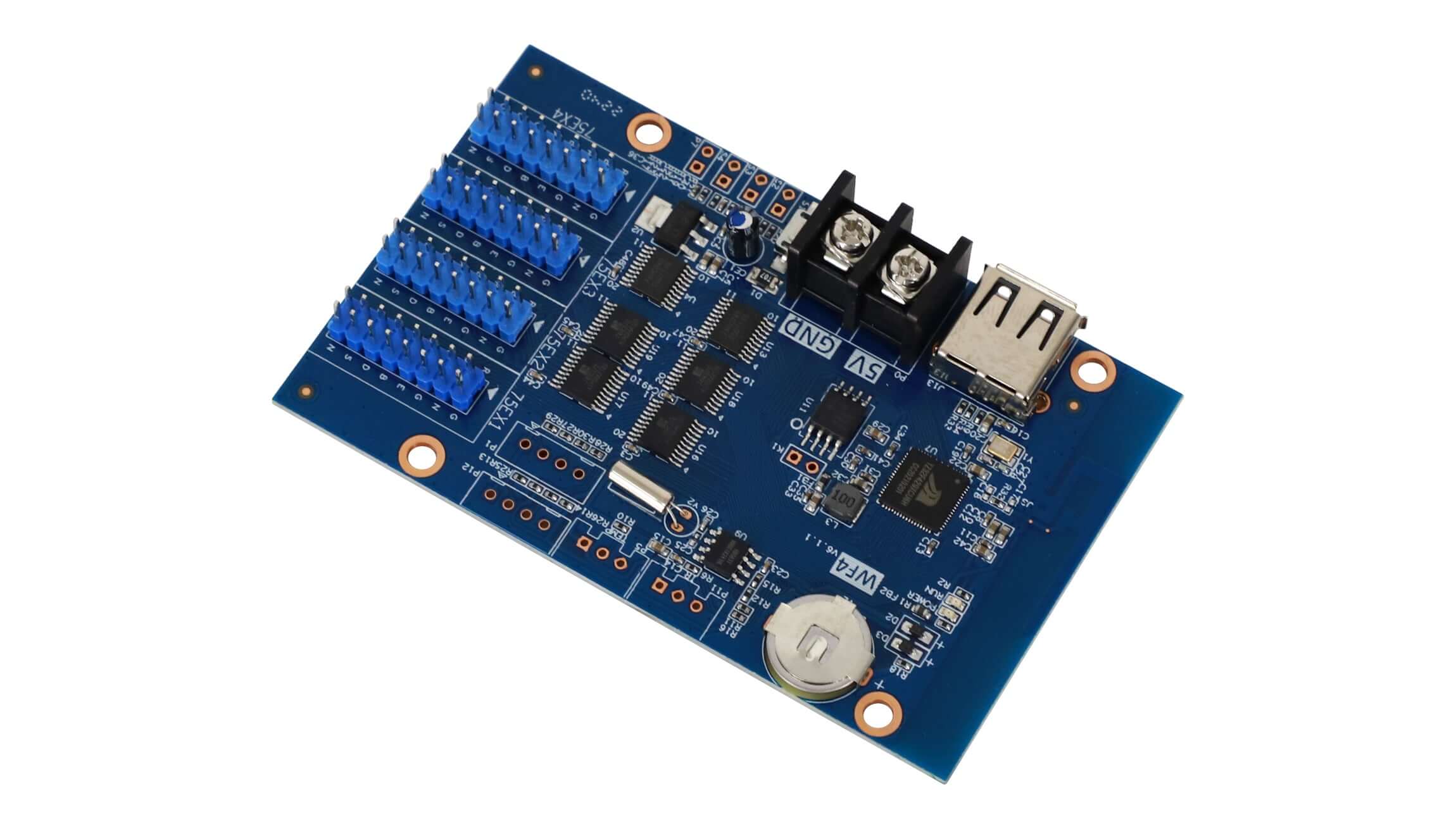
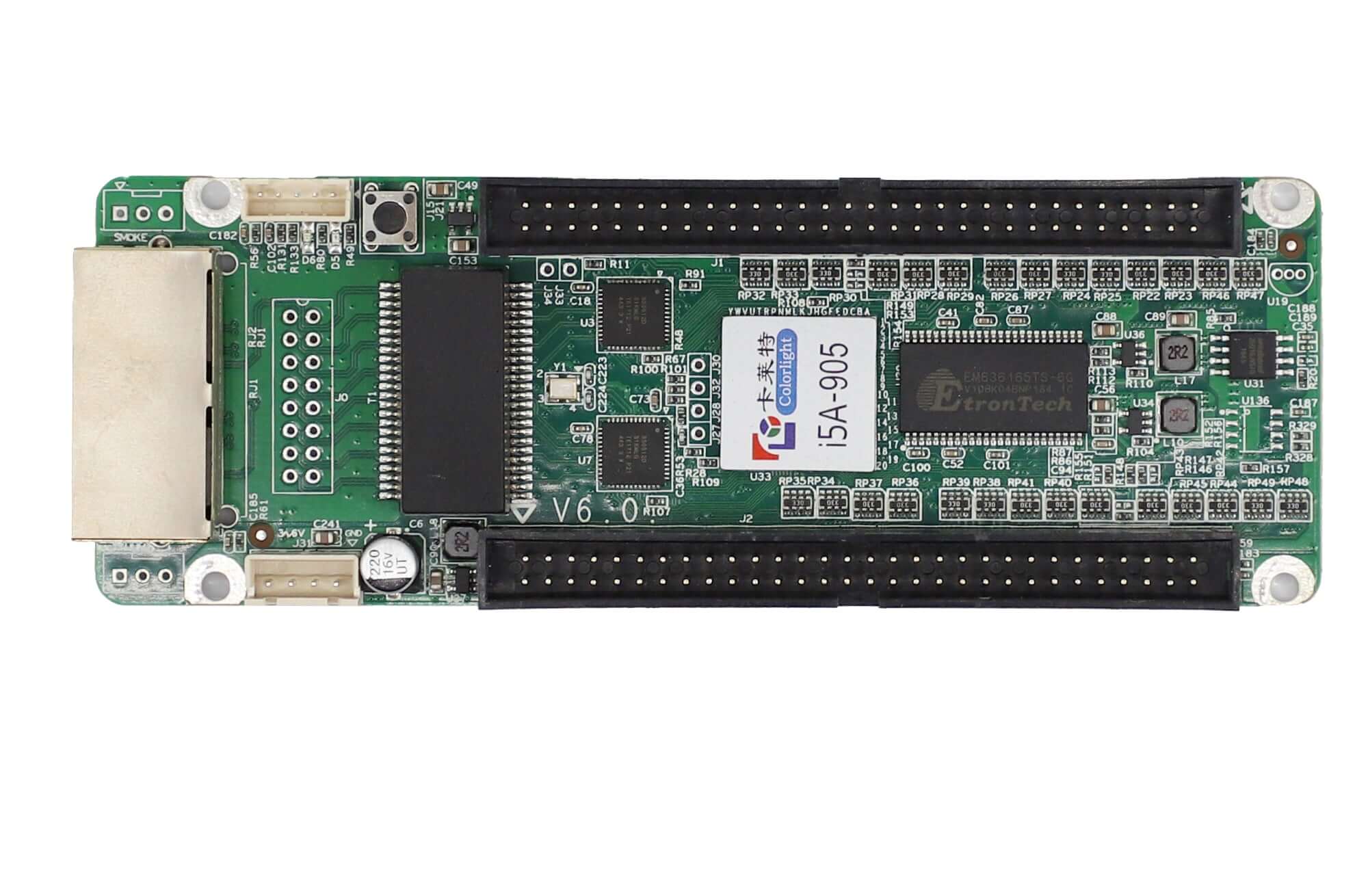
HD-WF4 LED sign control card with 4 HUB75E interfaces and Wi-Fi or USB-drive program updates. Supports HD2020 PC software, the listed Screen Control mobile app and HUB75 full-color modules using conventional or 2038S chips.
Huidu HD-WF4 Wi-Fi LED Sign Controller
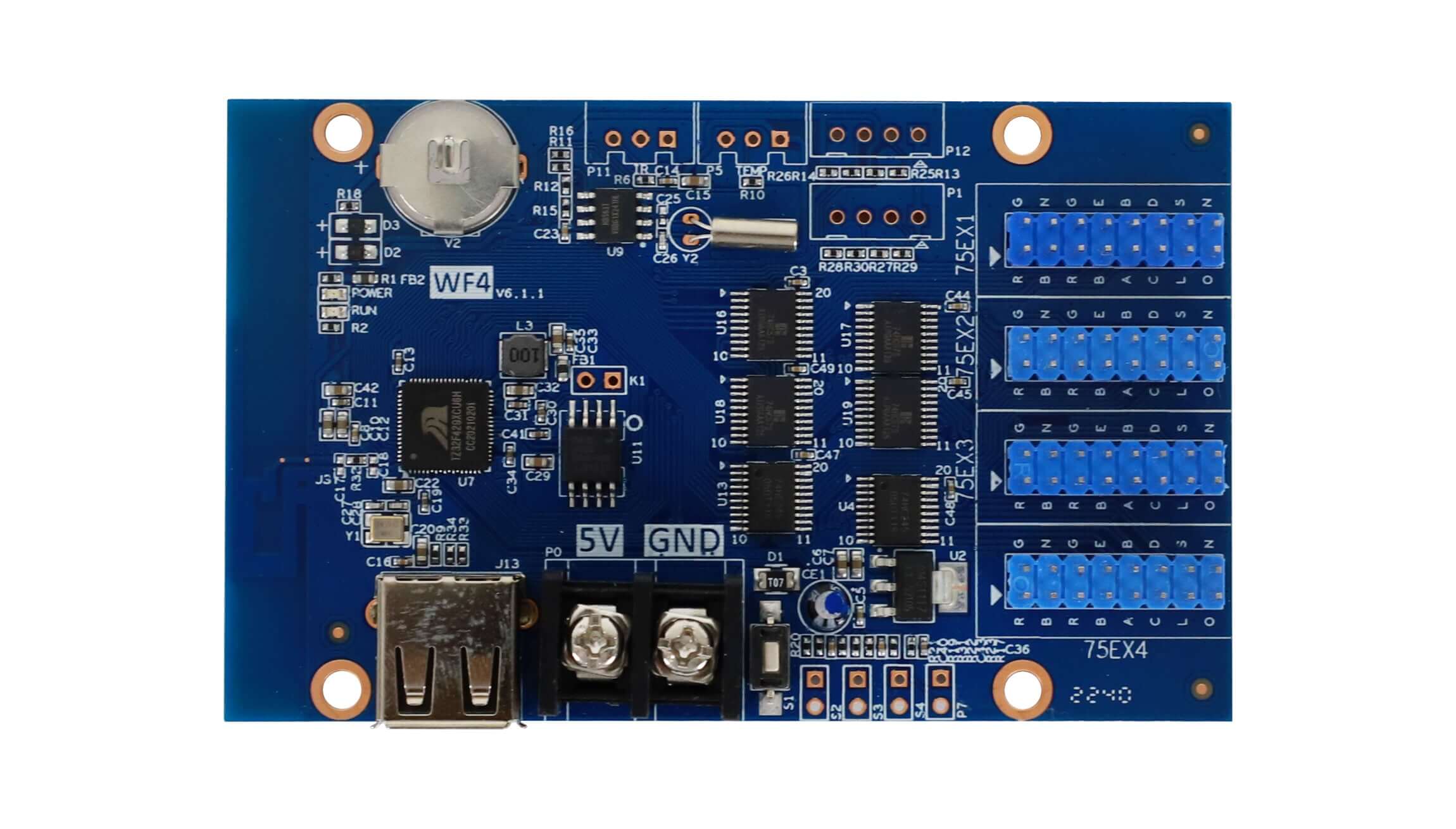
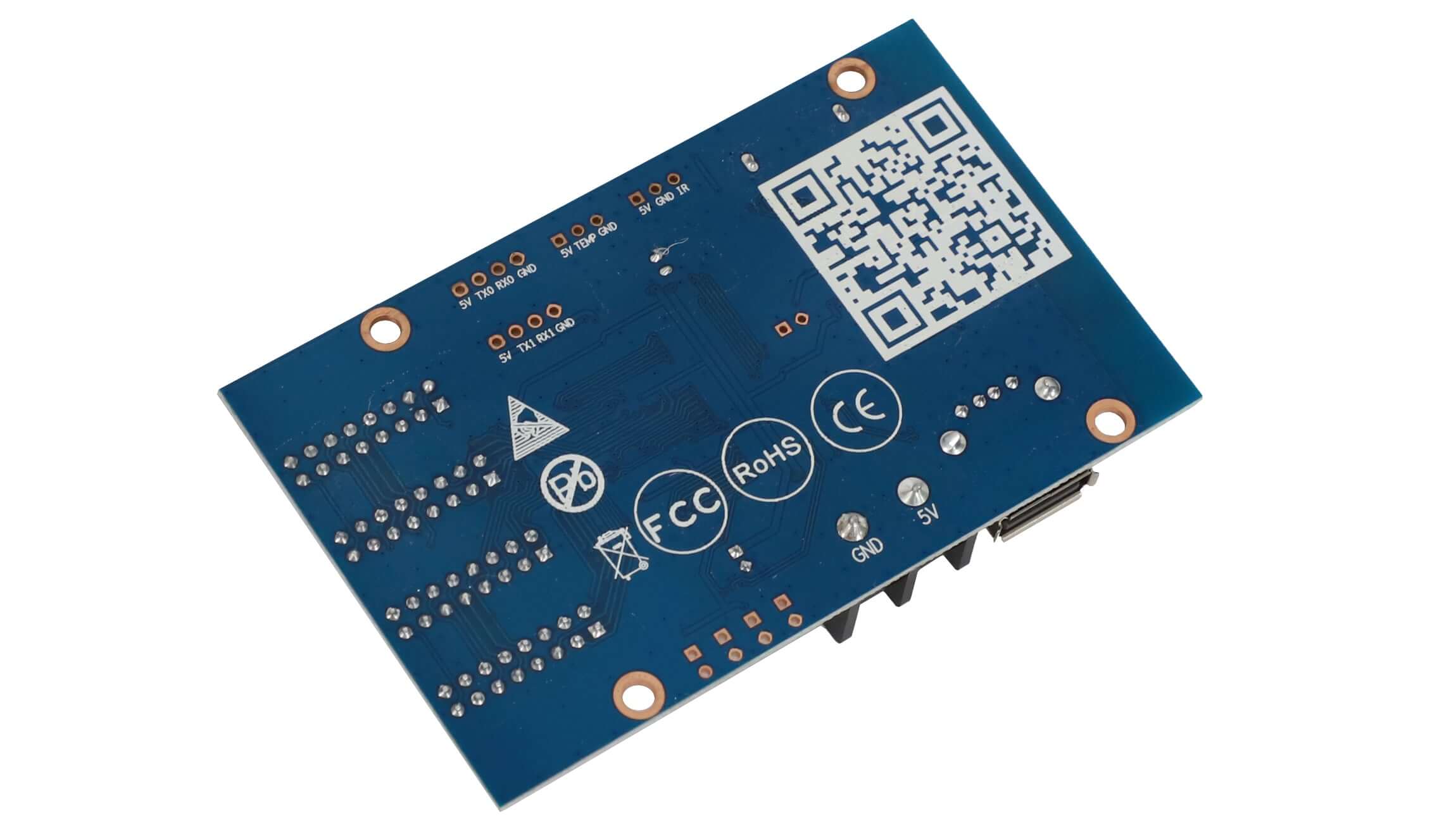
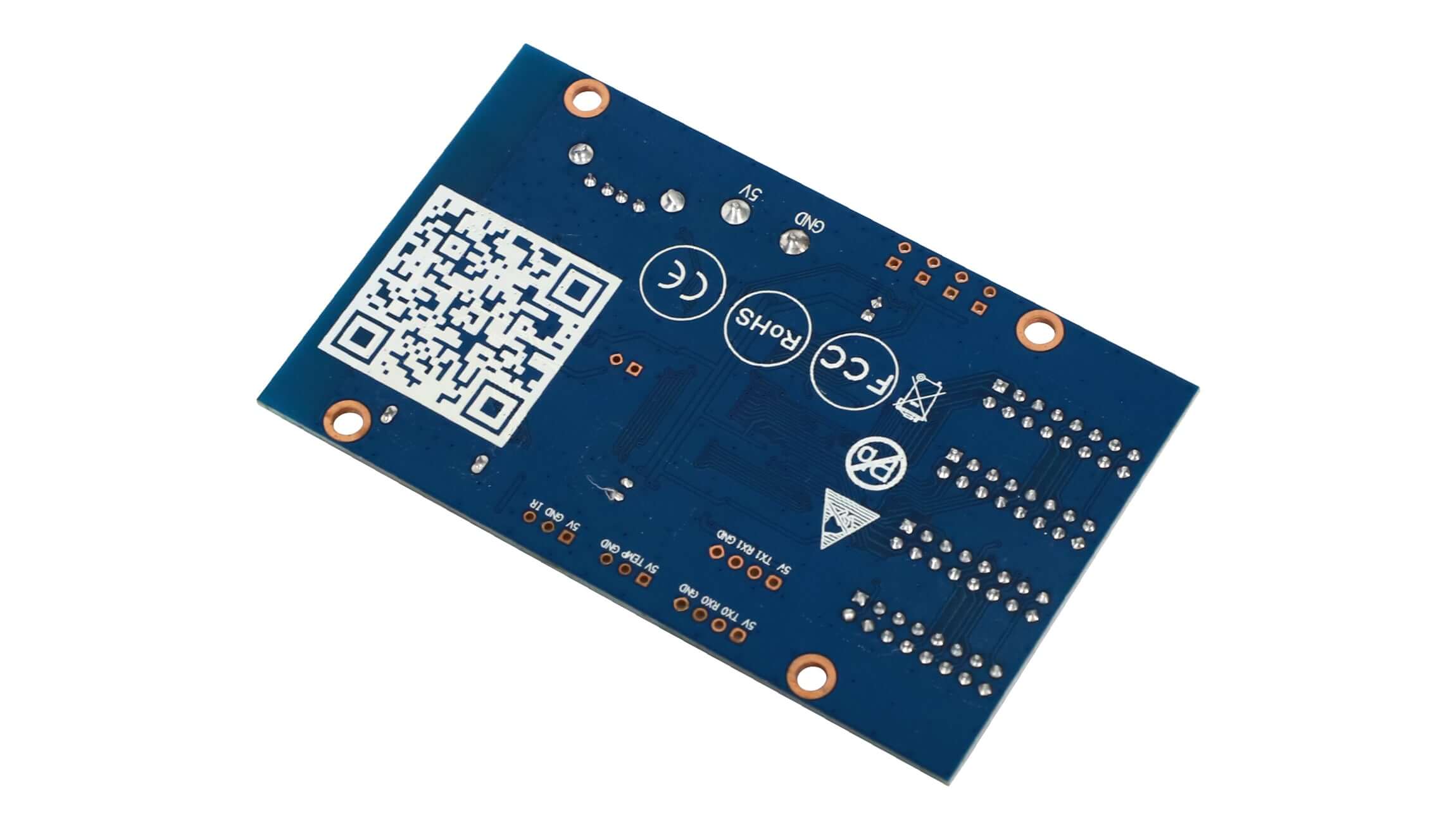
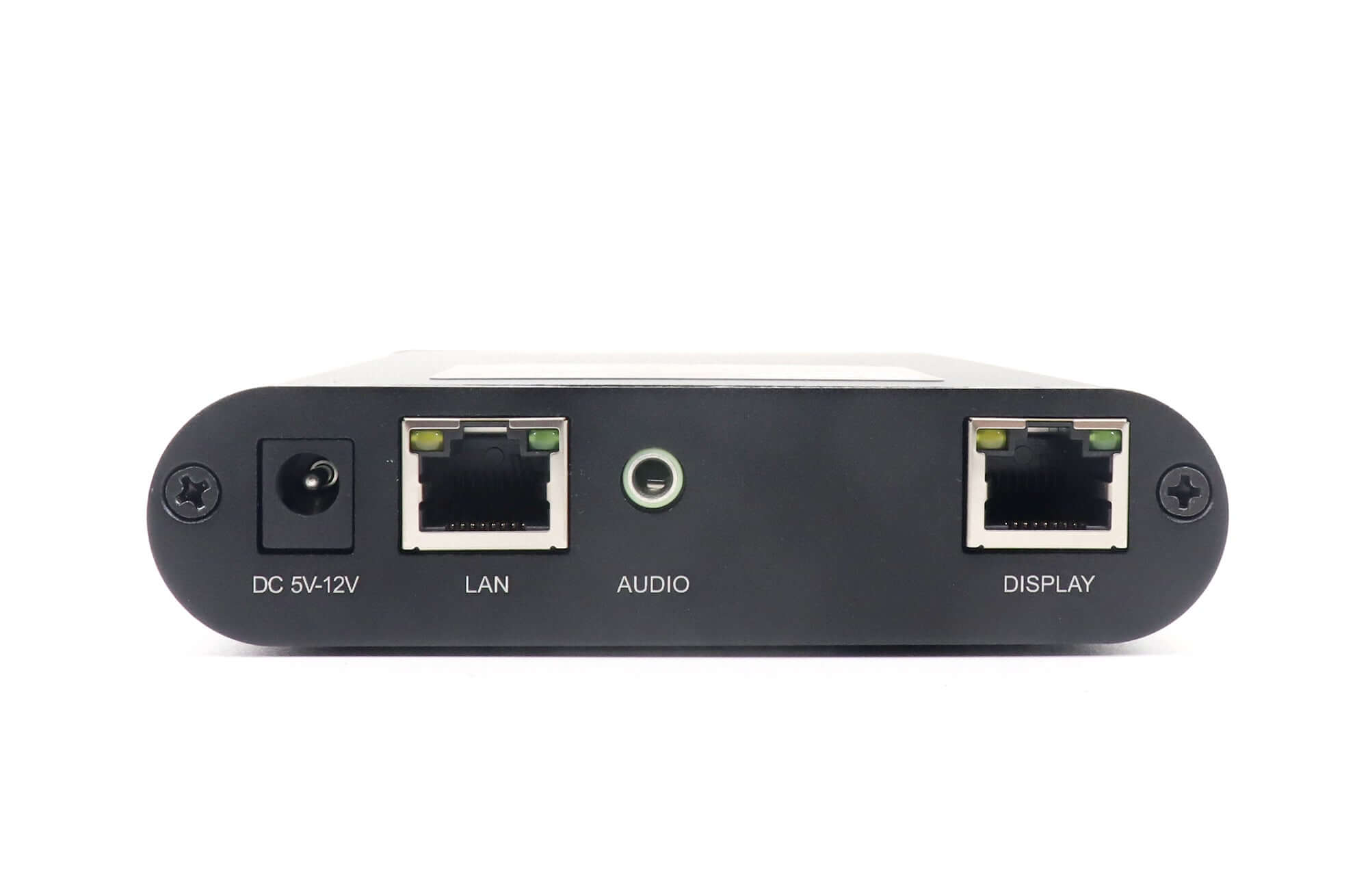
The HD-WF4 provides four HUB75E module interfaces and two ways to update programs: Wi-Fi and USB drive. It is intended for LED signs such as storefront, entrance, vendor and vehicle displays. Programs can be prepared with HD2020 on a computer or with the mobile app identified in the product information as Screen Control.
Module Support and Screen Layout
The card supports HUB75 full-color modules using conventional or 2038S driver chips, with scan modes from static to 1/32. The listed control range is 768 × 64, with separate maximum-width and maximum-height values of 1280 and 128 pixels. Do not treat those independent dimension limits as a supported 1280 × 128 layout.
| Parameter | Specification |
|---|---|
| Module interfaces | 4 × HUB75E |
| Module support | HUB75 full-color modules; conventional and 2038S chips |
| Scan modes | Static to 1/32 scan |
| Listed control range | 768 × 64 |
| Dimension limits | Maximum width 1280 pixels; maximum height 128 pixels |
| Program updates | Wi-Fi and USB drive |
| Software | HD2020 PC software; Screen Control mobile app |
| Storage | 8M Byte |
| Basic colors without grayscale | Red, green, blue, yellow, purple, cyan and white |
| Grayscale | Up to 8 levels; colorful text supported |
| Programs | 999; Wi-Fi remote switching supported |
| Display regions | 20; independent effects and borders, overlapping regions supported |
| Content | Text, animated text, 3D text, pictures, GIF animation, time, timing and lunar calendar |
| Timing | Scheduled on/off supported |
| Brightness | Manual settings and time-interval brightness settings |
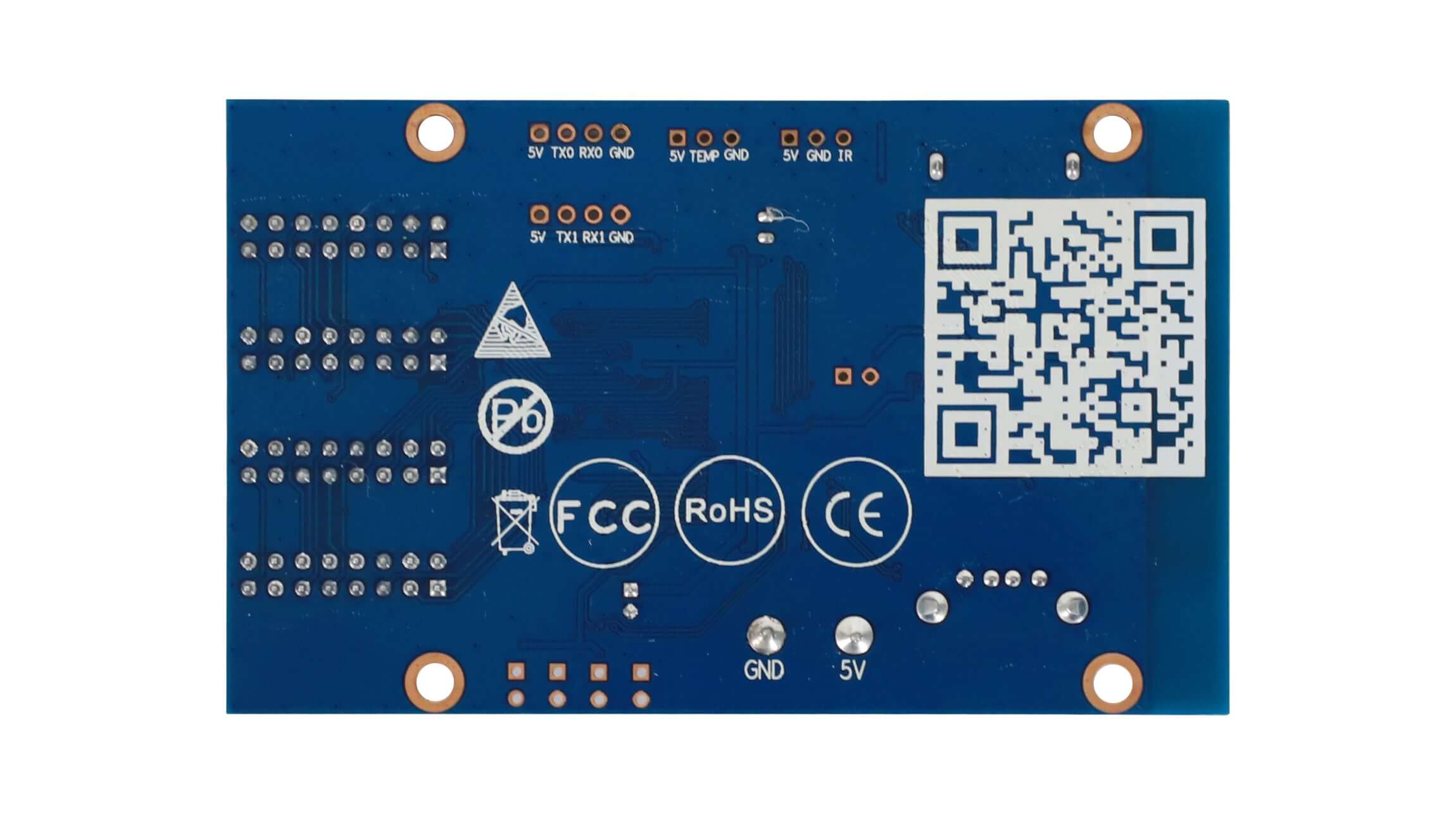
| Expansion | Temperature, remote control and light-sensing accessories |
| Power connection | Standard terminal-post connection |
| Listed certifications | CE, FCC, RoHS |
Program and Brightness Management
Organize content into independent regions with their own effects and borders. Scheduled switching and time-based brightness settings support recurring sign operation. Confirm the module layout and any expansion accessories before configuration.
Product Images


Specification Download
Download the Huidu HD-WF4 specification (PDF)
Frequently Asked Questions
How do I update programs on the HD-WF4?
Use Wi-Fi or a USB drive. The listed software options are HD2020 for a computer and the Screen Control mobile app.
How many HUB75E ports does the WF4 have?
It has four HUB75E interfaces and supports HUB75 full-color modules with conventional or 2038S chips.
What screen size is listed for the HD-WF4?
The listed control range is 768 × 64. Maximum width is 1280 pixels and maximum height is 128 pixels, but those independent limits do not establish a 1280 × 128 layout.
How many programs and regions does the WF4 support?
It supports 999 programs and 20 display regions, with independent effects and borders and support for overlapping areas.
Can I schedule display operation and brightness changes?
Yes. The WF4 supports scheduled on/off settings and brightness settings by time interval, as well as manual brightness adjustment.
| Weight | 0.3 kg |
|---|
Be the first to review “Huidu HD-WF4 Wi-Fi LED Control Card – 4 HUB75E Ports”
You must be logged in to post a review.
Will I be charged with customs and taxes?
The prices displayed on our site are tax-free (in US Dollars), which means you may be required to pay import duties and taxes once you receive your order. Import taxes, duties, and related customs fees will be determined by your local customs office when your order arrives at its final destination.
Please note that these additional charges and taxes are your responsibility, and we do not take any responsibility for them. We are not liable for paying or reimbursing any customs duties, taxes, or related fees. For more details on these charges, please contact your local customs office.
Shipping
We can ship to virtually any address in the world. Note that there are restrictions on some products, and some products cannot be shipped to international destinations..
When you place an order, we will estimate shipping and delivery dates for you based on the availability of your items and the shipping options you choose. Depending on the shipping provider you choose, shipping date estimates may appear on the shipping quotes page.
Please also note that the shipping rates for many items we sell are weight-based. The weight of any such item can be found on its detail page. To reflect the policies of the shipping companies we use, all weights will be rounded up to the next full pound..
Returns Policy
You may return most new, unopened items within 30 days of delivery for a full refund. We'll also pay the return shipping costs if the return is a result of our error (you received an incorrect or defective item, etc.)..
You should expect to receive your refund within four weeks of giving your package to the return shipper, however, in many cases you will receive a refund more quickly. This time period includes the transit time for us to receive your return from the shipper (5 to 10 business days), the time it takes us to process your return once we receive it (3 to 5 business days), and the time it takes your bank to process our refund request (5 to 10 business days).
If you need to return an item, simply login to your account, view the order using the "Complete Orders" link under the My Account menu and click the Return Item(s) button. We'll notify you via e-mail of your refund once we've received and processed the returned item..
Related products
Reviews
There are no reviews yet.