


Colorlight C3 LED Video Player – Specifications & Manual
$ 80.68
Discontinued Colorlight C3 LED video player with 650,000-pixel capacity, USB content updates and LEDVISION program management. Product information and PDF manual for existing installations.
999 in stock
This product has been discontinued. This page retains product information and the user manual for existing C3 installations.
Colorlight C3 LED Video Player
The Colorlight C3 plays stored programs on an LED screen without a computer running continuously. Use LEDVISION to prepare layouts containing video, images, text and clocks, then transfer content to the player. USB storage playback and a dedicated CONFIG connection support local updates.
Connections and Program Setup
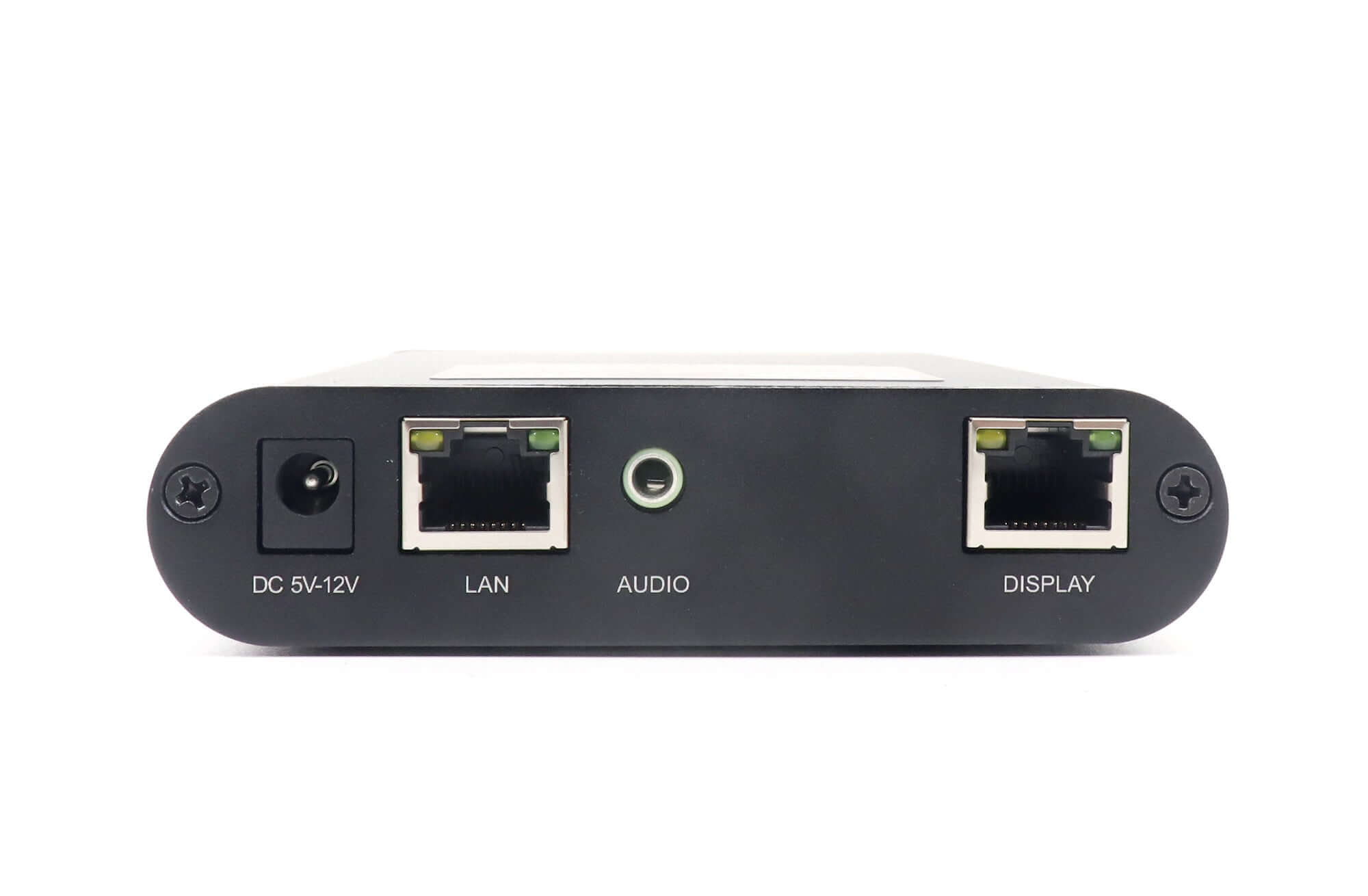
The user manual identifies a receiving-card output, stereo audio output, CONFIG port, two USB ports and a 100M LAN connection. In LEDVISION, select Control > Screen Control and choose Play Box as the sending device before configuring the C3. Follow the linked manual for screen mapping and publishing steps.
Product Parameters
| Parameter | Specification |
|---|---|
| Maximum LED loading capacity | 650,000 pixels |
| Maximum screen width / height | 4,096 pixels / 1,080 pixels; subject to total loading capacity |
| Maximum video dimensions | 1,920 × 1,080 pixels |
| Internal storage | 8 GB |
| USB storage expansion | Up to 32 GB |
| USB ports | 2; content update and USB storage playback |
| CONFIG port | PC connection for parameter settings and content updates |
| LED DISPLAY port | Connection to the LED receiving card |
| 100M_IN port | LAN connection |
| Audio output | Stereo output |
| Program software | LEDVISION |
| Content layout | Multiple windows with adjustable size, position and overlap |
Use the manual for the connection procedure. Its power connector illustration and supply table contain different voltage labels, so check the unit label and matching power adapter before powering an existing C3.
Frequently Asked Questions
Is the Colorlight C3 discontinued?
Yes. This product page identifies the C3 as discontinued. The manual and product details remain available for existing users.
Does C3 need a computer connected during playback?
A computer is used to prepare programs and configure the player. The C3 can then play stored content without a computer running continuously.
How do I connect C3 to LEDVISION?
The manual instructs users to choose Control > Screen Control > Play Box before connecting and configuring C3 through its CONFIG port. Follow the manual for the complete publishing procedure.
Can C3 play programs from a USB drive?
Yes. Its USB ports support content updates and USB storage playback. The product supports up to 32 GB of USB storage expansion.
How large an LED screen can C3 control?
The listed capacity is 650,000 pixels, with a maximum width of 4,096 pixels or height of 1,080 pixels. The total screen area must still fit within the loading capacity.
Product Images


User Manual
| Weight | 0.8 kg |
|---|
Be the first to review “Colorlight C3 LED Video Player – Specifications & Manual”
You must be logged in to post a review.
Will I be charged with customs and taxes?
The prices displayed on our site are tax-free (in US Dollars), which means you may be required to pay import duties and taxes once you receive your order. Import taxes, duties, and related customs fees will be determined by your local customs office when your order arrives at its final destination.
Please note that these additional charges and taxes are your responsibility, and we do not take any responsibility for them. We are not liable for paying or reimbursing any customs duties, taxes, or related fees. For more details on these charges, please contact your local customs office.
Shipping
We can ship to virtually any address in the world. Note that there are restrictions on some products, and some products cannot be shipped to international destinations..
When you place an order, we will estimate shipping and delivery dates for you based on the availability of your items and the shipping options you choose. Depending on the shipping provider you choose, shipping date estimates may appear on the shipping quotes page.
Please also note that the shipping rates for many items we sell are weight-based. The weight of any such item can be found on its detail page. To reflect the policies of the shipping companies we use, all weights will be rounded up to the next full pound..
Returns Policy
You may return most new, unopened items within 30 days of delivery for a full refund. We'll also pay the return shipping costs if the return is a result of our error (you received an incorrect or defective item, etc.)..
You should expect to receive your refund within four weeks of giving your package to the return shipper, however, in many cases you will receive a refund more quickly. This time period includes the transit time for us to receive your return from the shipper (5 to 10 business days), the time it takes us to process your return once we receive it (3 to 5 business days), and the time it takes your bank to process our refund request (5 to 10 business days).
If you need to return an item, simply login to your account, view the order using the "Complete Orders" link under the My Account menu and click the Return Item(s) button. We'll notify you via e-mail of your refund once we've received and processed the returned item..
Related products




Reviews
There are no reviews yet.