
LEDMall Blog
NovaStar Receiving Card Count: Cabinets, Loads and Spares
Nov
A NovaStar receiving card count starts with the approved receiver arrangement inside each cabinet. Add the receivers required by every cabinet, then list installed backup receivers and shelf spares separately. Dividing the whole screen’s pixels by a card’s headline maximum is only an arithmetic check; it does not establish how many physical receivers the cabinet design requires.
This guide is for an AV integrator preparing a bill of materials for a new LED display. It explains how to turn module pixels, cabinet layouts and versioned loading conditions into a reviewable quantity. The worked examples are hypothetical planning examples, not tested cabinet designs or promises that a particular module and card combination will work.
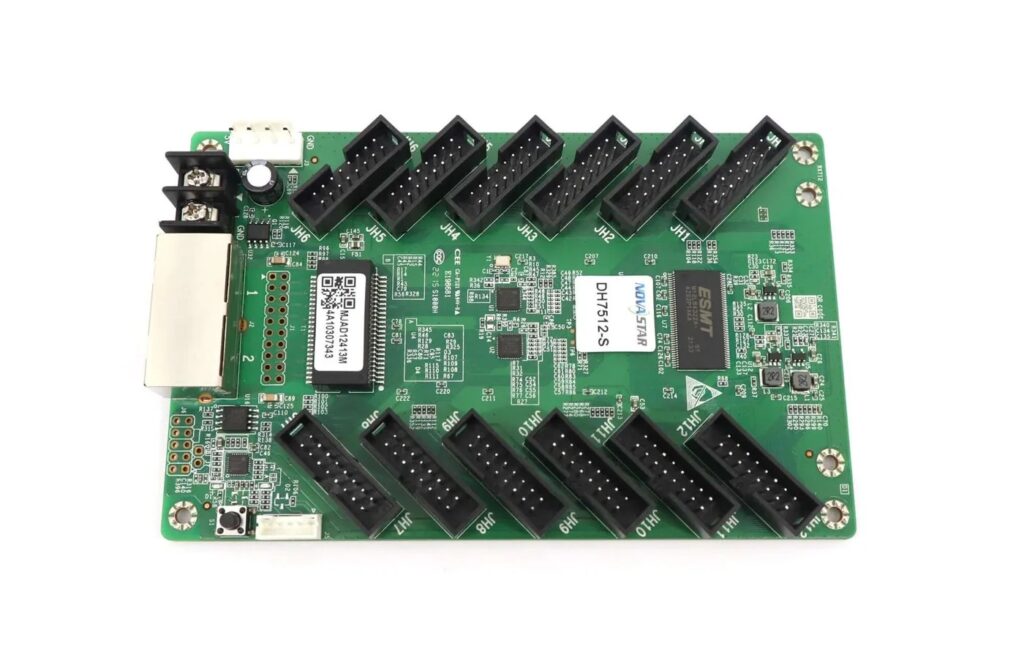
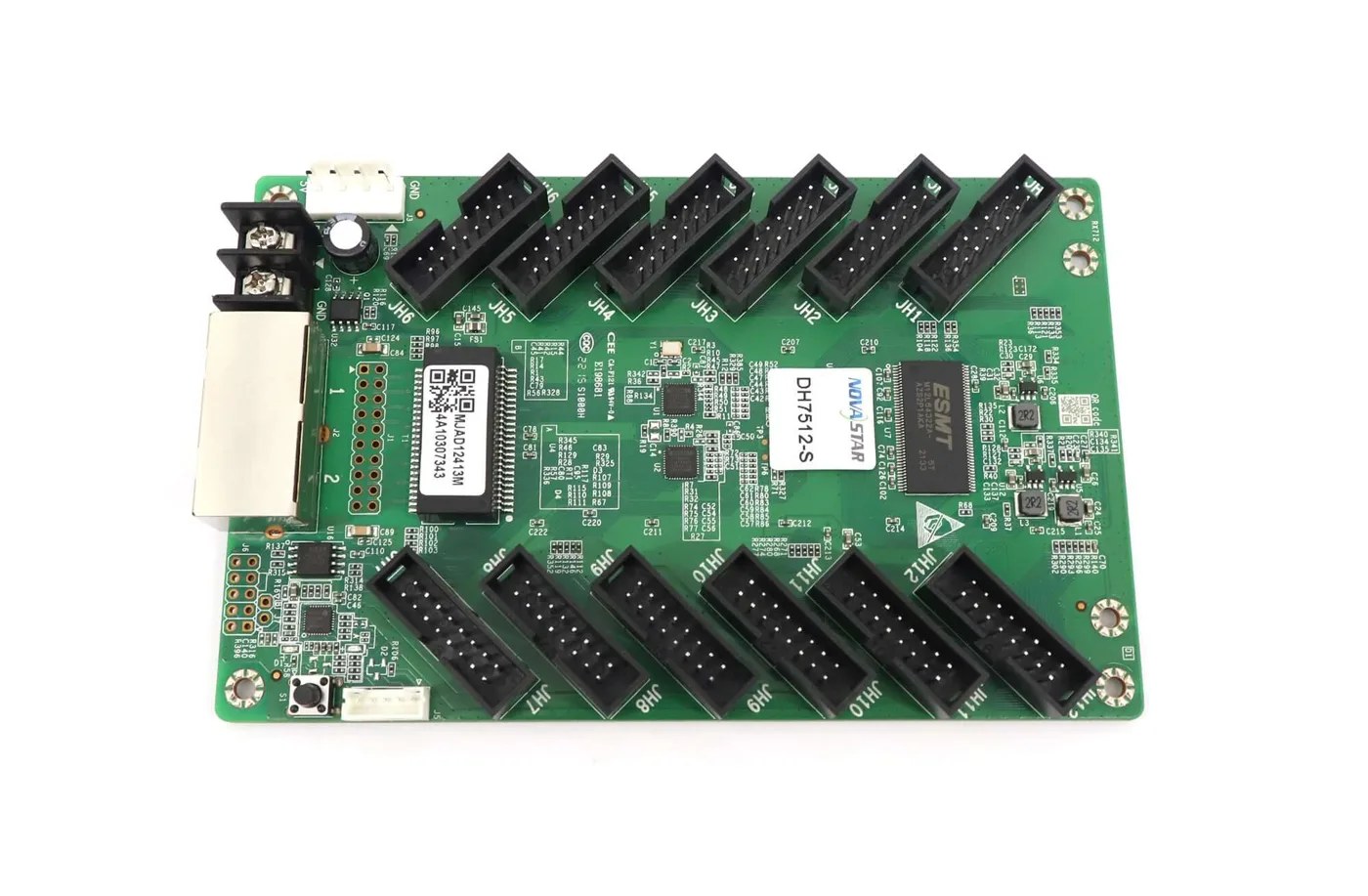
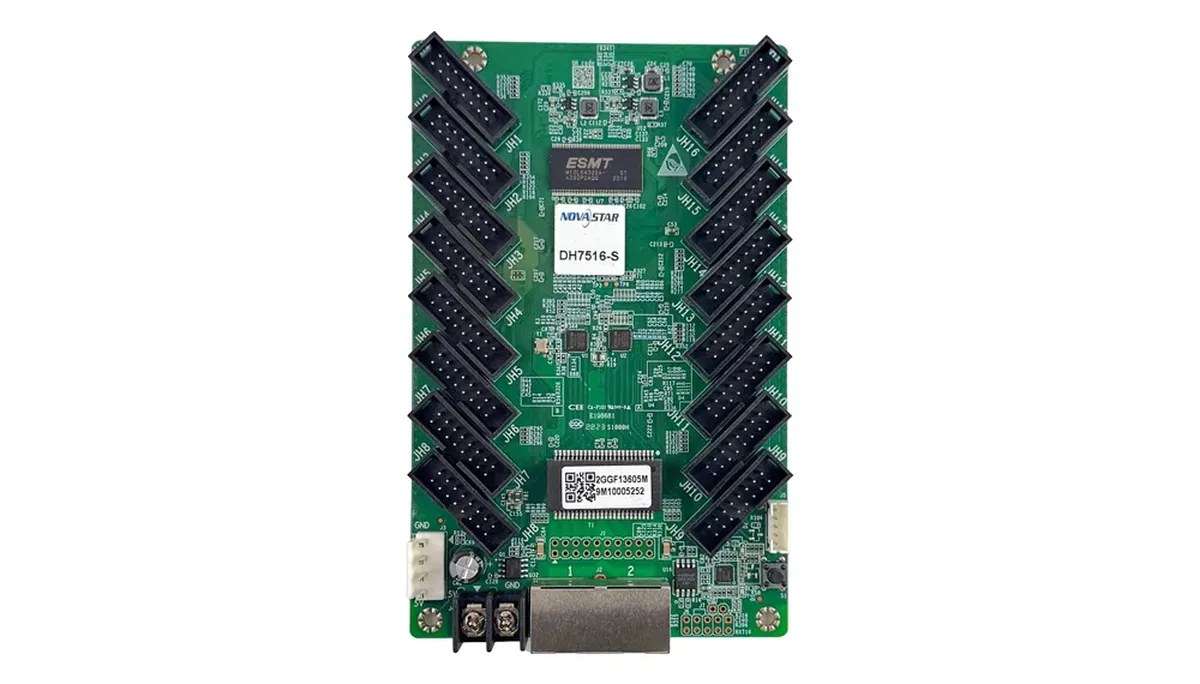
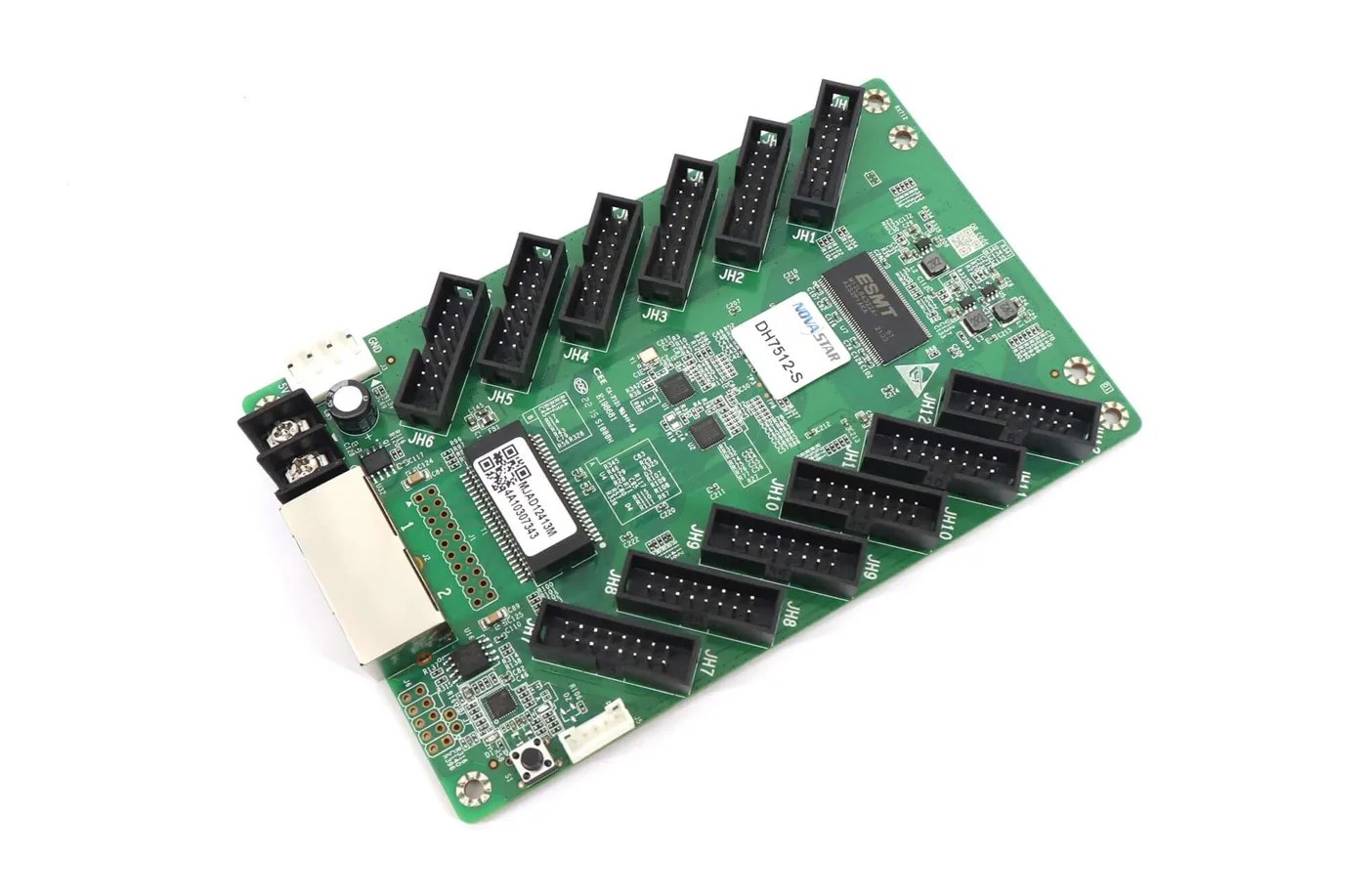
The software reference is NovaStar’s NovaLCT V5.8.0 synchronous-control manual, whose screen-connection section distinguishes receiver dimensions and logical connections. Product examples use the DH7512-S V1.3.3 and DH7516-S V1.2.3 references retained on LED Mall. Confirm the supplied hardware, firmware and module arrangement before applying their limits.
1. Start the NovaStar Receiving Card Count With the Cabinet Layout
Count the physical cabinets and identify the approved number of active receivers in each cabinet type. A cabinet is an enclosure and module assembly; its receiver arrangement is a design decision, not a number that can be inferred from the screen’s outside dimensions alone.
For a rectangular wall, record cabinets across and high. Multiplying those values gives the cabinet quantity only when the grid is complete and every position contains the stated cabinet. Include any half-height pieces, side returns or separate display areas on their own lines.
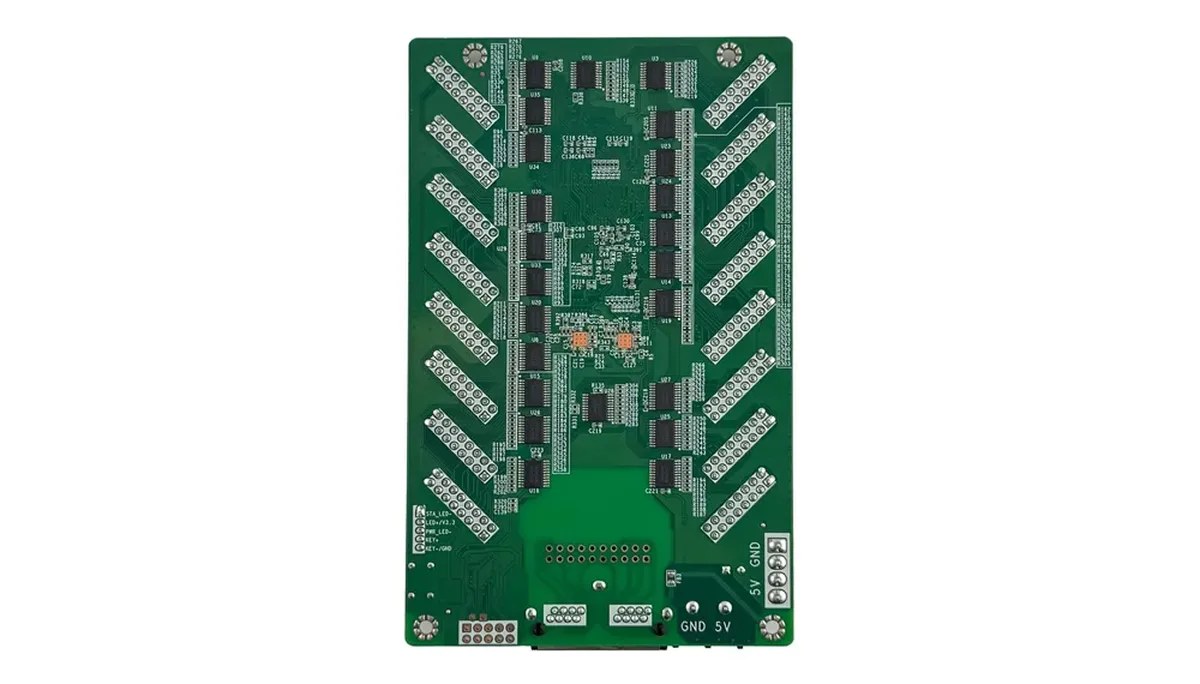
The NovaLCT manual describes a common arrangement in which a receiver drives one cabinet. That is a useful starting point for an existing approved design. It is not a universal rule: a cabinet can have a different receiver arrangement, which must be identified before purchasing.
A reliable NovaStar receiving card count therefore needs two quantities for every cabinet type: how many cabinets are present, and how many active receivers the accepted design uses per cabinet. For a uniform design, multiply those quantities. For a mixed design, calculate each type separately and add the results.
Obtain this arrangement from a cabinet drawing, approved build record or supplier confirmation. A photograph can help identify the board, but it rarely establishes every module route or the complete receiver assignment. Keep a cabinet-type identifier with the drawing so purchasing can distinguish revisions.
Give the worksheet separate columns for cabinet type, cabinet quantity, approved active cards per cabinet and the resulting subtotal. Identify who approved each arrangement and mark provisional rows clearly. This keeps the NovaStar receiving card count traceable when a supplier revises one cabinet type without changing the rest of the wall.
Record whether the project is a new build, an extension or a replacement job. The installed receiver quantity and the quantity that needs to be purchased are different when existing, compatible stock will be reused. Establish that inventory boundary before asking suppliers to quote the total.
2. Calculate the Pixels Assigned to Each Receiver
Use the module’s actual pixel dimensions and the approved module arrangement. Pixel pitch and physical dimensions can help cross-check a design, but they should not replace the module’s verified resolution.
For an unrotated rectangular arrangement, cabinet pixel width is module pixel width multiplied by the number of modules across. Cabinet pixel height is module pixel height multiplied by the number of modules high. If several receivers divide the cabinet, repeat the calculation for the area assigned to each receiver.
For example, four modules across and two high, each confirmed as 128 × 64 pixels, form a 512 × 128 pixel cabinet. That cabinet contains 65,536 pixels. The calculation describes the image area; it does not approve the scan settings, driver IC, data routing or hub connections.
Keep both dimensions in the NovaStar receiving card count worksheet. Reducing an area to a single multiplied total loses information that matters to a width or height limit. A proposed 256 × 768 receiver area contains 196,608 pixels, but its height still exceeds a 512-pixel reference.
Do not assume that splitting the tall area into two smaller rectangles is automatically an approved two-card design. The cabinet must support the required physical receiver, hub and module connections. Ask the integration team to confirm the split rather than using a spreadsheet to invent the wiring.
For rotated, irregular or mixed-size modules, retain a drawing showing the intended orientation and receiver areas. A uniform multiplication copied across the wall can hide a different load at an edge or return. Mark exceptions explicitly before turning the drawing into a purchasing quantity.
3. Check Loading Conditions and Module Routing Together
A maximum pixel area is conditional. Compare the assigned width and height with the specification that applies to the actual receiver, driver IC and operating mode.
LED Mall’s DH7512-S V1.3.3 reference lists up to 512 × 512 at 60 Hz with PWM driver ICs, or 512 × 384 at 60 Hz with common driver ICs. The DH7516-S V1.2.3 reference lists the same two driver-dependent dimensions. Do not describe 512 × 512 as an unconditional rating for every module.
The NovaStar receiving card count must also respect the cabinet’s data arrangement. The cited DH7512-S reference provides twelve HUB75E connectors and up to twenty-four parallel RGB data groups; DH7516-S provides sixteen connectors and up to thirty-two groups. More module connectors do not independently increase the listed pixel dimensions.
Review the DH7512-S product reference and DH7516-S product reference alongside the cabinet drawing. Their shared loading dimensions do not establish that the cards are interchangeable in every assembly.
Check module driver identity, scan arrangement, signal assignments, cable routing and required data groups. A physically available connector is insufficient evidence that another module can be added to it. Keep an unverified module route as an open item rather than rounding the receiver quantity down.
The referenced DH7512-S listing also distinguishes its newer specification from an older downloadable document. Use the applicable revision consistently. A larger loading value from one revision and an unrelated electrical or mechanical value from another do not form an approved combined specification.
If the proposal depends on a special program or performance mode, request the matching conditions in writing. The ordinary rating is not proof that a custom mode is supplied, and a custom-mode claim should not be applied to every board bearing the same abbreviated model name. The DH receiver comparison provides further model-specific distinctions.
4. Work Through a Cabinet-Based Quantity Example
The following hypothetical example shows why cabinet assignments can determine the quantity even when substantial theoretical pixel capacity remains unused.
Assume a 4 m × 2 m (13.1 ft × 6.6 ft) wall built from a complete grid of 500 × 500 mm (19.7 × 19.7 in) cabinets. Assume the approved design uses P2.5 modules, gives each cabinet a verified resolution of 200 × 200 pixels, and uses one active receiver per cabinet. These assumptions are illustrative, not specifications for a product offered here.
The grid is eight cabinets across and four high: thirty-two cabinets. Its pixel dimensions are 1600 × 800, or 1,280,000 pixels. Because the assumed cabinet design requires one active receiver in each cabinet, the NovaStar receiving card count is thirty-two active cards.
Dividing 1,280,000 by 262,144, the area of a 512 × 512 rectangle, and rounding upward produces five. That result does not approve a five-card assembly. It ignores the assumed physical receiver assignments across thirty-two cabinets and the conditions attached to the reference rectangle.
| Layout assumption | Cabinets | Approved active cards per cabinet | Active cards required |
|---|---|---|---|
| Uniform 8 × 4 grid in the example above | 32 | 1 | 32 |
| Same cabinet quantity, but a different approved two-receiver design | 32 | 2 | 64 |
| Mixed layout: 18 type-A cabinets and 6 type-B cabinets | 24 total | Type A: 1; type B: 2 | 18 + 12 = 30 |
The second row does not instruct you to install another card in the first example’s cabinet. It describes a different, already approved cabinet arrangement. Changing the receiver count can require a different hub assembly, module routing and configuration.
Use the table as a method for reviewing quantities, not as a model recommendation. A completed NovaStar receiving card count retains the approved cabinet drawing behind every row, so the supplier can identify what each quoted card is expected to drive.
5. Add Mixed Cabinets Without Pooling Unused Capacity
Calculate different cabinet types separately. Unused pixel capacity inside one receiver does not automatically become capacity that can be reassigned to another physical cabinet.
A mixed layout may contain different module resolutions, orientations or receiver arrangements even when the front surfaces appear similar. Give each approved cabinet type a separate bill-of-materials line and reference its configuration. Do not group everything under one pixel-pitch label.
For a NovaStar receiving card count covering several areas, sum the approved active receiver quantities from each area. Keep enough detail to distinguish a main wall, a side return and an independent screen. A single project total should be traceable to those component calculations.
Keep topology separate from appearance. A visually rectangular display does not prove that its receivers follow one simple data route. Conversely, an irregular visual outline does not by itself tell you how many receivers the cabinet assemblies contain.
On an extension project, document which existing cabinet types and receivers will remain. Confirm that the proposed additional parts match the approved application. Do not subtract every card in a store room from the order unless its exact model, revision and condition make it usable for this job.
6. Separate Working Cards, Installed Backups and Shelf Spares
Active receivers, installed standby receivers and shelf spares serve different purposes. List all three explicitly instead of adding an unexplained percentage to the active quantity.
For a new build, an initial order calculation can add the active quantity, the approved installed standby quantity and the chosen shelf-spare quantity. This arithmetic assumes those categories do not overlap and that no approved existing inventory is being reused.
The NovaStar receiving card count for backup depends on the actual design. Ethernet-path backup does not automatically require a second receiver in every cabinet. A supported dual-receiver arrangement, on the other hand, needs the appropriate cabinet and hub assembly. Define the required failure coverage before adding hardware.
| Assumed approved arrangement | Active receivers | Installed standby receivers | Chosen shelf spares | Cards to purchase |
|---|---|---|---|---|
| One active card in each of 32 cabinets; no installed receiver backup | 32 | 0 | 2 | 34 |
| 32 active receivers plus an approved one-for-one installed standby arrangement | 32 | 32 | 2 | 66 |
Two shelf spares are an assumption in this table, not a universal stocking recommendation. Choose spare quantities according to the site’s maintenance arrangements, access, replacement strategy and accepted risk. Different cabinet types may also require different identified spare configurations.
Reconcile accepted inventory before issuing the purchase order. In the first hypothetical row, if two suitable shelf spares already exist and will remain available as this project’s spares, only the thirty-two active cards need to be purchased. The required inventory is still thirty-four. Update the NovaStar receiving card count worksheet to show those existing parts and their intended roles, rather than reducing the project requirement without an explanation.
Keep the spare’s application and restore information with its label. An unconfigured board with an incomplete model name is harder to use than an identified service part. The port-backup explanation separates alternate data paths from other failure coverage.
7. Check the Sending Controller as a Separate Constraint
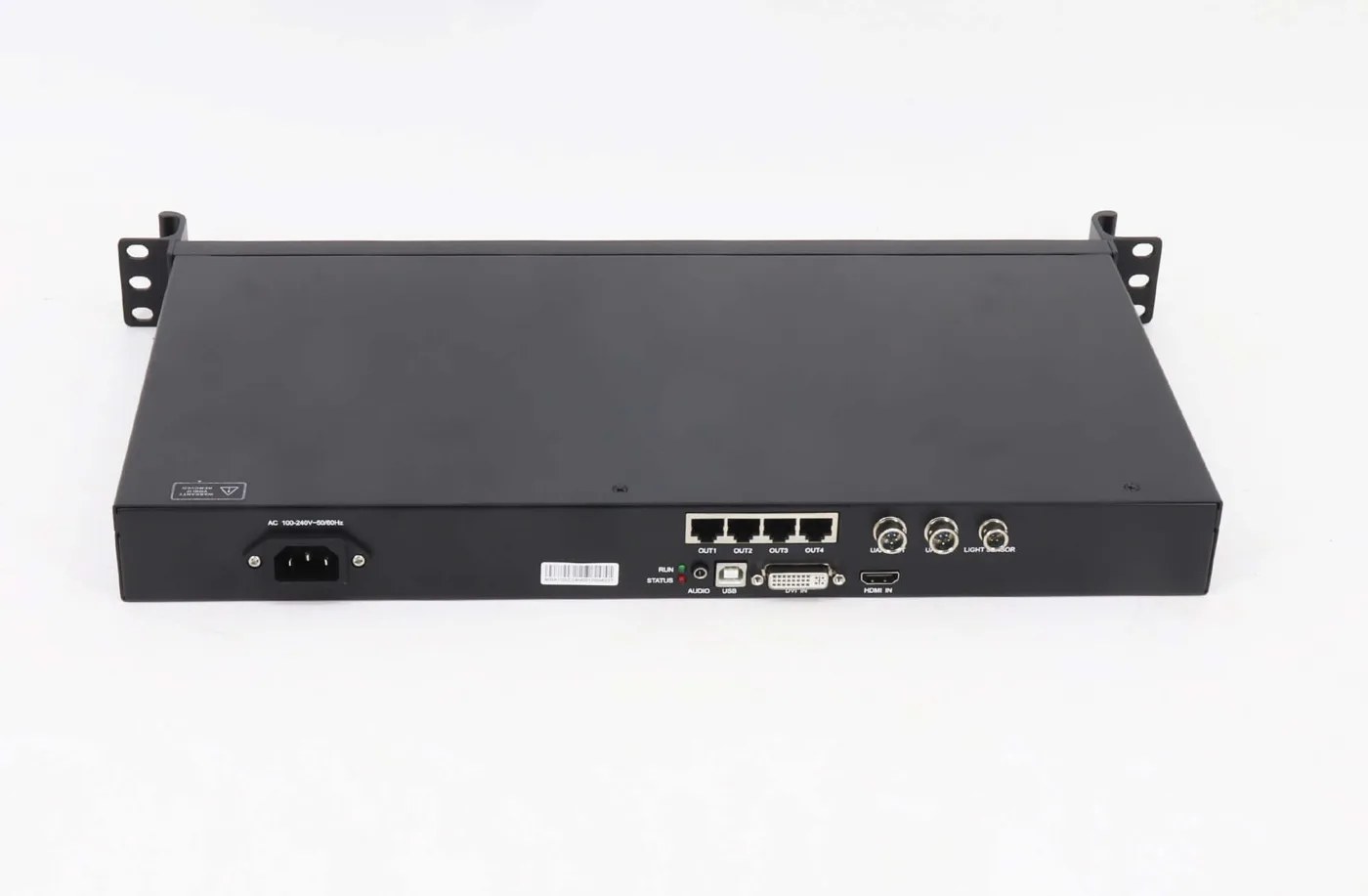
A sufficient receiver quantity does not establish that the sending controller can support the complete screen. Review the source format, total output allocation and per-port conditions independently.
The NovaStar receiving card count tells purchasing how many receiver boards the cabinet design needs. It does not tell the installer how many Ethernet outputs are required, which receivers belong on each output or how the source is mapped across the wall.
Keep receiver pixel areas, data-chain assignments and sender output usage on related drawings. Use the sender’s applicable specifications and operating mode, including any color-depth or backup conditions. Do not use a generic pixels-per-port value as a universal rule for every controller.
Likewise, dividing receivers between additional sender ports does not change their cabinet assignments. The installation must meet both sets of constraints: accepted receiver arrangements inside the cabinets and a supported distribution from the sending equipment.
If one review changes the design, update the other records before ordering. Adding cabinets can affect receiver quantities and sender allocation; changing a controller can affect the supported input and output arrangement. Keep a clear revision identifier rather than circulating several conflicting totals.
8. Give Purchasing an Identified and Reproducible Quantity
A bill of materials should identify the exact part, its approved application and the reason for its quantity. A total without those records is difficult to review and difficult to service later.
Attach the cabinet schedule, module resolution, receiver model and supplied revision, approved areas per receiver, and configuration reference. State whether the quantity includes standby boards or shelf spares. Confirm which assemblies and accessories are included instead of assuming that a board photograph describes the full supply.
Before approving the NovaStar receiving card count, have the integration team review a representative cabinet of each type. The acceptance record should identify the tested assembly and the relevant operating conditions. Keep a calculation marked as provisional while required hardware or module information remains unresolved.
During commissioning, reconcile the physical inventory with the intended logical map. The NovaLCT V5.8.0 screen-connection workflow uses receiver rows, columns, loading dimensions and port assignments; the software grid should describe the installed design rather than conceal an unexplained physical quantity.
Preserve the accepted receiver configuration, screen connection record and any separate calibration or firmware materials required by the system. A configuration file is not automatically a complete system backup. Use the RCFGX file guide to distinguish the receiving-card profile from other service records.
Finish the applicable hardware-save operations and confirm the accepted display after a controlled restart under the site’s commissioning procedure. Record the result and any separately tested backup coverage. A normal image before restart does not establish that every required setting and alternate path has been accepted.
Frequently Asked Questions
Can a higher-capacity receiver always reduce the number of cards?
No. Extra capacity matters only if the cabinet’s approved wiring, module requirements, physical integration and receiver assignment permit a different design. A larger headline rating alone does not let you remove boards from existing cabinets.
Does the software’s screen quantity mean the number of receiving cards?
No. Screen quantity and receiver rows or columns are separate configuration concepts. Several sender ports can serve different areas of one screen. Use the documented screen-connection arrangement rather than entering the receiver total as a screen quantity.
Can one spare be treated as universal for every cabinet at the venue?
Only if the relevant compatibility and recovery requirements have been established for those applications. Matching brand or pitch is insufficient. Label the approved uses and keep their configuration references with the spare.
Does increasing source resolution automatically increase the installed receiver quantity?
No. The physical receiver arrangement follows the cabinet and module design. A different source may require input-format or mapping review without changing that inventory. A physical screen expansion is a separate design and quantity question.
What if a supplier’s NovaStar receiving card count differs from mine?
Compare cabinet quantities, active cards per type, standby assumptions and shelf spares before comparing the totals. Ask both calculations to identify their drawings and loading conditions. A numerical difference may reflect a different scope rather than an arithmetic error.
Request a Cabinet-Based Bill of Materials
For a NovaStar receiving card count review, provide the cabinet layout, module pixels and driver details, existing receiver and hub labels, sender model and required backup coverage. Include any proposed stock reuse and spare policy, then ask LED Mall to review the receiver quantities and matching requirements before placing the order.