
LEDMall Blog
NovaStar RCFGX File: Compatibility, Backup and Safe Reuse
Nov
A NovaStar RCFGX file is a receiving-card configuration file used by supported hardware in NovaLCT. It is specific to the module and cabinet arrangement it was prepared for; the file extension alone does not establish compatibility. Keep the receiving-card profile separate from the screen connection map, firmware package and any calibration records required by the installation.
This guide is for an LED display service technician preparing for a receiver replacement or configuration recovery. It explains what evidence to gather before using a file and how to distinguish a saved computer copy from a configuration retained by the hardware.
The software reference is NovaStar’s NovaLCT V5.8.0 synchronous-control manual. Menus and supported file workflows depend on the connected model and firmware. In particular, that manual directs A10s Pro users to the NCP configuration procedure, so a general RCFGX instruction should not be applied to every receiving card.
What a NovaStar RCFGX File Does—and What Else to Preserve
The file provides a receiving-card configuration for an appropriate module and cabinet design. It should not be treated as a universal backup of every part of the LED system.
| Record | Purpose | Important boundary |
|---|---|---|
| Receiving-card configuration | Provide the approved module and cabinet-driving arrangement | A supported .rcfgx/.rcfg workflow and matching hardware are required |
| Screen connection record | Identify cabinet positions, port allocation and receiver order | A correct receiver profile does not by itself establish the whole wall map |
| Firmware record and approved package | Identify the program applicable to the actual card | Do not treat a configuration file as a firmware installer |
| Calibration records | Preserve the materials required for the installation’s calibration workflow | Do not assume every coefficient is included in one exported receiver file |
The NovaLCT manual describes receiver configuration, screen connections and system configuration as distinct records and operations. This is why a technician should ask what a supplied backup contains instead of relying on a filename such as “complete screen.”
Keep the NovaStar RCFGX file with a short identification note: cabinet type, module resolution, driver IC, scan arrangement, receiver model, firmware information and the source of the approved file. Mark the supplier’s revision and the installation where it was accepted.
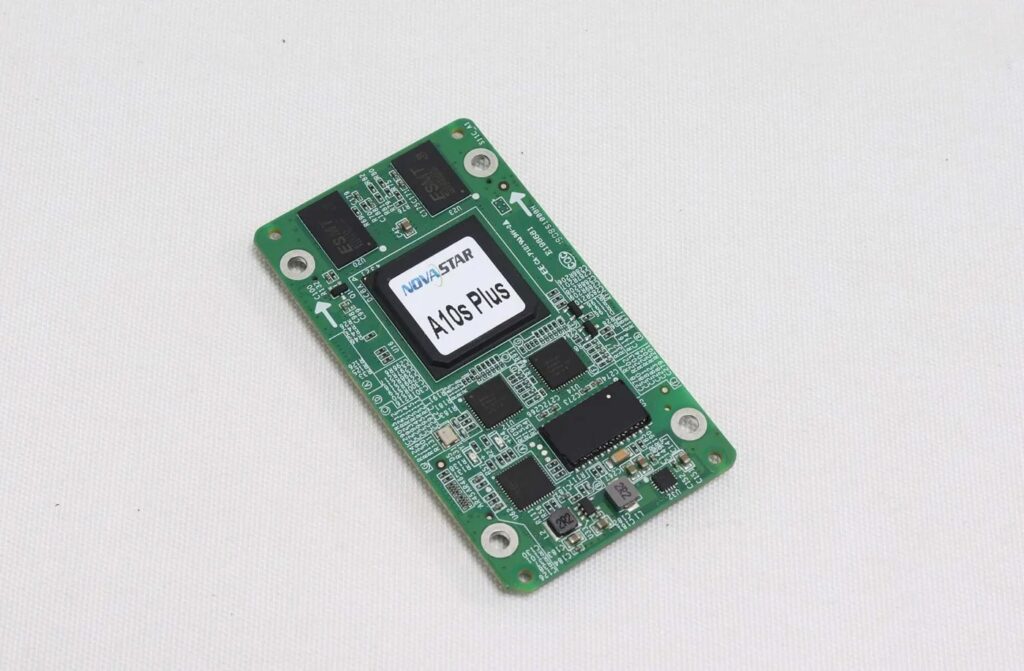
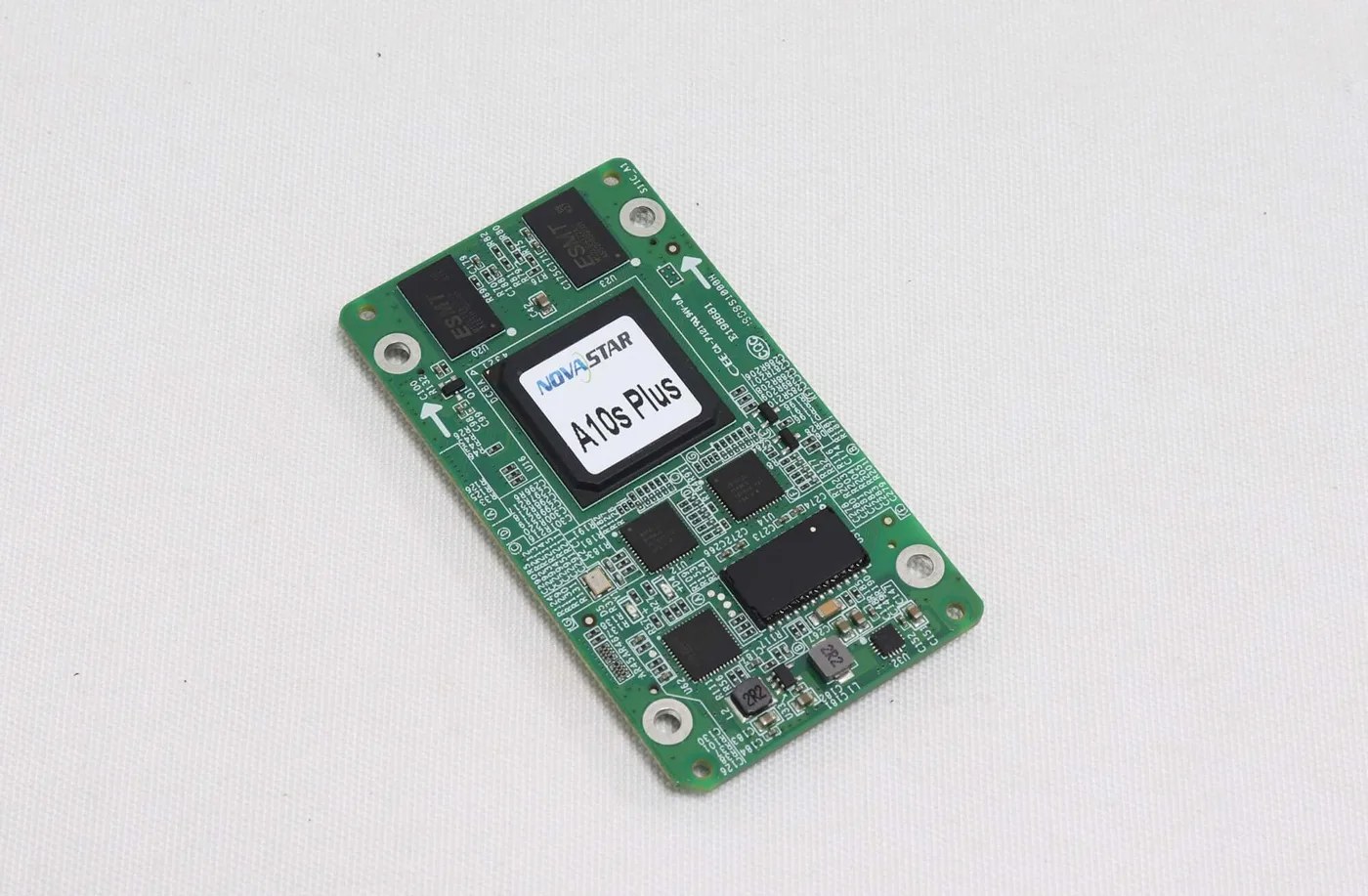
A product photograph can help identify a card, but it cannot identify the correct configuration file for the attached modules. The A10s Plus product details, for example, describe the receiver; the cabinet’s approved configuration still needs its own evidence.
Check the File Against the Actual Module and Cabinet
A matching pixel pitch or outside cabinet size is insufficient evidence that a configuration can be reused. Identify the module-driving hardware, wiring and intended receiver workflow before sending parameters.
Start with the cabinet or screen supplier’s validated file. If the file came from a working cabinet, record exactly which cabinet and hardware arrangement it came from. A functioning reference is useful only when the relevant module, wiring and receiver conditions have been established.
For a NovaStar RCFGX file review, photograph the module labels and readable driver markings, receiver label and hub connections. Note any change made since the display last worked normally. A replacement module can introduce a configuration question even when the receiving-card model is unchanged.
Compare the cabinet’s module arrangement and pixel resolution with the file’s intended application. If the supplier cannot identify the driver or the approved wiring, leave that question open. Do not select a similar-looking file merely because it was used on another screen with the same pitch.
Supported firmware is another prerequisite. NovaLCT V5.8.0 identifies firmware support for the module chip in its RCFG configuration section. The same manual also provides a separate NCP workflow for supported receivers. Verify the appropriate path before interpreting an unavailable import option as a hardware fault.
A NovaStar RCFGX file cannot make an unapproved pin assignment or incompatible receiver assembly suitable. If hardware fit is uncertain, use the receiving-card replacement checklist before attempting configuration recovery.
Separate Importing, Sending and Saving to Hardware
Loading a file into software, sending settings to selected receivers and retaining an accepted configuration in hardware are separate steps. Follow the procedure applicable to the connected equipment and software version.
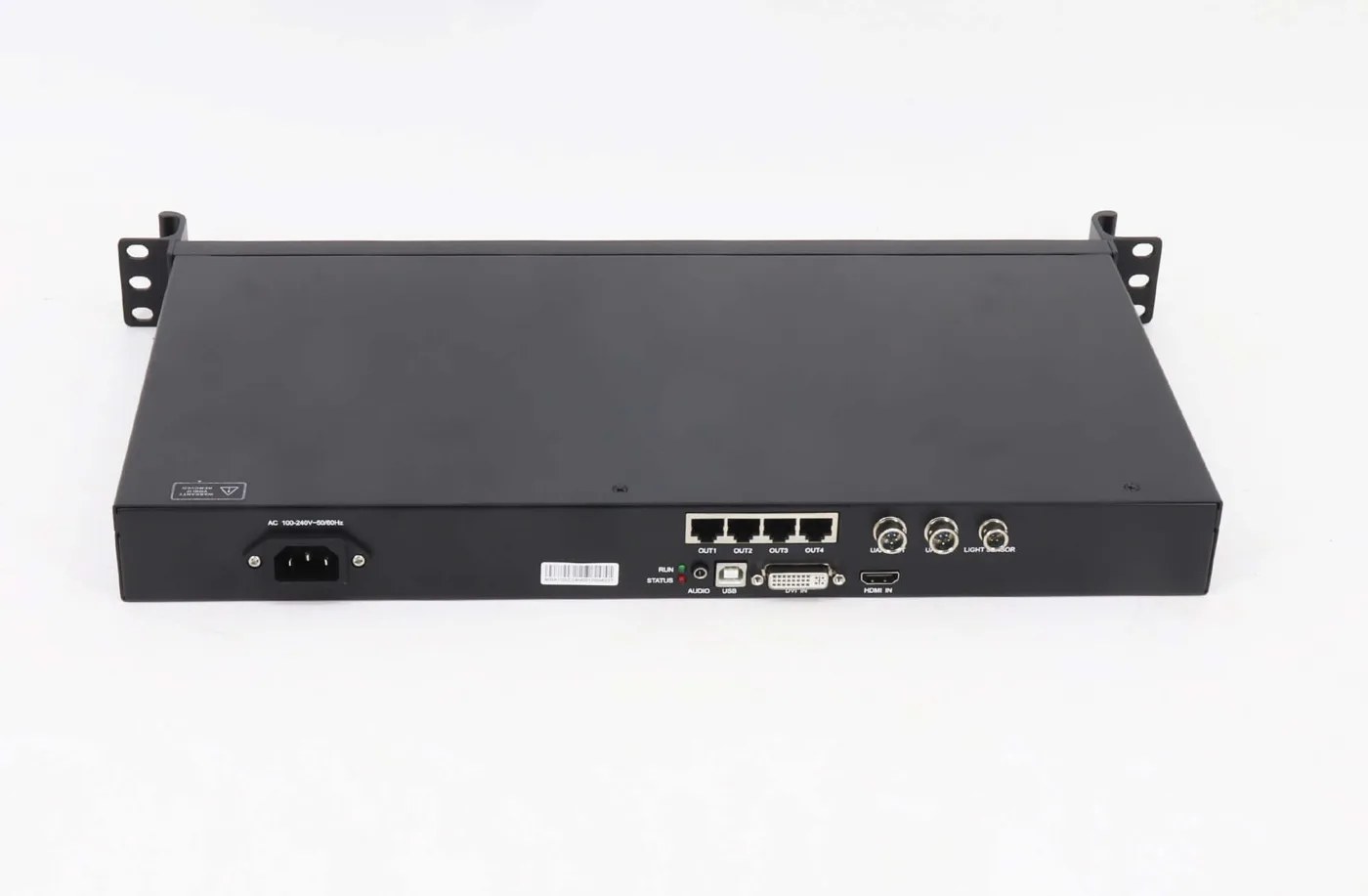
In the V5.8.0 manual’s RCFG workflow, a supported configuration can be loaded through the Receiving Card interface. Before sending it, confirm the connected controller and the intended target receivers. A software window showing a file does not prove that the correct cabinets have received it.
The documented sending options distinguish all receivers from specified receivers. For service work, define the intended scope before confirming a send. Do not leave that decision to a default selection when the wall contains different cabinet types or only one cabinet is being repaired.
The manual also warns that resetting receiver starting coordinates can make receivers show the top-left area of the source. This is a mapping-related consequence, not evidence that the NovaStar RCFGX file has increased the display’s pixel capacity.
After the intended image is established, complete the applicable hardware-save operation. Keep an exported local copy of the NovaStar RCFGX file as well, but do not assume that saving a file on a laptop makes the hardware retain its settings after power loss. The manual explicitly distinguishes saving configuration information to hardware for persistence.
Check the complete cabinet image and its position within the wall, then confirm the accepted display after a controlled restart under the site’s service procedure. Record the result. If the image only appears temporarily or the wrong area is mapped, the recovery has not been accepted.
Build a File Handover Another Technician Can Use
An identified configuration and a short acceptance record are more useful than a folder of unexplained files. Preserve the original material before making a separately labeled working copy.
Keep filenames descriptive enough to distinguish cabinet design, file revision and approved use. Put the full explanation in a companion note rather than trying to encode every technical parameter in the filename. Retain the original file supplied by the manufacturer so later changes can be distinguished from it.
For each NovaStar RCFGX file, record who supplied it, the intended receiver and module arrangement, where it was validated and which software version was used. Keep the screen map and any separate calibration or firmware records alongside it. Label a spare receiver with its approved application instead of calling it a universal spare.
If the file is missing, ask for a matching configuration using the actual hardware details. Repeatedly trying unrelated downloads can change several unknown conditions at once. A useful support request explains the current symptom and what changed, then attaches identifying photographs and the known working records.
Frequently Asked Questions
Can I rename another file to .rcfgx to make it work?
No. Changing an extension does not convert the file’s structure or make its hardware settings compatible. Obtain the appropriate file and supported procedure for the actual receiver.
Can one NovaStar RCFGX file be reused for every cabinet with the same pixel pitch?
No. Pitch alone does not identify module pixels, driver hardware, scan arrangement, data routing or receiver requirements. Reuse needs confirmation of the relevant cabinet design and file compatibility.
Does an incorrect image prove the receiving card needs replacement?
No. Power, cables, modules, source mapping and configuration can produce display problems. Diagnose the system before ordering a board or applying an unrelated profile.
Is this a universal import procedure for A10s Pro?
No. The cited V5.8.0 manual directs A10s Pro configuration to its NCP section. Use the procedure matching the actual model, firmware and software interface rather than assuming the RCFG path applies.
Request the File With the Hardware Identity
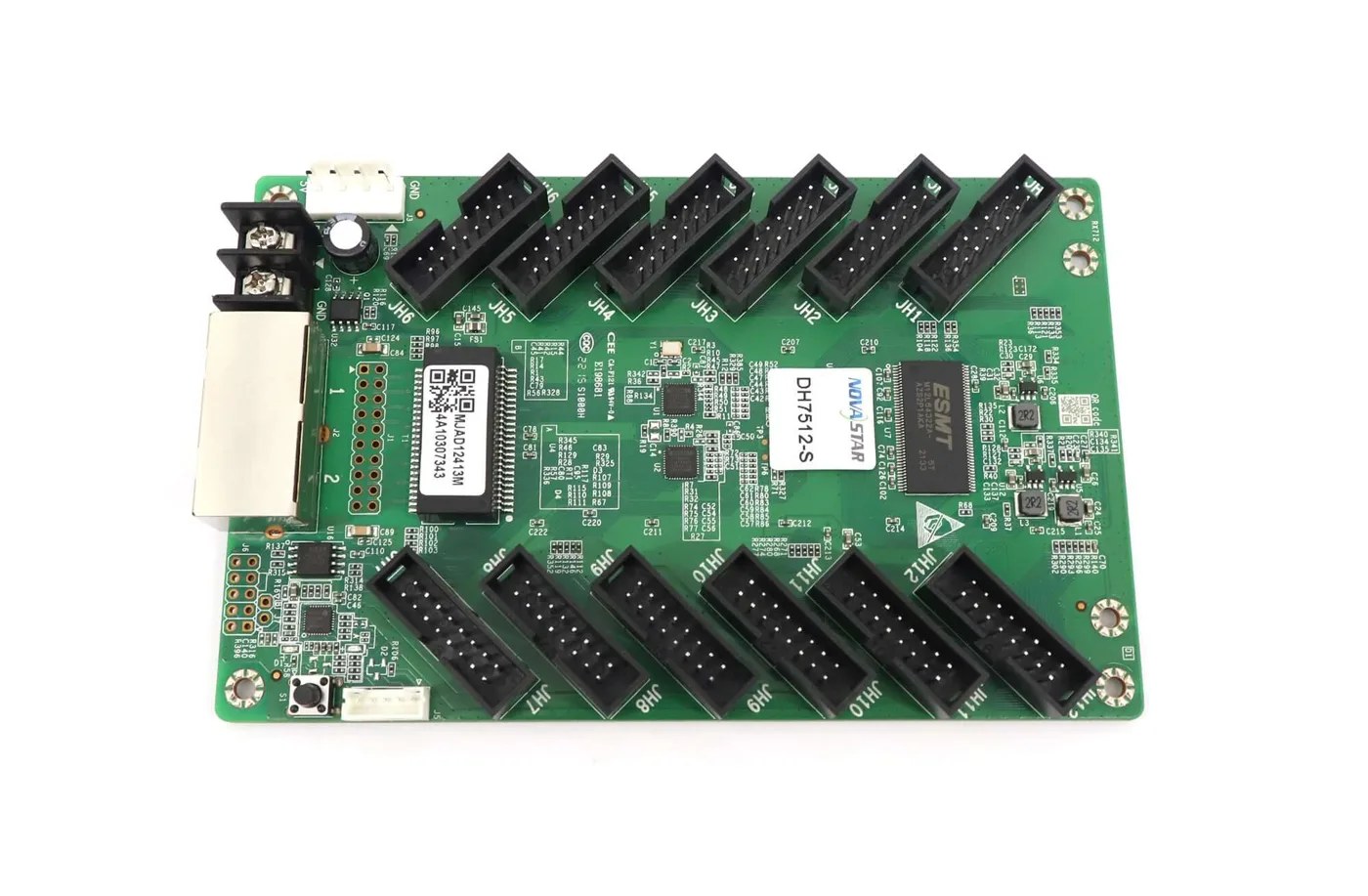
For a NovaStar RCFGX file question, send the current card model, module and driver information, cabinet pixels, controller model and existing file details. Review the DH7512-S receiver information or the receiving-card category, then ask LED Mall to review the matching requirements before purchasing or changing hardware.