
NovaStar CVT310 Multimode Fiber Converter | 300 m LC
$ 97.00
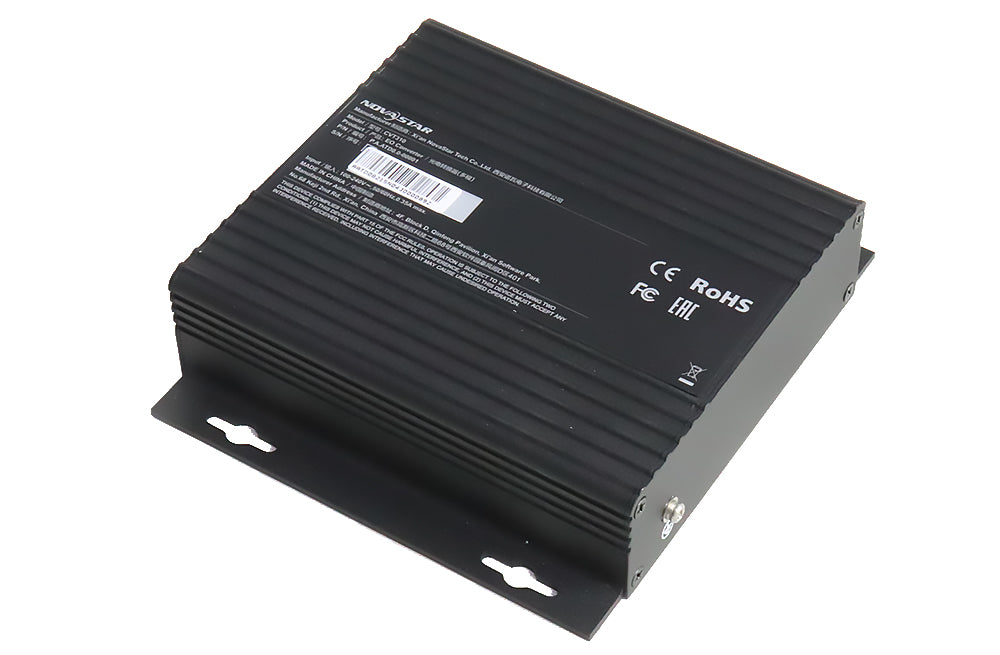
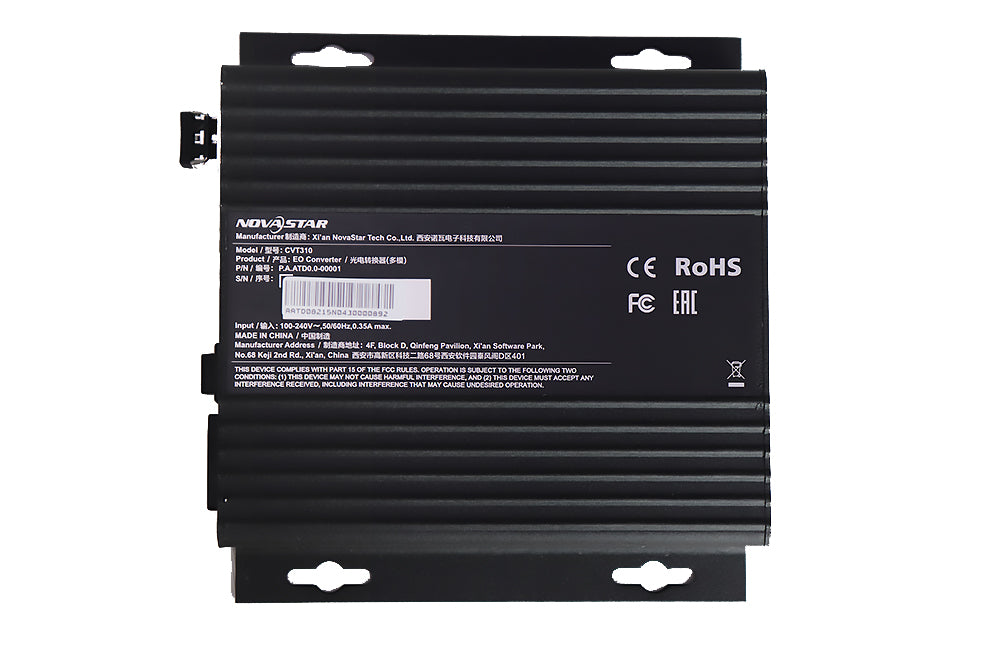
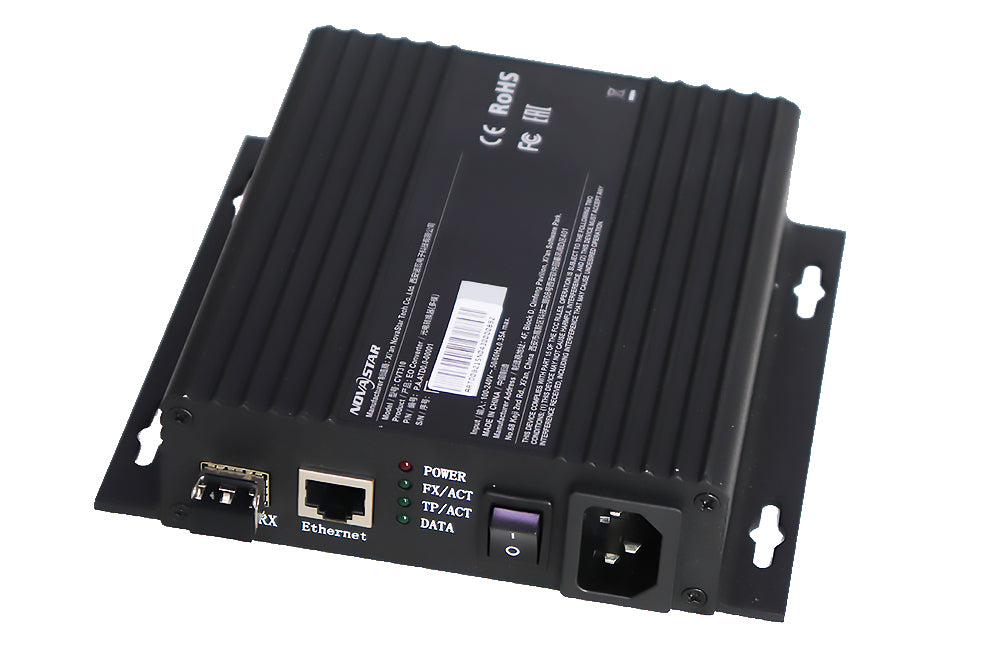
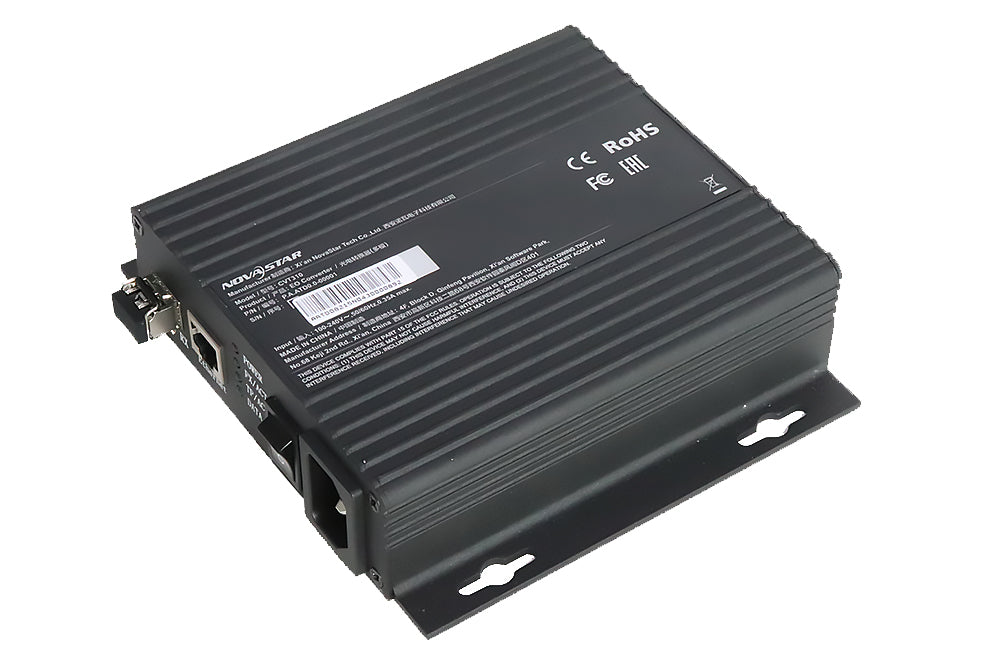
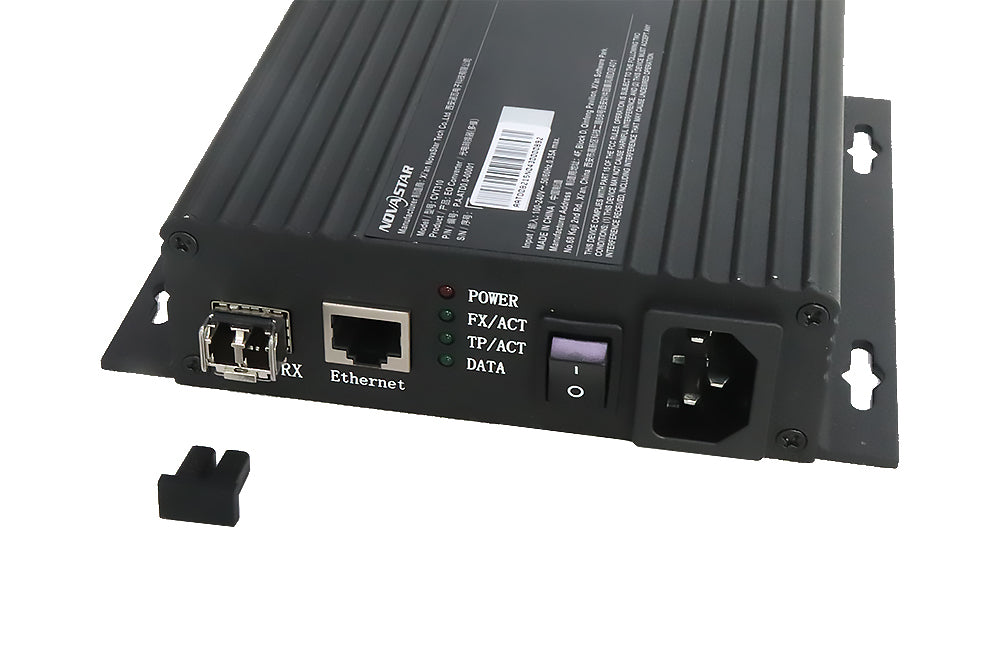
The NovaStar CVT310 connects the Nova M3 LED system through Ethernet cable and multimode optical fiber. It has one cable interface and one fiber interface, uses dual-core LC fiber, and is specified for 300 m transmission with no driver installation.
9987 in stock
CVT310 Multimode Link for the Nova M3 LED System
The NovaStar CVT310 converts between a network-cable connection and multimode optical fiber. It is suited to an LED control link that matches the documented dual-core LC connection and 300 m distance. Use the model-specific specification when planning the cable route and equipment at each end.
| Parameter | Specification |
|---|---|
| Device type | Ethernet cable / multimode optical fiber converter |
| Network-cable interfaces | 1 |
| Optical fiber interfaces | 1 |
| Fiber requirement | Multimode, dual-core |
| Optical connector | LC |
| Specified transmission distance | 300 m |
| Power supply | 100–240 V AC, 50/60 Hz |
| Driver requirement | No driver installation required |
CVT310 or CVT320?
CVT310 is the multimode 300 m model. The separate CVT320 single-mode converter is specified for 15 km in its own V2.0 document. Both listings describe an LC interface, but connector shape alone does not make the fiber types or optical equipment interchangeable.
Checking the Connection
The specification describes two CVT310 units communicating over fiber. At the sending end, the network-cable interface connects to the sending card; at the display end, it connects to the receiving card. The converter needs no driver, but the sending and receiving devices must still have the correct system configuration.
- POWER: power indication.
- FX/ACT: both ends should be on for normal fiber communication. If one or both are off, inspect the fiber connection.
- TP/ACT: stays on when communication through the network cable is normal.
- DATA: at the receiving-card end, rapid flashing is documented when both FX/ACT and TP/ACT stay on.
Frequently Asked Questions
Does CVT310 use single-mode or multimode fiber?
CVT310 uses multimode dual-core optical fiber with an LC interface. It should not be selected using CVT320’s single-mode specifications.
How far can a CVT310 fiber link transmit?
The original CVT310 V2.0 specification lists 300 m. Verify the fiber and connected equipment for the planned installation.
Do I need a driver for CVT310?
No driver installation is required according to the specification. Connect the equipment and check the link indicators; configure the rest of the LED system as required.
What should I check if only one FX/ACT light is on?
The document identifies one FX/ACT light on, or both off, as a fiber communication problem. Check the fiber path and the connection at both CVT310 units.
Does the PDF include mounting dimensions?
Yes. The original document includes external and internal dimension drawings, positioning information, LED status descriptions and working-condition data.
Product Images


CVT310 Specification Download
| Weight | 1.32 kg |
|---|
Be the first to review “NovaStar CVT310 Multimode Fiber Converter | 300 m LC”
You must be logged in to post a review.
Will I be charged with customs and taxes?
The prices displayed on our site are tax-free (in US Dollars), which means you may be required to pay import duties and taxes once you receive your order. Import taxes, duties, and related customs fees will be determined by your local customs office when your order arrives at its final destination.
Please note that these additional charges and taxes are your responsibility, and we do not take any responsibility for them. We are not liable for paying or reimbursing any customs duties, taxes, or related fees. For more details on these charges, please contact your local customs office.
Shipping
We can ship to virtually any address in the world. Note that there are restrictions on some products, and some products cannot be shipped to international destinations..
When you place an order, we will estimate shipping and delivery dates for you based on the availability of your items and the shipping options you choose. Depending on the shipping provider you choose, shipping date estimates may appear on the shipping quotes page.
Please also note that the shipping rates for many items we sell are weight-based. The weight of any such item can be found on its detail page. To reflect the policies of the shipping companies we use, all weights will be rounded up to the next full pound..
Returns Policy
You may return most new, unopened items within 30 days of delivery for a full refund. We'll also pay the return shipping costs if the return is a result of our error (you received an incorrect or defective item, etc.)..
You should expect to receive your refund within four weeks of giving your package to the return shipper, however, in many cases you will receive a refund more quickly. This time period includes the transit time for us to receive your return from the shipper (5 to 10 business days), the time it takes us to process your return once we receive it (3 to 5 business days), and the time it takes your bank to process our refund request (5 to 10 business days).
If you need to return an item, simply login to your account, view the order using the "Complete Orders" link under the My Account menu and click the Return Item(s) button. We'll notify you via e-mail of your refund once we've received and processed the returned item..
Reviews
There are no reviews yet.