
LEDMall Blog
NovaStar Calibration Coefficients: Before Replacing a Card
Nov
NovaStar calibration coefficients are correction data used to improve brightness and color consistency across an LED display. A replacement receiving card should not be assumed to contain the data for your particular modules. Before ordering, identify the compatible card, preserve the relevant calibration records and confirm how those records will be restored.
This guide is for an LED display maintenance technician preparing a receiving-card replacement. It addresses one question: what calibration information must accompany the repair? It is not a calibration measurement tutorial or a universal sequence of software commands.
The references are NovaStar’s NovaLCT V5.8.0 manual and the model-specific A8s Pro and A10s Plus specifications. Their functions have hardware and software conditions. Confirm the supplied revision and the installed cabinet assembly rather than treating a feature name as proof that a recovery method is available.
What NovaStar Calibration Coefficients Change
Calibration addresses differences in the light produced by the display. It is separate from establishing the receiver’s electrical and logical configuration.
Two cabinets can show the correct section of a picture while differing in brightness or color. A recognizable image therefore does not, by itself, establish an accepted repair. Equally, a visible mismatch does not identify the receiving card as the failed component.
For a service decision, treat NovaStar calibration coefficients as records associated with the LED hardware and its calibration history. Keep the identity of the relevant cabinet or module with the data. A folder containing several unlabeled files is not a reliable handover, even if every file opens successfully.
For example, consider a hypothetical venue replacing one receiver while keeping the original LED modules. The purchasing task is to obtain a suitable receiver; the restoration task also needs the applicable display records. Neither the old board’s model name nor the replacement board’s photograph supplies those records.
Keep Configuration and Calibration Records Separate
A receiver configuration and a calibration database serve different purposes. Preserve each required item rather than assuming that one exported file covers the entire display.
The NovaStar RCFGX file guide explains the configuration-file scope. A matching configuration remains important, but its existence does not establish that the required calibration data has been backed up, correctly associated or accepted on the replacement.
NovaLCT V5.8.0 distinguishes screen-based calibration databases from cabinet-based databases. The former follows screen coordinates; the latter associates pixel records with cabinet identity. Moving cabinets therefore requires attention to the database type and its identity records.
When organizing NovaStar calibration coefficients, ask the service team to identify the source and intended destination of each record. “The backup from last year” leaves important questions unanswered: which screen, which cabinet arrangement and which accepted revision?
| Record | Identity to retain | Question before replacement |
|---|---|---|
| Receiver configuration | Approved module and receiver combination | Does this describe the assembly being repaired? |
| Calibration database | Screen coordinates or cabinet identifiers, as applicable | Can the technician associate these records with the intended LED hardware? |
| Cabinet layout | Physical positions and labeled cabinet identities | Has anything moved since the accepted backup? |
| Firmware and software record | Full receiver model and recorded versions | Are the required recovery functions supported in this combination? |
| Acceptance record | Test settings, observations and approval date | What result will establish that the repair is complete? |
Module Flash Is a Conditional Recovery Source
Module Flash recovery requires compatible modules with flash memory and the appropriate system setup. The receiver’s feature list does not establish that every installed module contains usable calibration records.
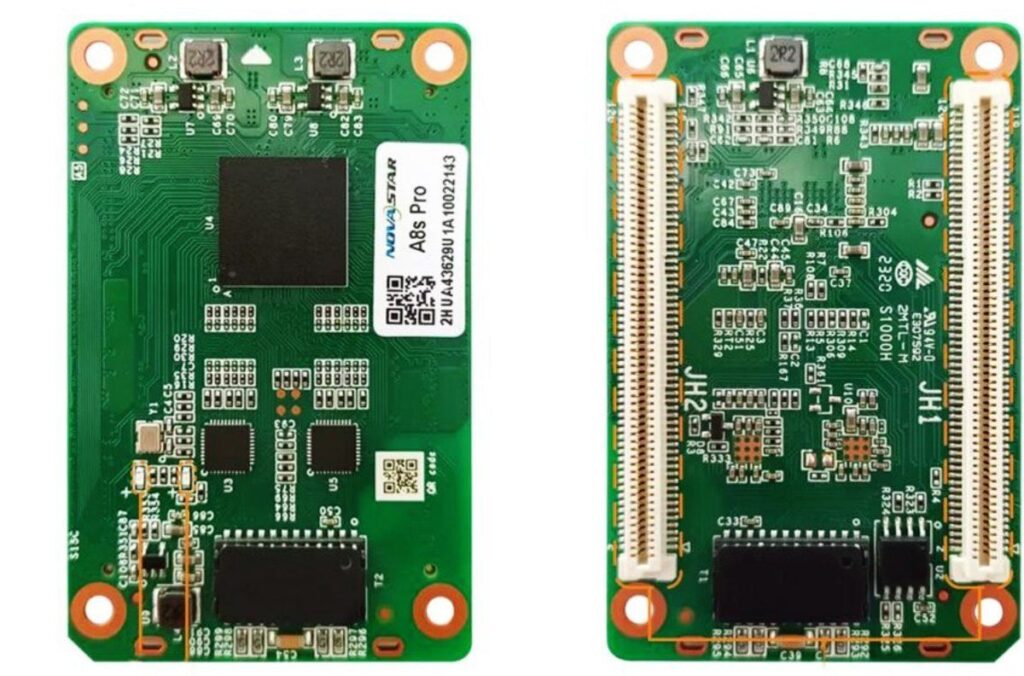
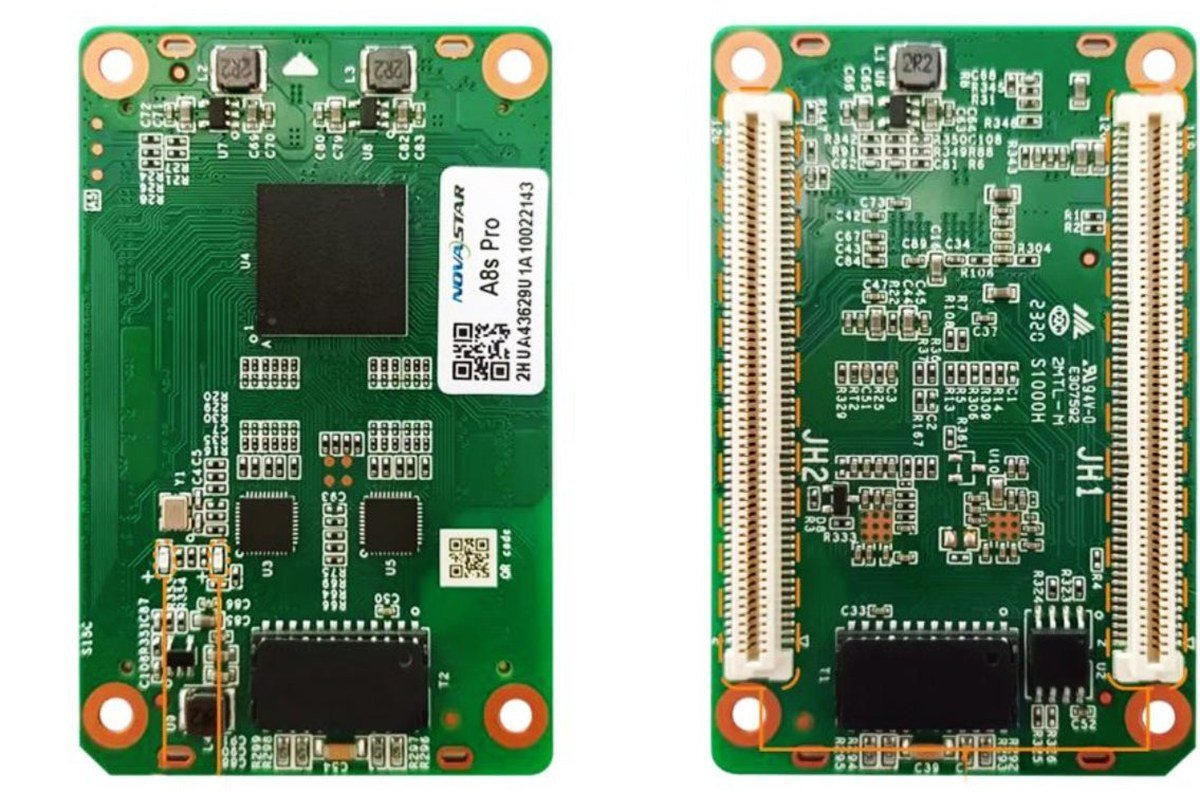
The A8s Pro receiving card documentation describes automatic module calibration and module Flash management. Its smart-module functions have separate firmware requirements. These terms should not be collapsed into a promise that installing any new board will automatically restore the display’s appearance.
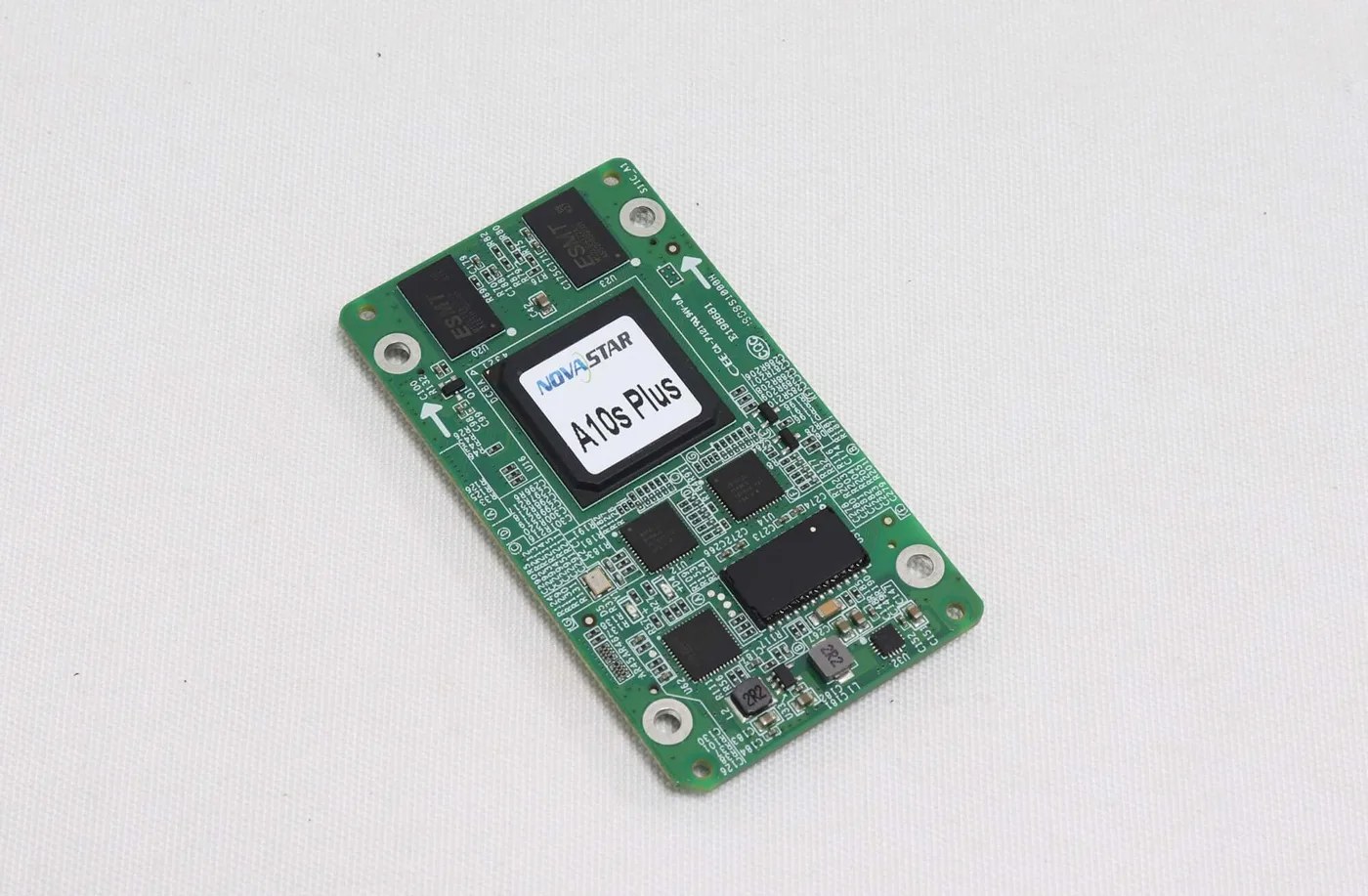
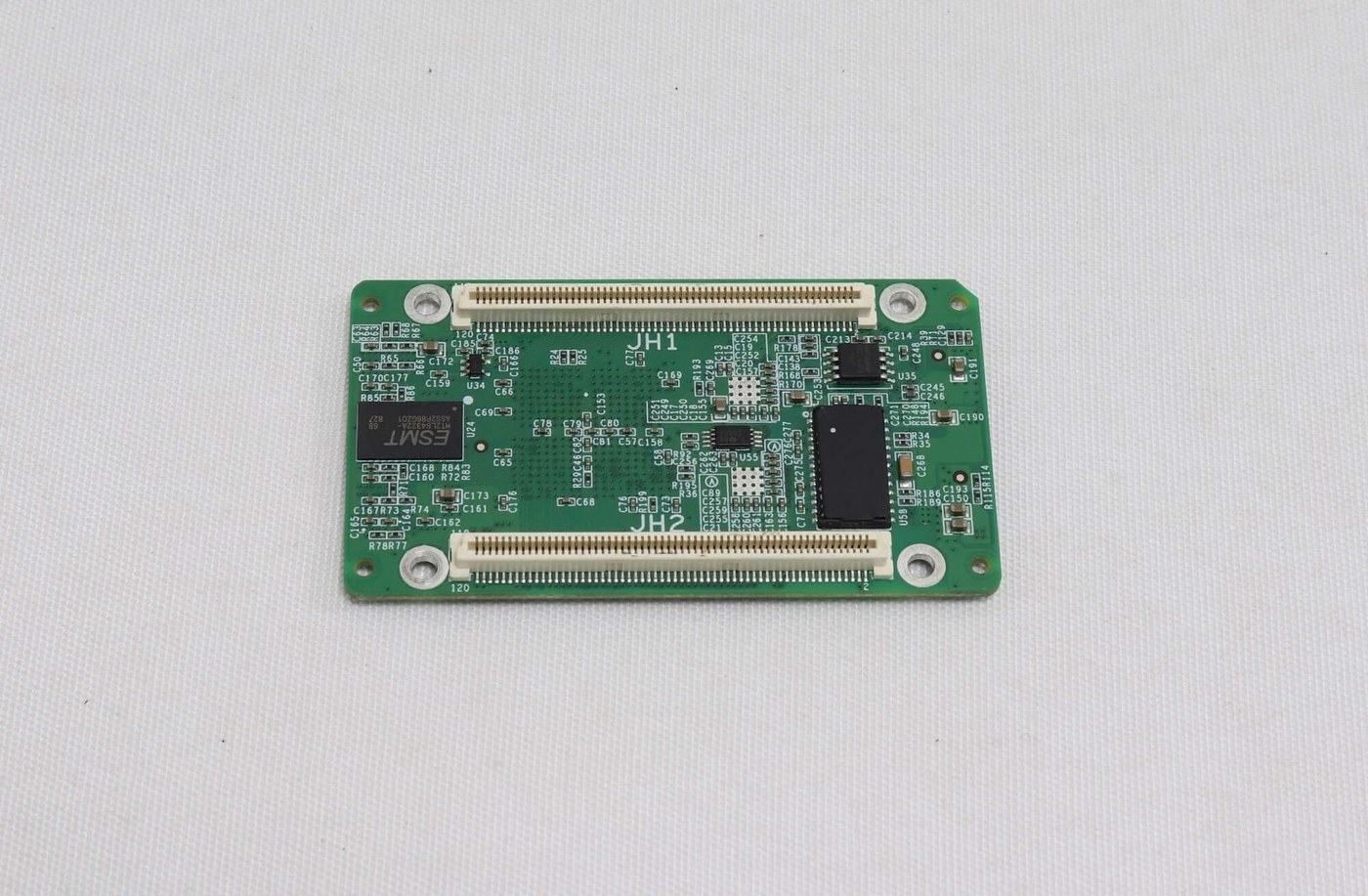
The A10s Plus receiving card also has documented module Flash maintenance functions. For an actual order, use the A10s Plus document and supplied revision; an A10s Pro specification is for a different model.
Before relying on module storage for NovaStar calibration coefficients, ask whether flash memory is present, whether its records belong to the installed module and whether the recovery path has been confirmed. A connector photo cannot answer those questions. Retain an identified external backup where the service procedure permits one.
Define the Recovery Package Before Buying the Board
A useful replacement order specifies both the hardware match and the information available for commissioning. Resolve those two requirements before deciding that a new receiver alone is sufficient.
Provide the complete card label, hub-board identity, module details and photographs of the assembly. State whether the original modules remain in place or whether the repair also changes a module. Those are different service scopes, even when the purchase request lists only one receiving card.
For NovaStar calibration coefficients, record what is actually available: an identified external database, readable records in existing hardware, a confirmed module Flash source, or an unresolved gap. Do not convert “the screen was calibrated once” into an assertion that recoverable records still exist.
Ask the supplier to distinguish supplying a compatible part from supplying site-specific data or performing calibration work. A quotation for a bare board should not be read as an agreement to recreate a venue’s missing records. If a configuration or recovery service is included, identify its inputs and acceptance scope in writing.
Keep the original records unchanged and work from separate copies. Record who supplied each file and what equipment it describes. This makes later review possible if the first restoration attempt does not produce the expected result.
Verify the Restored Display Before Closing the Repair
Judge the repair through a documented comparison under consistent conditions. File transfer success, video playback and visual acceptance are separate observations.
NovaLCT includes operations for managing coefficients on replacement receivers and modules. A qualified technician should select the operation that fits the hardware and data available, using the applicable manual. Do not erase or overwrite a recoverable source merely to experiment with another result.
After restoring NovaStar calibration coefficients, compare the repaired area with the surrounding display using the site’s accepted test content and settings. Keep the source, brightness setting and viewing conditions consistent enough that a change in those conditions is not mistaken for a repair effect.
Include the operating brightness levels that matter to the venue. A comparison made only with a bright white image provides a limited observation. Record whether the intended low-level content and neutral areas also meet the agreed requirement, without claiming a measured accuracy that has not been measured.
If a mismatch remains, keep the observations and ask the integration team to review the hardware identity, data association and applied settings. NovaStar calibration coefficients are one part of that review; repeatedly changing them without identifying the cause can obscure the original condition.
Frequently Asked Questions
Can I copy NovaStar calibration coefficients from a neighboring cabinet?
Do not assume a perfect match. NovaLCT provides operations that can reference surrounding areas, but that is not proof of an identical measured result for different LEDs. Treat any such adjustment as a technician-managed recovery choice with its own acceptance check.
Does a factory-area backup mean a new spare contains my screen’s data?
No. The A10s Plus documentation describes coefficient storage areas, but a storage feature does not establish what a particular spare contains. Ask which data was saved there and which cabinet it belongs to.
Can a power restart prove that the color match is correct?
A controlled restart can help check whether the intended setup persists. It does not measure color accuracy. Check both persistence and the agreed visual result before closing the repair.
Can calibration restore a physically failed LED pixel?
Calibration should not be treated as a substitute for identifying and repairing failed hardware. Escalate a persistent dark or abnormal pixel for hardware diagnosis rather than assuming that another coefficient file will resolve it.
Prepare the Data Before Ordering a Replacement
For help matching the receiver, provide the card and hub-board labels, module information, cabinet layout and the recovery records available. State whether NovaStar calibration coefficients are backed up or still need investigation. Review the A8s Pro product details or A10s Plus product details, then ask LED Mall to confirm the replacement scope.