
LEDMall Blog
NovaStar AD20 Playback: Synchronous or Asynchronous Mode?
Nov
NovaStar AD20 playback can use an internal media source in asynchronous mode or an HDMI input in synchronous mode. Choose internal playback for prepared signage content and HDMI input for a supported live source. Both modes remain subject to the AD20’s 1.3-million-pixel LED load and the documented source-format conditions.
This guide is for a small sign integrator deciding how a commercial LED sign will receive its content. It focuses on one purchasing question: should the installation run stored programs, an external HDMI source, or a documented combination of the two?
The technical references are the AD20 product page and its retained Chinese specification V1.0.1, dated August 29, 2025. Confirm the supplied revision and required software before commissioning.
Choose a NovaStar AD20 Playback Mode Around the Operator
Asynchronous playback uses content stored for the player, while synchronous playback uses HDMI input. The useful distinction is where the active content comes from and how the operator updates it.
For a scheduled retail promotion, the operator may prefer to publish approved programs and let the player show them from its internal media source. For a demonstration or a live computer presentation, the operator may instead need the current image from an HDMI-connected source.
Describe the normal day before selecting a workflow. Who updates the program? Is the source present continuously? Must a live presentation interrupt a scheduled sign? What should the sign display when staff are not using the external source? These questions turn NovaStar AD20 playback into an operating decision with a testable result.
| Requirement | Path to evaluate | Condition to confirm |
|---|---|---|
| Prepared promotions on the player | Asynchronous internal media | Approved files, publishing method and program schedule |
| Current image from a computer or other HDMI source | Synchronous HDMI input | Source timing and documented scaling limits |
| Several displays assembled through HDMI cascading | Documented HDMI input/output splicing arrangement | Complete topology, content and synchronization requirements |
| Remote operation without a wired network | Supported Wi-Fi arrangement or optional 4G | Network mode, optional hardware and site access |
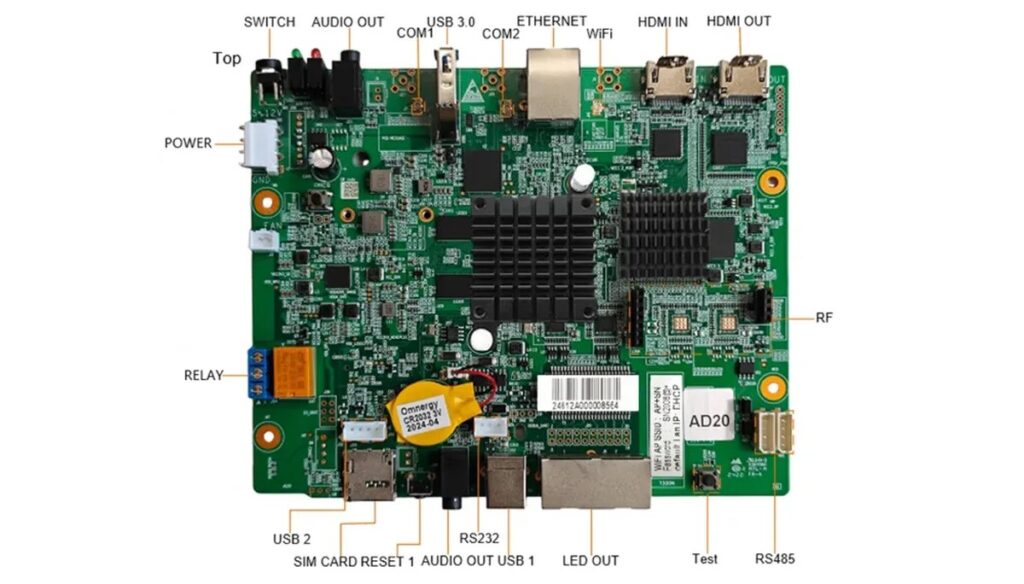
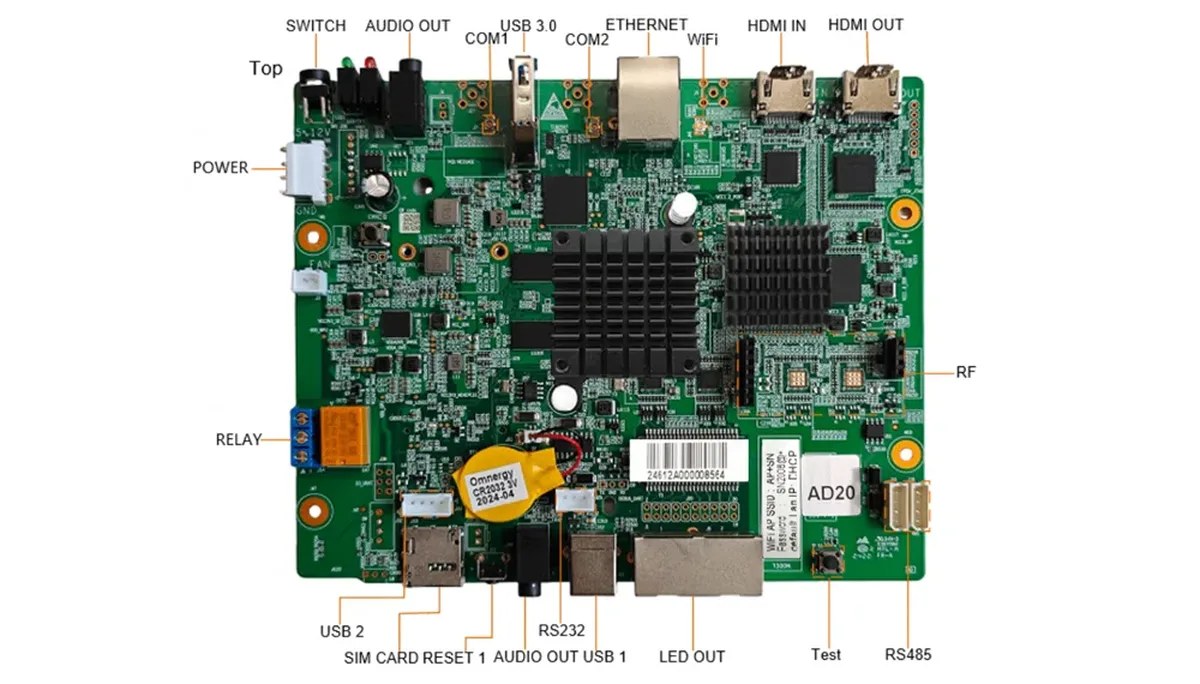
The NovaStar AD20 product page identifies the board, ports and retained specification. Use those details when building the content and connection requirements.
Separate Video Decoding From the LED Screen Load
A file described as 4K does not mean the AD20 can drive a full 4K LED wall. Media decoding and the number of physical LED pixels are separate limits.
The published LED load is 1.3 million pixels. Maximum width and maximum height are each listed as 4096 pixels, while the total remains within that load. Those separate dimension limits do not describe a 4096 × 4096-pixel display.
For a hypothetical sign measuring 1920 × 600 pixels, the total is 1,152,000 pixels. That passes the initial total-load comparison, but still needs a reviewed receiving-card map and operating settings. A 1920 × 1080-pixel LED wall contains 2,073,600 pixels and exceeds the stated AD20 LED load.
NovaStar AD20 playback also has format-specific decoding limits. The product page notes a difference between the feature summary and detailed codec table: H.264 is listed at 30 fps in the detailed table, while H.265/HEVC is listed at 60 fps. Confirm any H.264 60 fps requirement instead of treating a broad 4K label as approval.
For synchronous full-screen scaling, the retained specification requires a source width from 64 to 2048 pixels and permits downscaling only. Do not specify that function as an upscaler. Check the source and intended screen image together before deciding that the required presentation can fill the sign correctly.
Prepare Stored Content and Connectivity Together
The publishing route, network connection and media files should be validated as one workflow. A device that is reachable on the network may still have an unsuitable program file.
The AD20 listing documents 1 GB RAM and 32 GB internal storage. Its USB Type-A connection supports program playback and firmware upgrades. Supported USB drives use FAT32 or NTFS, with a stated drive range of 2 GB to 128 GB; individual files must be larger than 0 KB and smaller than 4 GB.
Keep a small approved test program with the project. Record its codec, resolution, frame rate, file size and publishing method. After NovaStar AD20 playback is accepted, future content should follow that tested profile unless a new profile is separately checked.
Wi-Fi AP and station modes are switchable. In AP mode, the user device connects to the AD20 hotspot. In station mode, the user device and AD20 connect to the same router. The published network priority is wired Ethernet, Wi-Fi, then 4G.
The 4G module is not included by default. NTP synchronization, GPS with the specified 4G module, and RF with the specified RF module are distinct arrangements. A request for synchronized signage should identify the required method and optional hardware rather than assuming every board has them installed.
Do not plan third-party Android applications as part of NovaStar AD20 playback: the retained specification does not support their installation. Confirm the intended publishing platform and operator devices through the supported workflow.
Confirm the LED Output and Receiving-Card Arrangement
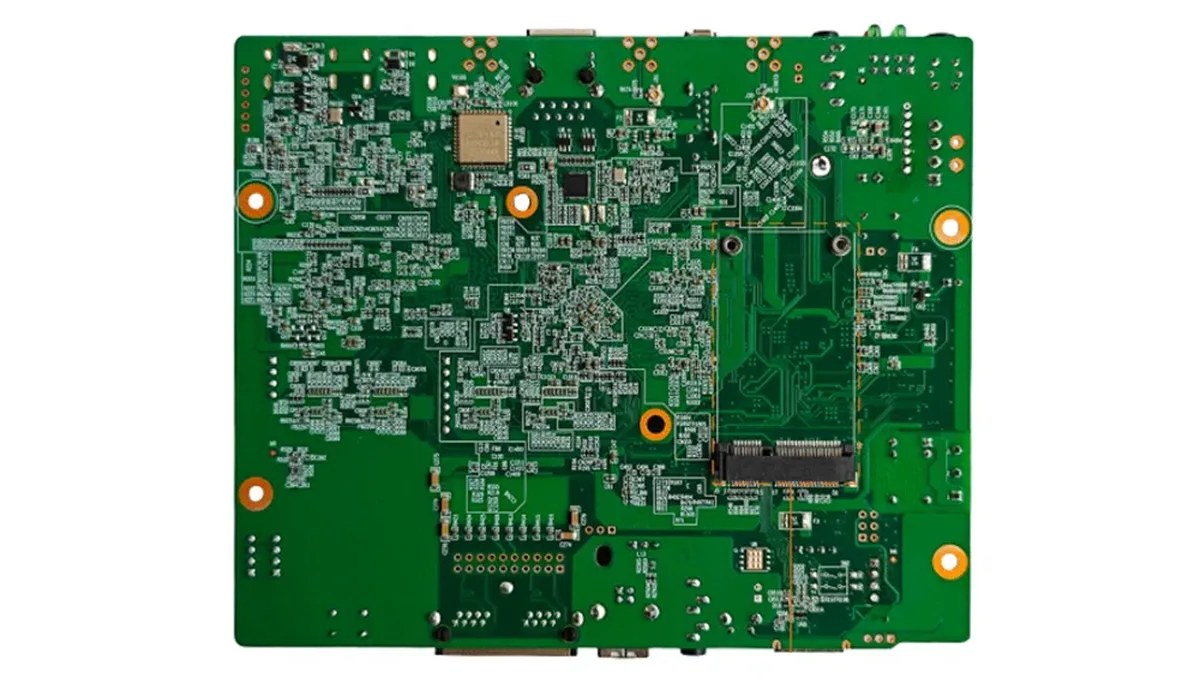
The AD20 has two Gigabit LED outputs, configured as two primary ports by default or one primary and one backup. A backup arrangement is a different use of the ports, not additional independent pixel capacity.
Document which cabinets connect to each output and which receiver model is installed. The player sends LED display data to a compatible receiving system; it does not remove the need for module-driving parameters, correct cabinet mapping and suitable receiver hardware.
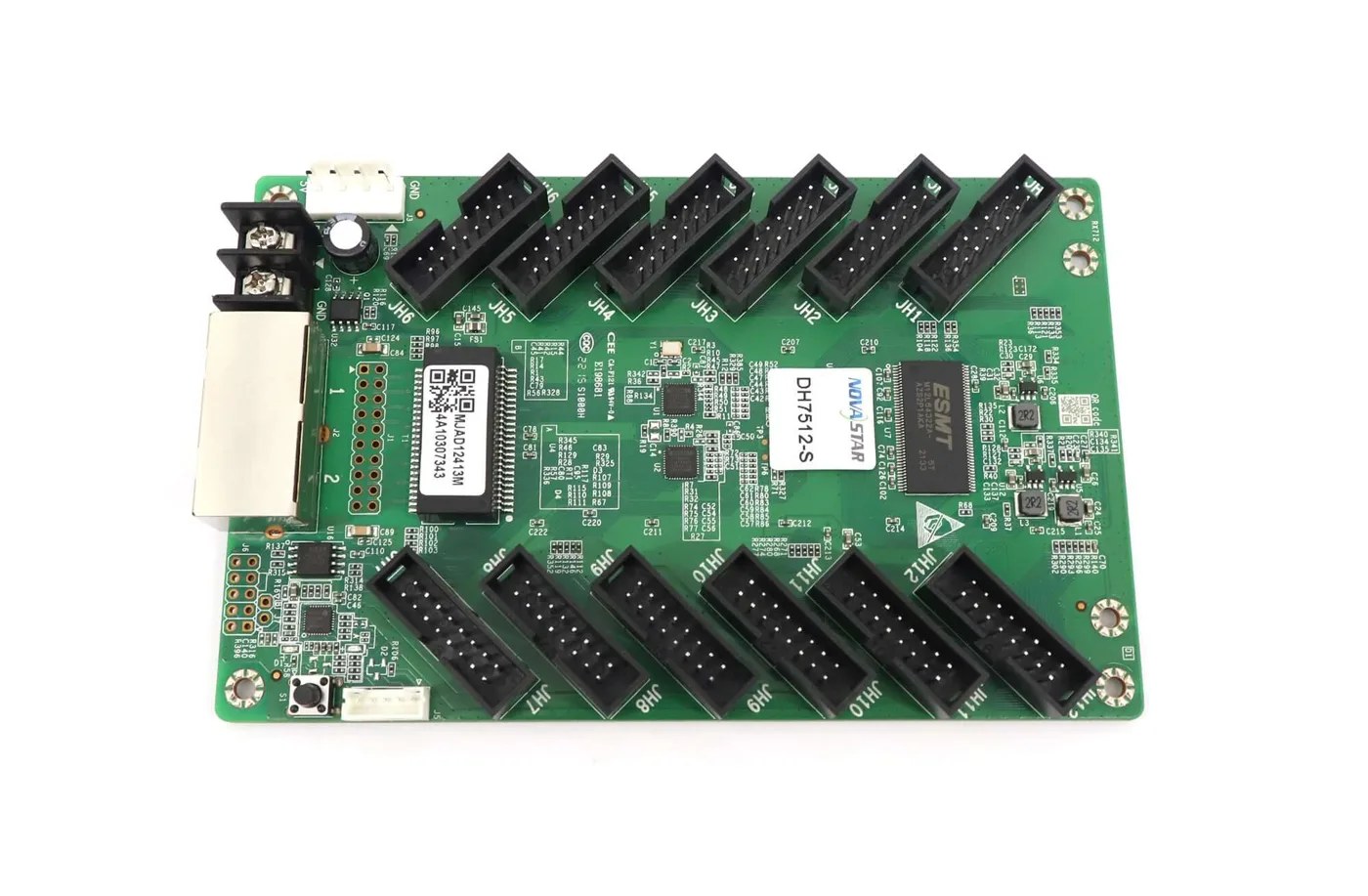
If a service spare is needed, use the receiving-card identification checklist before changing a cabinet. The DH7512-S listing illustrates the type of receiver details that must be checked, including HUB75E connections and driver-dependent loading. It is an example to review, not a blanket pairing approval.
For NovaStar AD20 playback acceptance, test the approved program, a representative HDMI source if required, the correct image position and restart behavior. Record how staff return the sign to its normal operating mode. Also test any documented backup or synchronization arrangement included in the project.
Write the normal operating mode on the handover sheet, together with the approved content and the source used for testing. If a customer later changes the HDMI device, file export or network arrangement, review the affected part of the workflow again. NovaStar AD20 playback should be accepted against an identified configuration, rather than a claim that every future media file will work.
Frequently Asked Questions
The questions below address optional hardware and handover details that can be missed when NovaStar AD20 playback is discussed only as a choice between two modes.
Will stored programs keep playing if internet access is interrupted?
Asynchronous mode uses the internal media source, but that does not establish every program’s offline behavior. Test the approved local program with the intended network conditions and confirm which publishing, monitoring or synchronization functions require connectivity.
Does an HDMI output make the AD20 a universal LCD player?
The documented HDMI output and loop functions must be used within their stated limits. If the project includes an LCD, describe that display and the intended content path explicitly; do not infer suitability from the connector alone.
Can I assume 4G works in every country?
No. Confirm the supplied optional module, supported bands, carrier arrangement and destination requirements. The product page states that 4G hardware is optional; it does not establish a universal mobile-network configuration.
Is audio automatically included in an accepted video test?
No. Test audio separately. The product page notes conflicting audio-connector descriptions in the retained document, so confirm the supplied board if its physical audio layout matters. Multifunction-card audio requires the documented 48 kHz sample rate.
Specify the Playback Workflow Before Ordering
If live-source switching is the main requirement, compare the CMS controller input and layout options. For the receiving end, the DH series connector-selection guide explains the cabinet information needed alongside the player specification.
For a NovaStar AD20 playback inquiry, provide the sign’s pixel dimensions, receiver model, content format, normal operating mode and network plan. Add any HDMI splicing, audio or optional 4G requirement. Ask LED Mall to review the AD20 configuration before finalizing the parts list.