
LEDMall Blog
LED Display Brightness: How to Measure and Verify Nits
Oct
To verify LED display brightness, measure screen luminance in nits (cd/m²) with a calibrated luminance meter or suitable display-measurement instrument. Use a defined test pattern, record the screen settings and ambient conditions, and measure multiple positions. A supplier’s maximum brightness claim, a phone photo or an individual LED rating is not enough to confirm the performance of the complete display.
This guide explains the units, how to select brightness for the installation, and how to compare measured results before buying or maintaining an LED screen.
1. What Does LED Display Brightness Mean?
In display specifications, “brightness” usually refers to luminance. A rating of 1,000 nits means 1,000 cd/m². Perceived brightness also depends on the viewing environment, so the same screen can look different in a dark room and in daylight.
| Quantity | Unit | What it tells you |
|---|---|---|
| Screen luminance | cd/m² or nits | Light emitted or reflected by a screen surface in a specified direction; 1 nit = 1 cd/m². |
| Illuminance | lux (lx) | Light falling onto a surface, useful for describing ambient lighting. It is not a direct screen-luminance reading. |
| LED luminous intensity | candela (cd) or millicandela (mcd) | Directional output of an individual LED. A component rating alone does not establish the brightness of an assembled screen. |
Do not compare a lux reading with a nit specification as if the units were interchangeable. Likewise, multiplying an LED’s mcd rating by the number of LEDs does not, by itself, verify the finished screen’s luminance.
2. How Much Brightness Does an LED Screen Need?
Choose brightness for the actual lighting and viewing conditions. There is no single indoor or outdoor value that proves a screen is suitable for every installation. A north-facing or south-facing label alone is also insufficient: shading, location, reflections and operating hours matter.
| Viewing environment | What to evaluate | What to request from the supplier |
|---|---|---|
| Indoor, controlled lighting | Comfort, reflections and readable dark details at the normal viewing distance. | Calibrated operating brightness and a demonstration at the intended dimming level. |
| Window-facing or sheltered installation | Daylight through glass, reflections and changing light throughout the day. | An on-site demonstration under the brightest expected ambient conditions. |
| Outdoor daytime | Direct sun, shade, screen orientation and viewing angles. | Measured white-screen luminance with the test conditions and calibration state disclosed. |
| Outdoor evening or night | Glare, nearby viewers and the lower ambient light level. | A suitable dimming schedule or compatible automatic brightness control. |
Use the product’s documented brightness as a starting point, then agree on an operating target and acceptance method with the supplier. Compare LED display modules by their complete specifications and intended application, rather than by the highest brightness number alone.
3. How to Measure and Verify LED Display Brightness
The following is a practical inspection workflow, not a substitute for the manufacturer’s test procedure or an agreed laboratory standard.
(1) Define the Test Conditions
- Identify the screen or module model, controller configuration and operating mode.
- Record the brightness setting, white-point target, calibration status and any automatic dimming or output limit.
- Agree whether the quoted value means sustained full-screen white, a smaller white window or another specified pattern. Compare like with like.
- Allow the display and instrument to stabilize according to their manufacturers’ instructions. Record ambient lighting and temperature.
(2) Use an Appropriate Measurement Instrument
Use a calibrated luminance meter, display colorimeter or spectroradiometer suitable for the display’s output and brightness range. Follow its instructions for alignment, focus, measurement distance and integration settings. Ensure the measuring area represents the intended screen region rather than an isolated LED or a gap between pixels.
A lux meter measures incident light. A photoresistor and multimeter provide a resistance reading that changes with light; they do not directly report screen luminance in cd/m². Such a setup may support a controlled relative comparison, but it cannot substantiate an absolute nit claim without a validated calibration and measurement method.
(3) Measure Multiple Positions and Keep a Record
- Display the agreed white test pattern and measure the center from the specified direction.
- Measure an agreed grid of additional positions, keeping the geometry and settings consistent. Record the position of every reading.
- Report the minimum, maximum and average readings for the sampled positions, rather than only the brightest spot.
- Repeat at the intended operating brightness and check representative content and grayscale patterns.
- Keep the instrument model, calibration information, test pattern, measurement geometry, settings and results together in the test report.
For a large wall, an imaging measurement system can provide more spatial detail than a few spot readings. Ask the supplier which method was used and what area each result represents.
4. How to Interpret Brightness Test Results
(1) Compare Equivalent Brightness Claims
Ask whether the advertised figure was measured before or after calibration and whether it represents full-screen output or a peak under specific conditions. Calibration can trade some maximum output for more consistent brightness and color, so an uncalibrated maximum and a calibrated operating value may differ.
For acceptance testing, agree on the measurement method, tolerance and required operating mode in advance. If the result is lower than expected, first check whether the test conditions match the supplier’s report before concluding that the display is defective.
(2) Check Uniformity, Grayscale and Viewing Angle
A bright center does not prove that the entire screen is uniform. Inspect for dim cabinets, visible seams and color differences. Use grayscale ramps and dark scenes to assess whether low-level detail remains visible at the brightness you will actually use.
Grayscale performance describes tonal reproduction; it is not the same as maximum luminance or color gamut. Also inspect the display from the audience’s likely viewing positions, since a straight-on reading does not describe every viewing angle.
5. What to Check When an LED Screen Looks Too Dim
Start with a recorded baseline and change one setting at a time. This makes it easier to identify the cause and restore the original configuration.
- Control settings: Review brightness schedules, sensor settings, calibration profiles and processor output limits.
- Content and environment: Compare the same test pattern under similar lighting before judging a change in output.
- Module consistency: Check whether the problem affects the whole screen or only certain cabinets or replacement modules.
- Hardware condition: Have a qualified technician check power delivery, cooling and connections according to the equipment documentation.
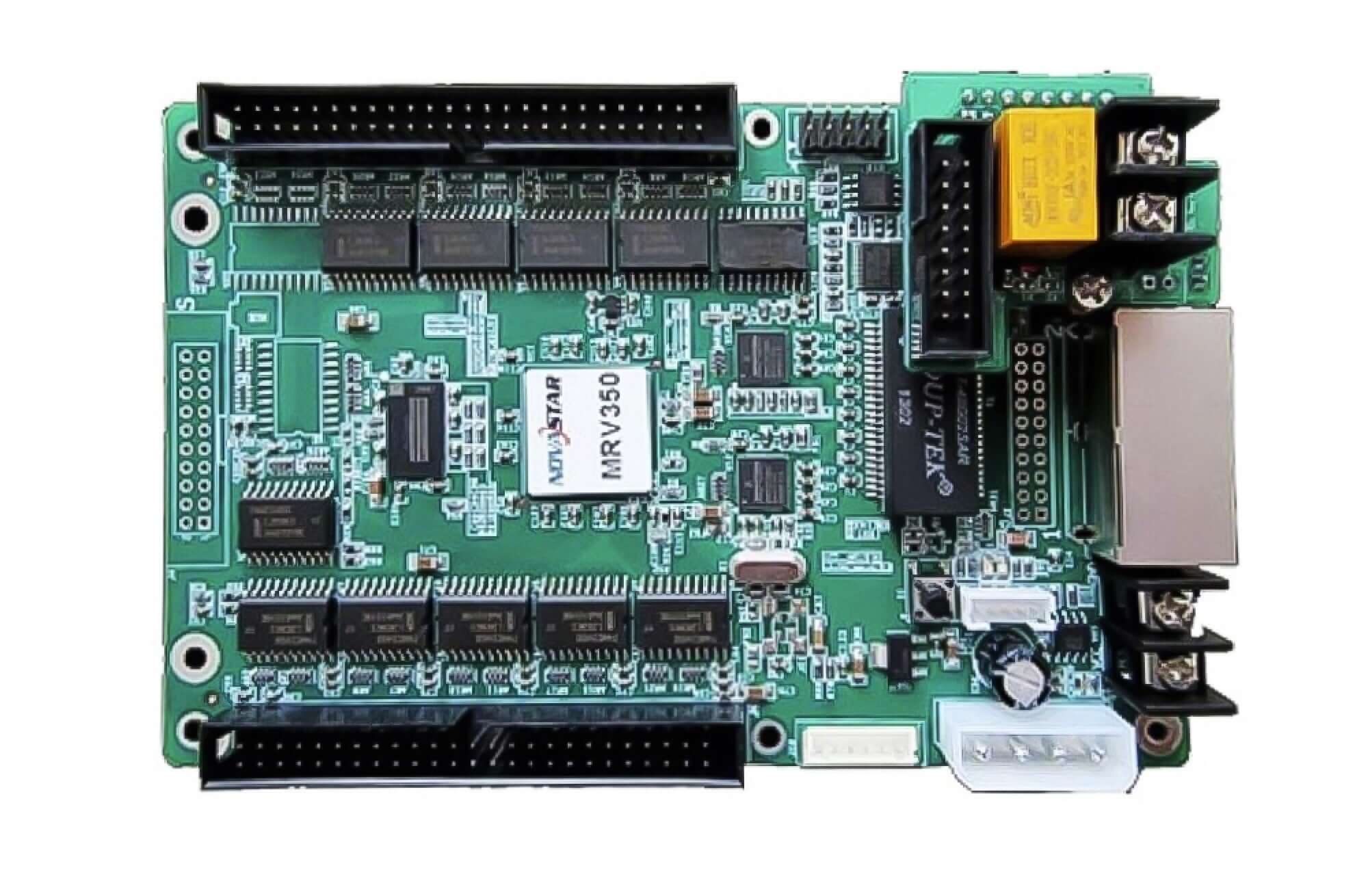
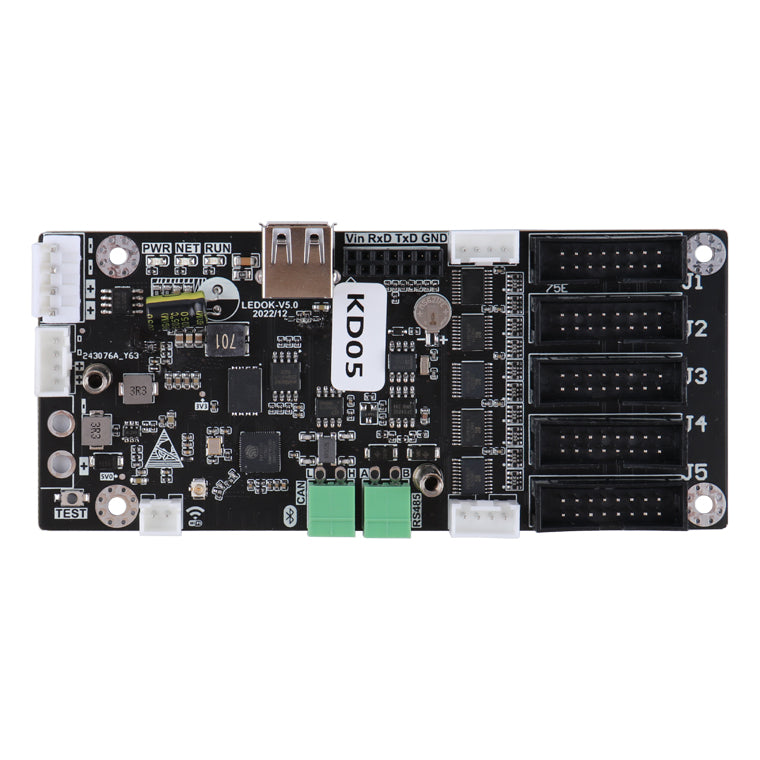
Do not raise drive current or supply voltage beyond the manufacturer’s limits to chase a brightness figure. When replacement parts are needed, confirm compatibility across the LED receiving cards, modules and LED power supplies. For selection help, contact LED-Mall with the model and recorded test conditions.
6. Frequently Asked Questions About LED Display Brightness
(1) Are Nits and cd/m² the Same?
Yes. One nit equals one candela per square meter (1 cd/m²). Both express luminance and are commonly used for screen-brightness specifications.
(2) Can I Measure LED Screen Brightness with a Phone or Lux Meter?
A phone image or an ordinary lux reading does not directly verify a screen’s nit rating. Use an appropriate calibrated luminance instrument for an absolute measurement; use photos only as supporting visual records under consistent conditions.
(3) Is a Higher-Nit LED Display Always Better?
No. The useful target depends on ambient light, readability and viewing comfort. Compare brightness together with uniformity, grayscale performance and dimming capability, especially if the screen operates both day and night.
(4) Why Is Measured Brightness Lower Than the Advertised Value?
Check for differences in the test pattern, calibration, white point, brightness setting, measurement angle and operating conditions. Request the supplier’s test report and repeat the measurement under equivalent conditions before making a judgment.
(5) Does a 50% Brightness Setting Mean Half the Rated Nits?
Do not assume it does. The relationship depends on the controller’s dimming behavior and configuration. Measure luminance at the intended setting if the project requires a specific output.