
LEDMall Blog
TU4K Pro Screen Mirroring: 4K Limits and Dongle Choice

Nov
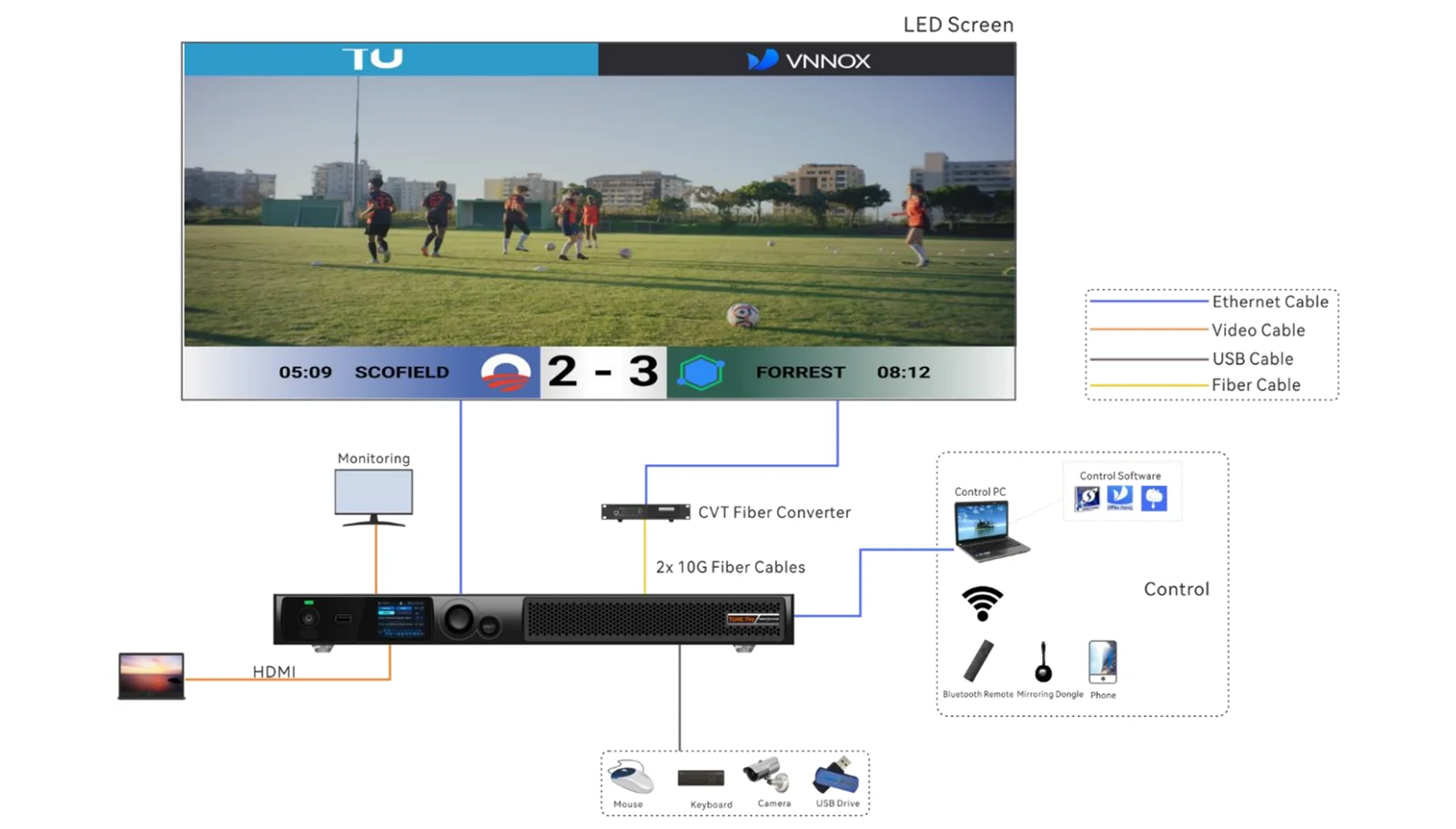
TU4K Pro screen mirroring supports wireless presentation up to 3840 × 2160 at 30 Hz, according to NovaStar Specifications V1.2.0. That does not establish wireless 4K at 60 Hz. A compatible local video file, an HDMI input and a mirrored laptop screen follow different signal paths, so a purchase requirement must name the intended path.
This explanation is for a meeting-room AV integrator deciding whether presenters can use wireless sharing or need a wired alternative. The specification and User Manual V1.2.0, both released October 31, 2025, provide the technical basis. The acceptance suggestions below are purchasing recommendations, not measurements from an LED Mall installation.
TU4K Pro screen mirroring has a separate limit
The specification lists H.265 4K at 60 Hz decoding separately from the wireless mirroring maximum. Decoding describes processing an encoded video file. Mirroring describes sharing a source device’s screen through a presentation connection. A successful file-playback demonstration therefore does not prove the same resolution and frame rate from a visitor’s laptop.
For purchasing, replace the phrase “supports 4K” with a complete requirement. One example is: “Show the presenter’s desktop wirelessly at the agreed resolution and frame rate, using the listed laptop and transmitter.” Another is: “Play the supplied motion clip through the agreed wired input.” These are different demonstrations, and the supplier should identify which one the quotation addresses.
The visible LED canvas is another consideration. A wide, shallow wall can show a conventional desktop with unused space or a different fitted layout. Before choosing presentation equipment, give the integrator the wall’s actual pixel dimensions and ask how a standard slide will appear. A source-resolution claim alone does not tell the buyer whether small spreadsheet text will be comfortable to read from the back seats.
The TU4K Pro product page provides the processor’s broader specifications. Use it alongside the project brief; the narrower question here is what a presenter can reliably show through the chosen route.
Specify the accessory, not just the processor
A TU4K Pro screen mirroring order should name the transmitter when one is required. V1.2.0 distinguishes PTB1304 at 1920 × 1080 at 30 Hz from PTB1307 at 3840 × 2160 at 30 Hz. Both are optional accessories. The document describes Type-C connectors with a supplied Type-C-to-USB adapter for the dongle.
This distinction matters when comparing two quotes that both say “with screen projector.” Ask for the exact accessory model and an itemized package. A transmitter suited to a lower-resolution presentation may be entirely appropriate, but it should not be substituted silently into a requirement for the higher-resolution route. The receiver’s maximum capability does not raise a transmitter’s documented limit.
| Presenter need | Demonstration to request | Evidence to retain |
|---|---|---|
| Read dense spreadsheets | Open a representative sheet at the normal seat distance; scroll both directions. | Readable font size, viewing position and selected presentation route. |
| Explain moving product footage | Play the actual clip, including motion and sound, through the proposed connection. | Source settings and any visible interruption or audio mismatch. |
| Welcome visiting presenters | Connect a laptop that was not used to prepare the demonstration. | Installation rights, prompts and time taken to reach the first slide. |
| Switch speakers during a meeting | Stop the first session and connect a second source under operator control. | What remains visible and which actions the operator must perform. |
Ask about software and account restrictions on the organization’s computers before committing to TU4K Pro screen mirroring. A managed laptop may have different permissions from a demonstration machine. An available USB connector also does not establish that an employer permits the required software or accessory. The IT team should approve the intended workflow using a representative device.
Test TU4K Pro screen mirroring where people will sit
The user manual recommends 5 GHz Wi-Fi in busy radio environments, advises a distance within 15 meters for that band and discourages intervening walls. These are planning recommendations, not a promise that every location inside that distance will perform identically. Arrange the demonstration at the actual lectern or table instead of placing the laptop immediately beside the processor.
Include ordinary room conditions: occupied seats, the installed equipment position and the organization’s normal wireless activity. Ask the integrator to record the arrangement. If an empty-room test passes but a normal meeting does not, the team needs enough information to compare the conditions. A photograph of the setup and a simple seat plan are often more useful than an unexplained “wireless OK” note.
For dongle use, the manual calls for Internet activation of the TU device and initial pairing at its USB port. It also requires pairing again after changing the device name, hotspot name or hotspot password. Treat renaming as part of commissioning. Have the operator demonstrate reconnection after the final approved configuration is in place.
A useful TU4K Pro screen mirroring trial includes three events beyond first connection: the presenter closes and reopens the laptop, another speaker takes over, and the meeting ends. Observe recovery and the content left on the wall. Agree on acceptable behavior before delivery, including who can clear an abandoned session. Avoid treating a single still slide as proof of the whole meeting workflow.
Write a presentation brief the supplier can answer
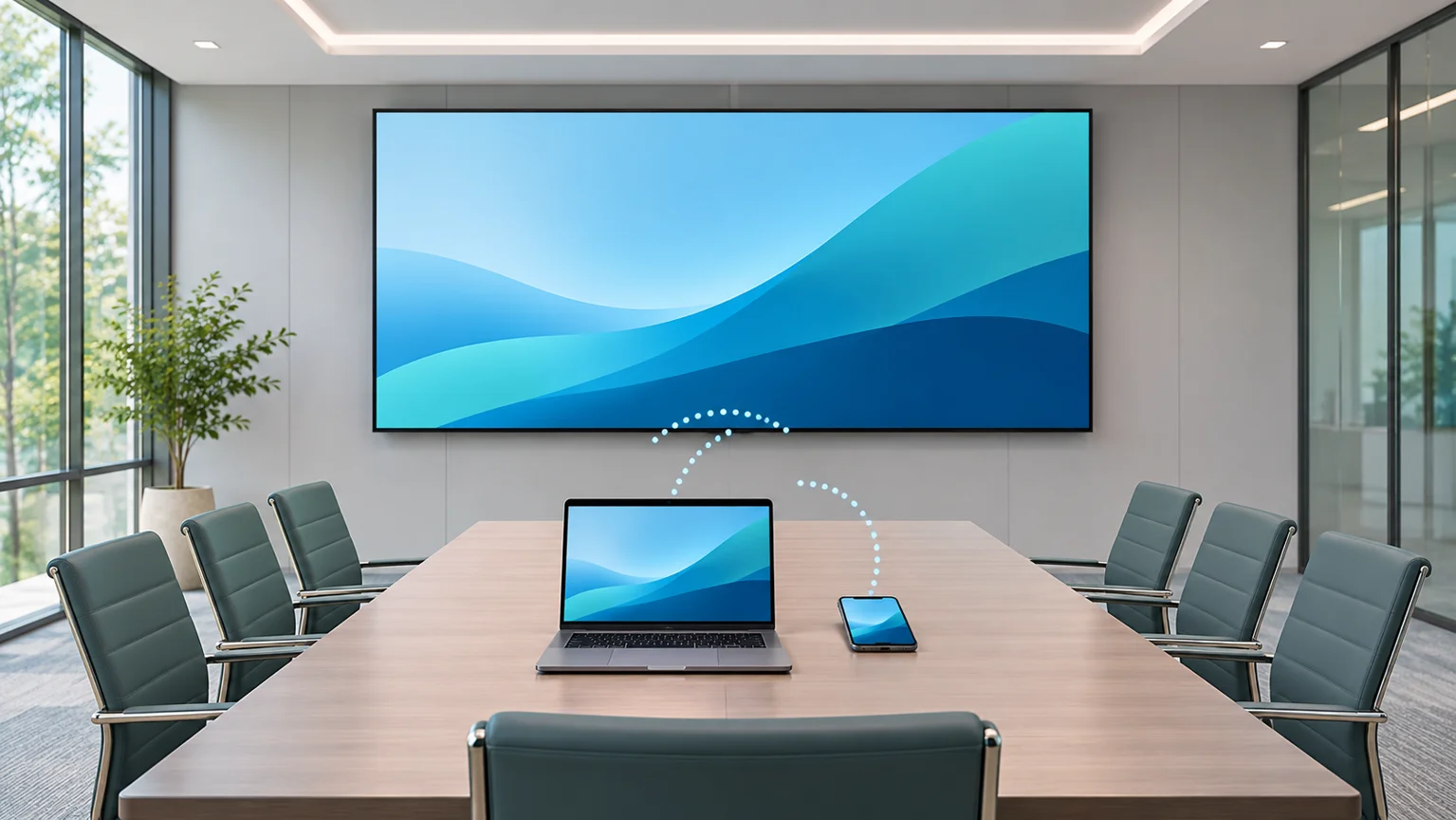
Start with a short list of actual presenter devices, including operating-system versions and available connectors. Then describe the content: static slides, small text, embedded video or a remote meeting. Add the number of people expected to present and whether a staff operator will be available. Those details help expose a workflow mismatch before equipment is ordered.
For TU4K Pro screen mirroring, list the required route beside each use case. Keep a wired presentation option in the design when the meeting cannot depend on wireless setup. Specify how that option will be selected and make the cable accessible to the presenter. “Backup available” is incomplete if the operator cannot explain how to use it during a session.
When comparing LED video processors, request the same demonstration content and pass criteria for each proposal. This makes the comparison about the room’s work rather than a collection of unrelated maximum specifications. Retain the approved hardware model, firmware version, accessory model and test result together so later replacement purchases can follow the same requirement.
Buyer questions
Does the specification promise a particular end-to-end latency?
The resolution figures used here do not establish a latency guarantee for your system. If timing matters for live explanation or interaction, set an acceptance threshold and agree on a measurement method with the integrator. Judge the complete source-to-wall route rather than assigning a number from a different configuration.
Should protected streaming services be assumed to mirror correctly?
No. Add the intended service, application and account environment to the demonstration request. Content rights, application behavior and device restrictions need checking on the proposed route. Do not replace that check with an ordinary desktop demonstration or a locally stored clip.
Is whiteboard activation the same purchase as a mirroring dongle?
No. The specification lists a whiteboard activation code separately from the optional transmitters. Ask the quotation to identify each requested function and accessory. Buying one item should not be treated as evidence that another paid function or peripheral is included.
Review the proposed configuration before ordering
For a TU4K Pro screen mirroring review, send LED Mall the wall’s pixel dimensions, presenter-device list, desired content, seating plan and proposed transmitter. State whether wireless presentation is essential or a convenience alongside a wired input. Request a configuration and accessory review to confirm the proposed models, applicable documentation and current availability before placing the order.