
LEDMall Blog
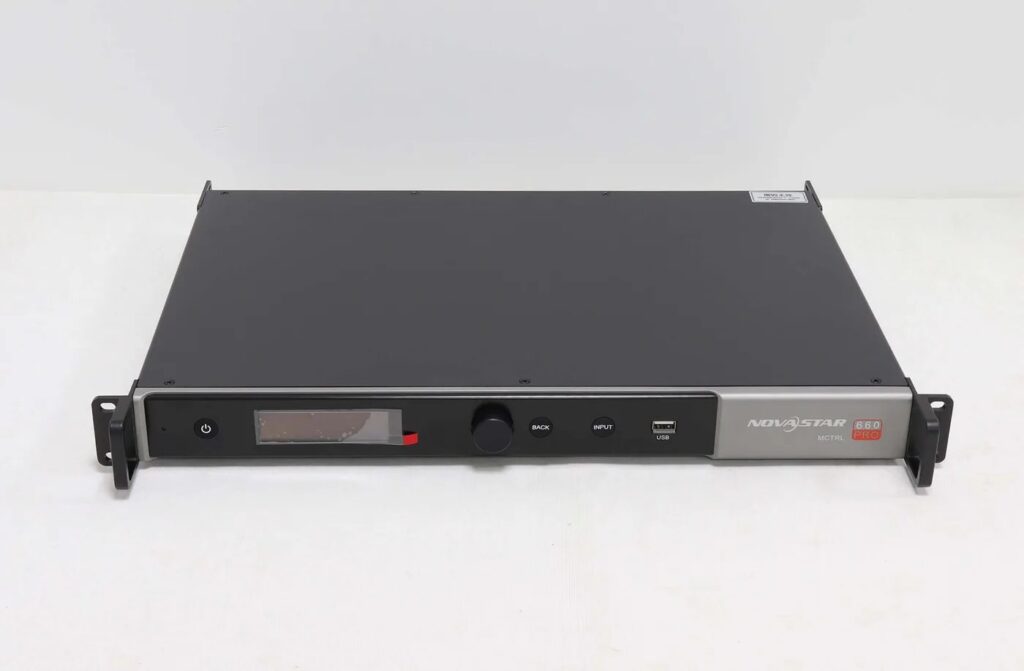
MCTRL660 PRO 10-bit: Why Resolution Limits Change
Nov
MCTRL660 PRO 10-bit input has different documented resolution conditions from its 8-bit input. In the manufacturer’s V1.0.0 reference, HDMI and single-link DVI support 1920 × 1200 at 60 Hz with the standard 8-bit program, while standard 10-bit/12-bit operation is listed at 1920 × 960 at 60 Hz. The same reference lists 1920 × 1080 at 60 Hz for customized sending-card and receiving-card programs, specifically with A8s receiving cards.
This explanation is for an AV integrator checking a higher-bit-depth source before specifying a controller. It addresses the documented input-format boundary. It does not assume that every supplied unit has the custom programs, or that a different receiver with a similar name qualifies for that arrangement.
The baseline is MCTRL660 PRO specifications V1.0.0 and its matching user manual, dated September 26, 2018. These are versioned references. Obtain the applicable program and receiver confirmation for the actual order before relying on a different operating condition.
Read the MCTRL660 PRO 10-bit Conditions Separately
The controller’s model name or headline resolution is insufficient to approve a source format. Read the color-depth condition associated with the chosen input connector and program.
| Input condition | Listed maximum at 60 Hz | Requirement to preserve |
|---|---|---|
| 8-bit, standard program | 1920 × 1200 | Do not transfer this rating to another color-depth mode |
| 10-bit or 12-bit, standard program | 1920 × 960 | Verify the source’s actual resolution and depth |
| 10-bit or 12-bit, customized programs | 1920 × 1080 | Customized sender and receiver programs; A8s receiver specified |
For MCTRL660 PRO 10-bit selection, retain the whole row rather than only the resolution. The custom-program condition is part of the statement, not an optional note that can be omitted from the purchasing record.
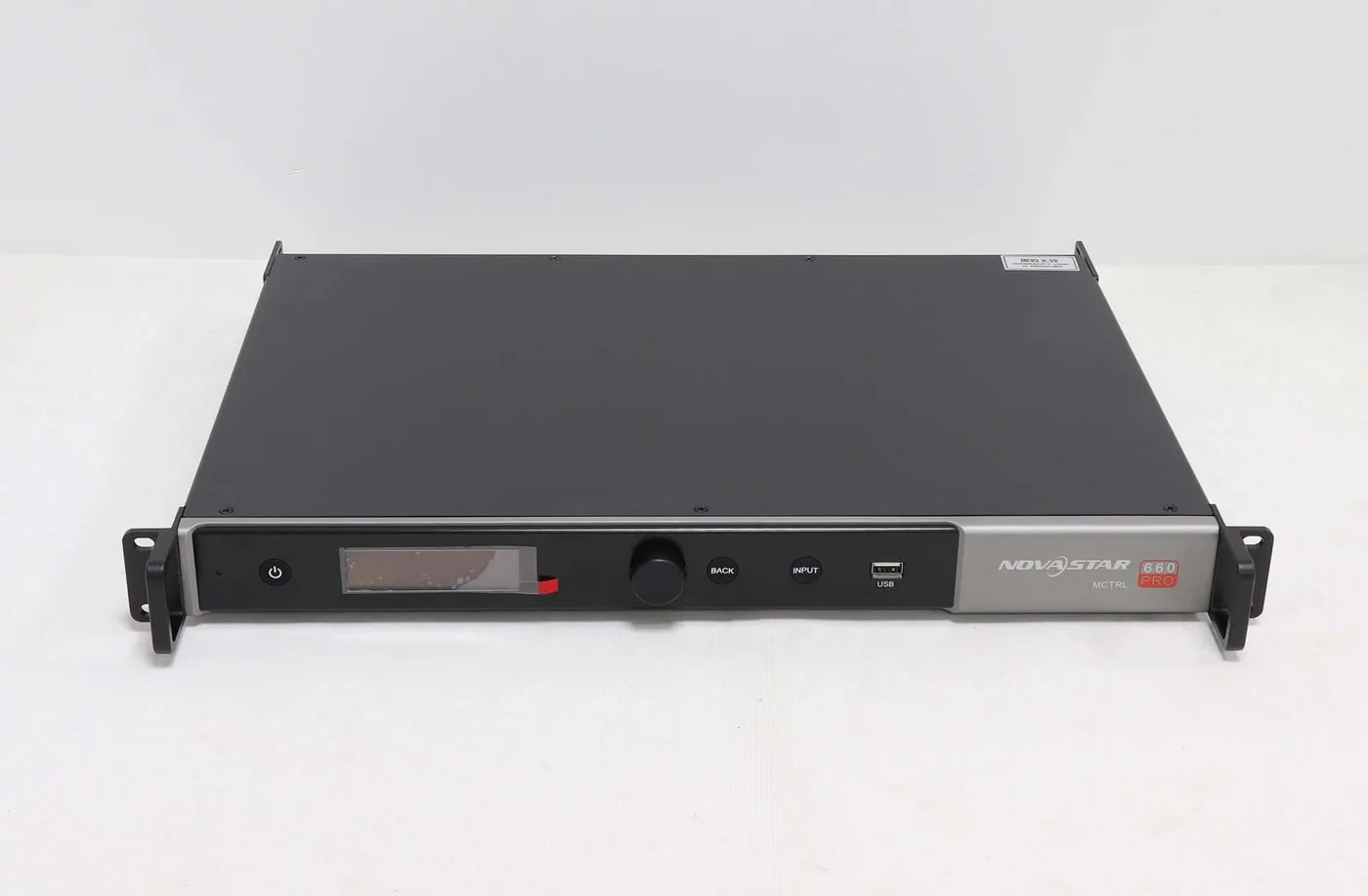
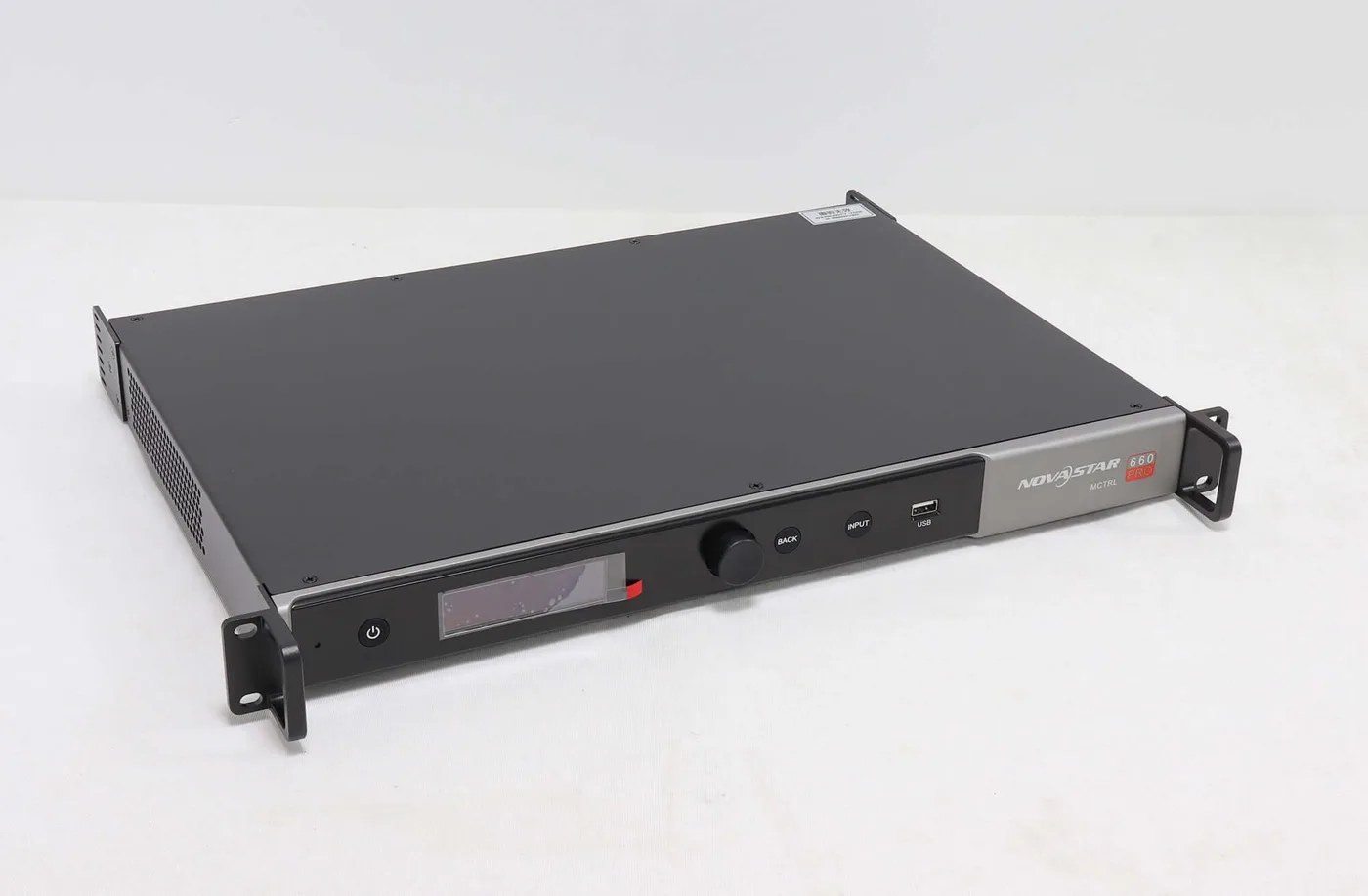
The MCTRL660 PRO product reference identifies the hardware and its available documentation. Use the V1.0.0 technical specification to check the stated source conditions, then confirm what programs and receiving cards apply to the proposed supply.
Keep Color Depth, Pixels and Frame Rate Distinct
Color depth describes signal precision; resolution describes the image’s pixel dimensions; frame rate describes the number of image frames per second. One value cannot stand in for the others.
A source described only as “Full HD” leaves important information unresolved. It does not identify the color depth, frame rate or sampling format. Likewise, a claim that a controller accepts a higher-bit-depth signal does not establish that it accepts every resolution available at 8-bit.
The MCTRL660 PRO 10-bit reference illustrates why the complete format matters. The standard-program row uses a different height from the 8-bit row even though both examples are at 60 Hz. Do not select the larger height from one row and the color depth from another to create an unsupported combined claim.
Keep LED refresh rate separate from the source frame rate as well. The 60 Hz in the input table is not a universal statement about the module’s LED refresh performance. The module, driver and receiving-card configuration require their own documented review.
A useful format record names the source device, selected output connection, width, height, frame rate, color depth and sampling arrangement. Have the responsible technician confirm the actual output, rather than relying only on the setting the operator intended to choose.
Why an 8-bit Layout Cannot Automatically Be Reused
A layout accepted at one input condition needs review when that condition changes. The fact that the same cable remains connected does not preserve the previous format approval.
Consider a hypothetical source at 1920 × 1080, 60 Hz and 10-bit. It exceeds the 960-pixel height of the cited standard-program MCTRL660 PRO 10-bit row. Its familiar Full HD label does not remove that mismatch.
For comparison, the rectangular areas in the cited standard rows are 2,304,000 pixels at 1920 × 1200 and 1,843,200 pixels at 1920 × 960. These are calculations from the listed input dimensions. They are not independent loading approvals or a formula for every other NovaStar controller.
Do not solve the mismatch by assuming the wall can simply lose part of its source image. Define the actual display and content requirement, then have the integration team identify a supported source format or an approved system arrangement. Cropping content and supporting a source format are different decisions.
If the project requires the cited customized 1920 × 1080 condition, obtain explicit confirmation of both the sender and receiver programs and the exact receiver model. A general statement that firmware can be updated is insufficient evidence that this particular arrangement has been supplied.
The Receiver and Program Are Part of the Approval
The custom-program note in V1.0.0 specifically identifies A8s. It should not be silently rewritten as A8s Pro, A8s-N or any receiver from the same brand.
For MCTRL660 PRO 10-bit projects, record the complete receiver label and the approved programs alongside the source format. Keep the document version with that record so purchasing and service personnel can distinguish the approved configuration from a generic feature summary.
Include the cabinet’s hub connection, driver hardware and configuration in the MCTRL660 PRO 10-bit review. Meeting a controller’s input condition does not establish that a proposed replacement receiving card fits the cabinet or supports the required module arrangement.
The receiving-card category is a starting point for identifying available parts. It is not a list of interchangeable receivers for the customized mode. Ask for the particular supported assembly and keep unresolved compatibility questions open until they are answered.
If the proposed supply differs from the old reference, request the applicable technical document and validation conditions. Do not assume that an older limitation applies unchanged to every later program, or that a later capability is automatically present on every older unit.
Define What the Acceptance Record Must Show
Acceptance should relate the actual source output to the approved controller, programs, receiver arrangement and display. A brief image demonstration without those identities leaves the result difficult to reproduce.
For MCTRL660 PRO 10-bit acceptance, record the active input and confirmed source format, program identities, receiver model and screen connection reference. Include the intended content area and the result after a controlled restart under the installation’s commissioning procedure.
Check the complete image and its mapping, rather than accepting a small correctly displayed area as proof of the entire source path. If color precision is a project requirement, agree with the integration team on an appropriate verification method; a product photograph or a normal-looking desktop is not a measurement of that requirement.
Keep a copy of the accepted record with the system files. A later laptop, media-server or source-setting change should trigger a format check before it is treated as a controller failure.
Frequently Asked Questions
Does a source with 10-bit output automatically provide an HDR workflow?
No. Color depth alone does not establish the source transfer characteristics or the complete system’s HDR support. Define the required source and display workflow separately and verify the selected equipment.
Does the MCTRL660 PRO 10-bit table apply to the MCTRL660 without PRO?
No. This table identifies MCTRL660 PRO and the cited V1.0.0 documents. Obtain the separate reference for MCTRL660 rather than transferring conditions between similar model names.
Can I apply the HDMI/DVI table to every 3G-SDI source?
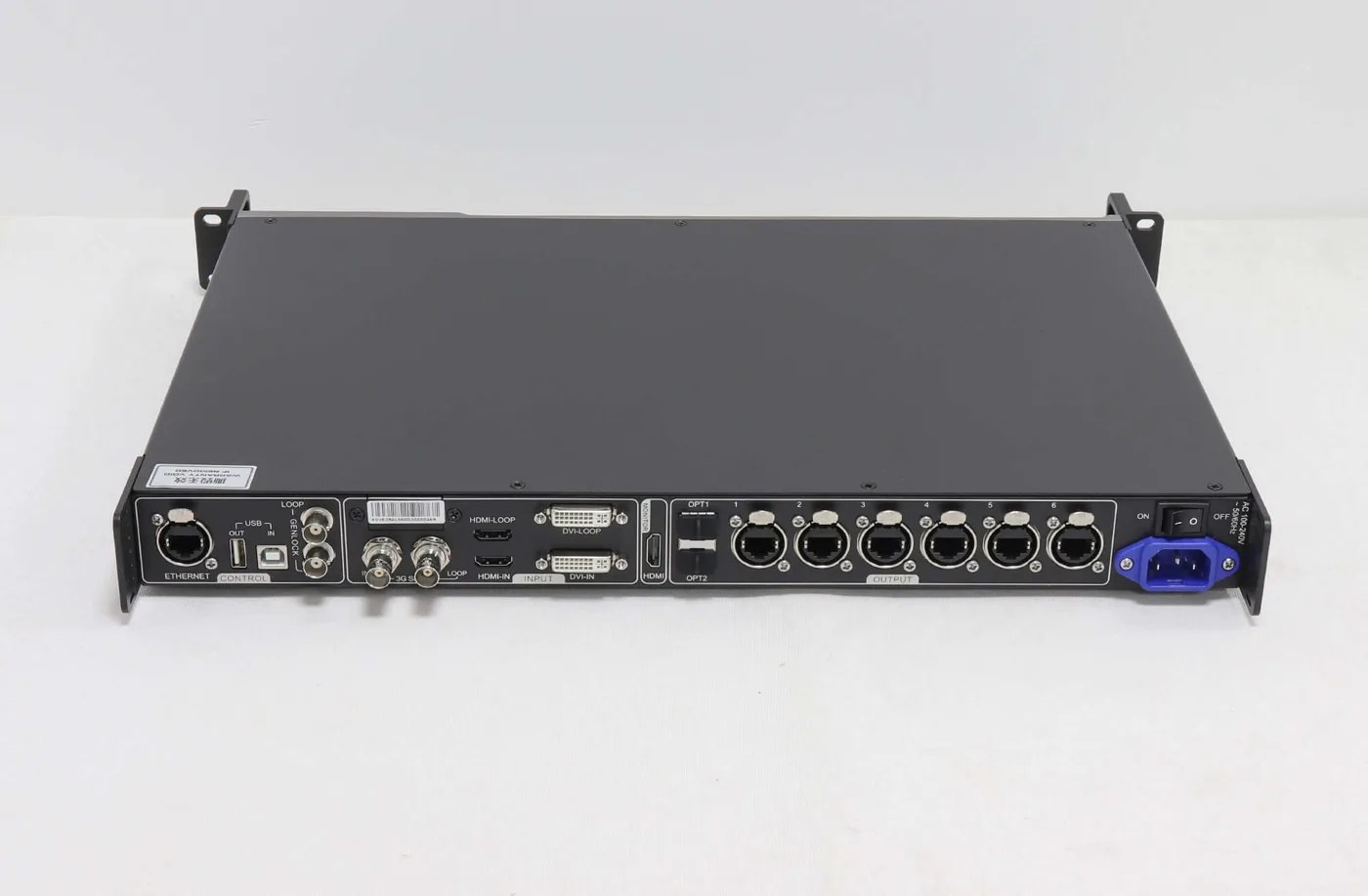
No. The specification gives 3G-SDI its own input description and states that its source resolution cannot be set through the controller. Review that connection separately instead of borrowing the HDMI/DVI rows.
Does fiber-converter mode prove that a larger input format is supported?
No. A different signal-routing role is not evidence of an increased source-format limit. Confirm the complete operating mode and the format requirements of each device in the path.
Request an Approval for the Actual Source Format
For an MCTRL660 PRO 10-bit inquiry, provide the source model and output format, controller and receiver labels, installed program information and required image dimensions. Review the controller signal-chain comparison, then ask LED Mall to check the proposed configuration before ordering.