
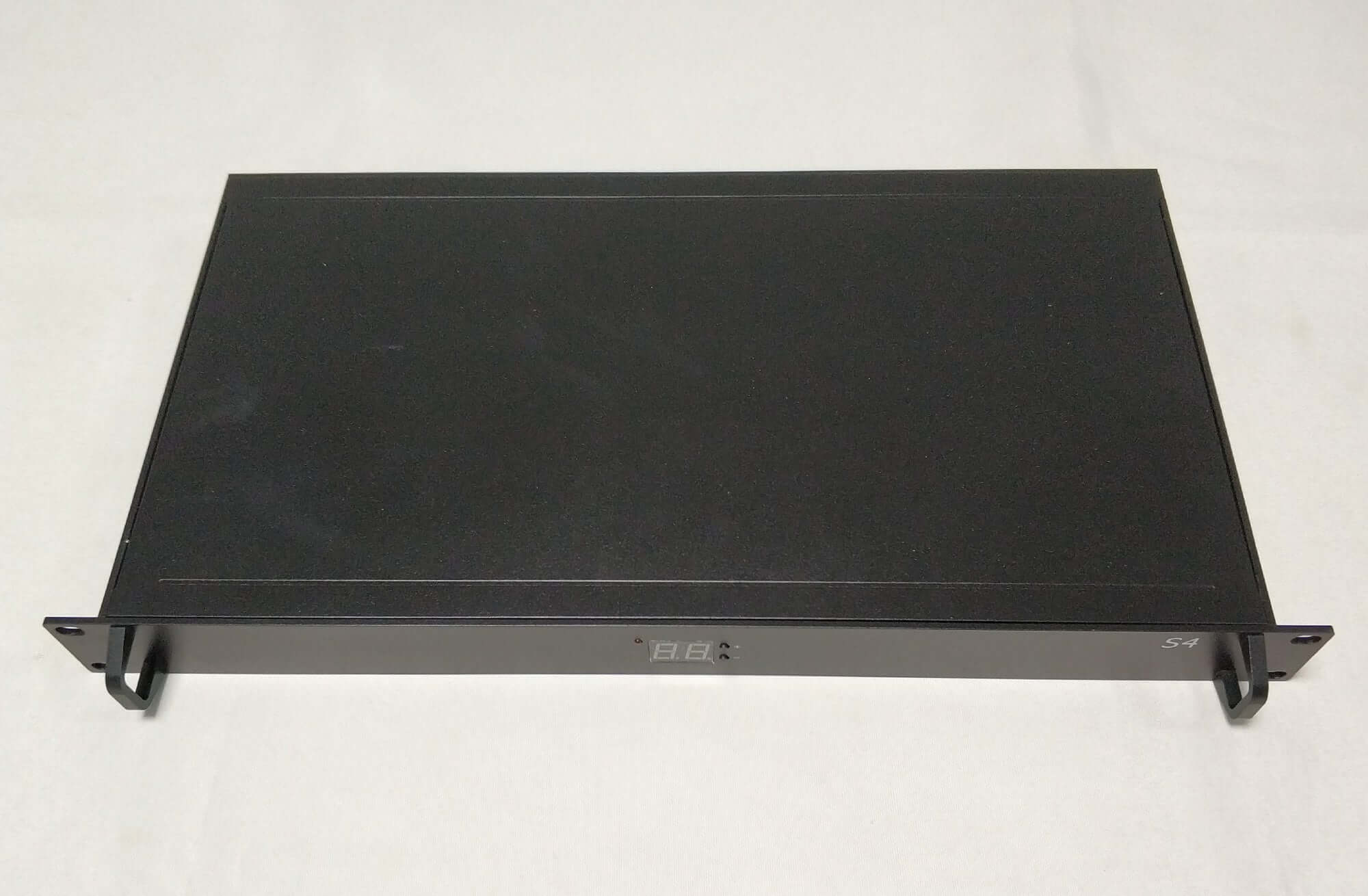
Kystar KSV24C 4K LED Video Controller, 24 Outputs
$ 1,870.00
Kystar KSV24C 2-in-1 LED video controller with 24 network outputs, a 15.6-million-pixel load and up to eight display windows. Provides HDMI 1.3, HDMI 2.0 and DisplayPort 1.2 inputs, EDID management and input cropping.
10000 in stock
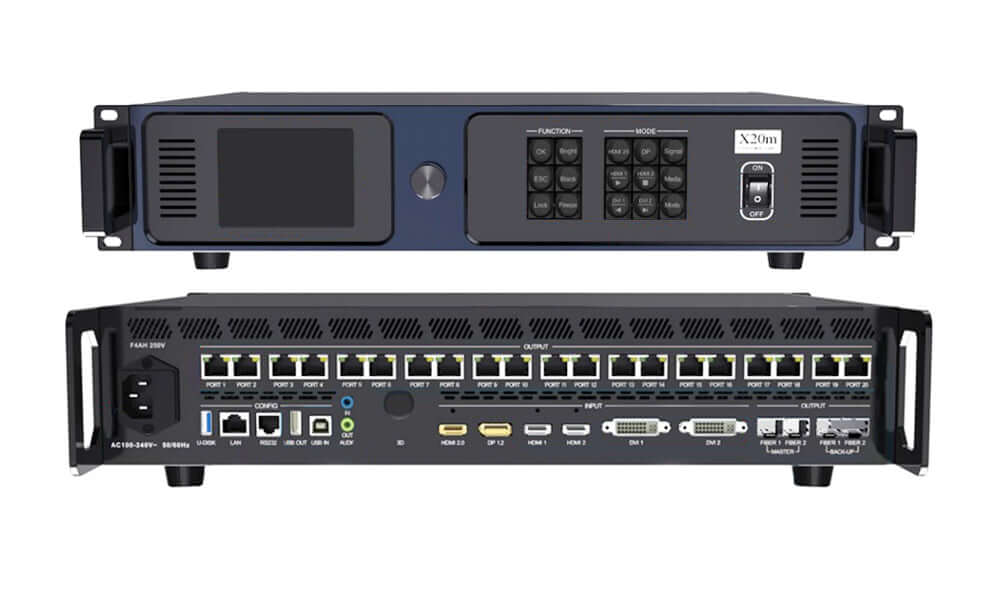
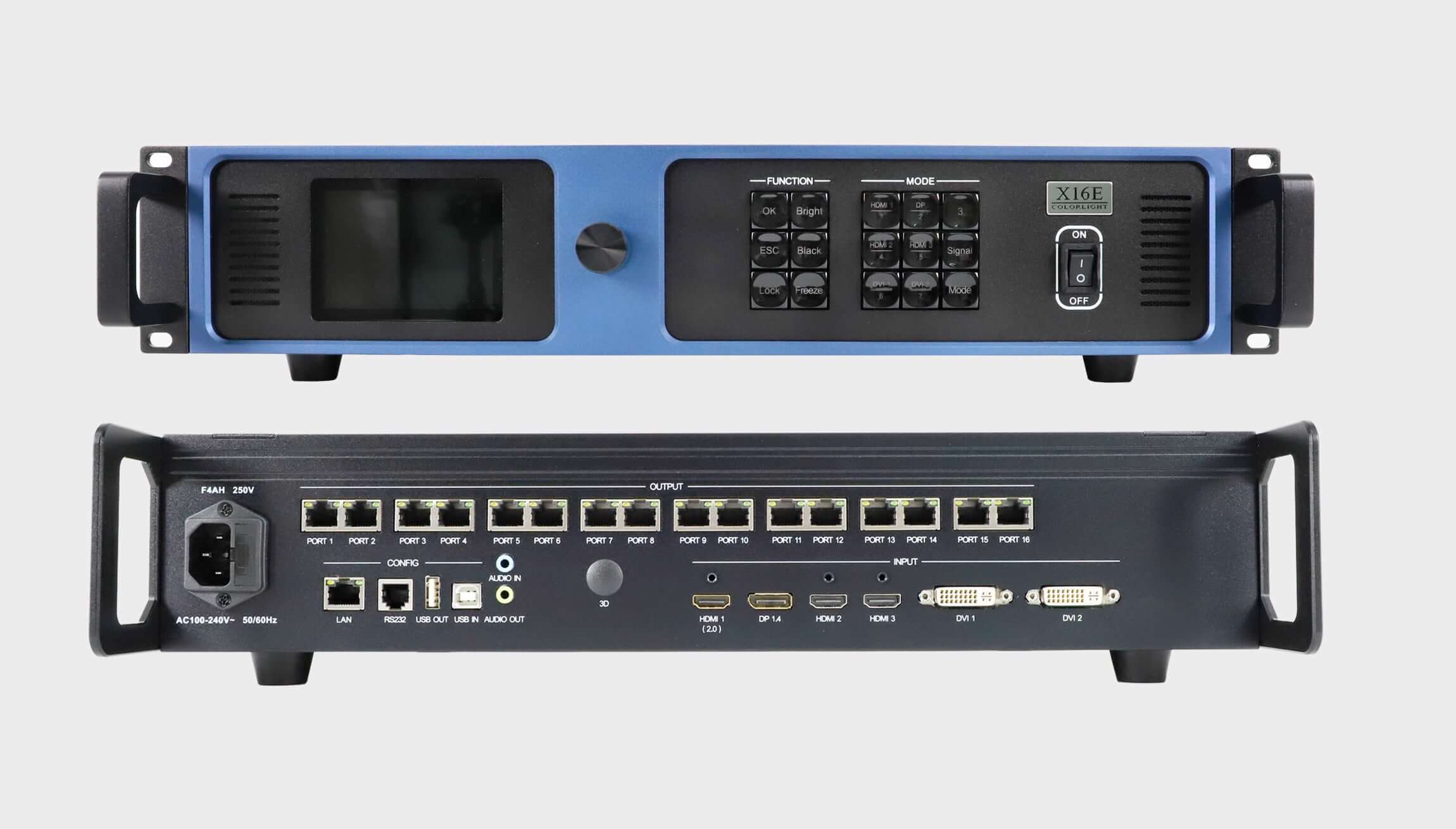
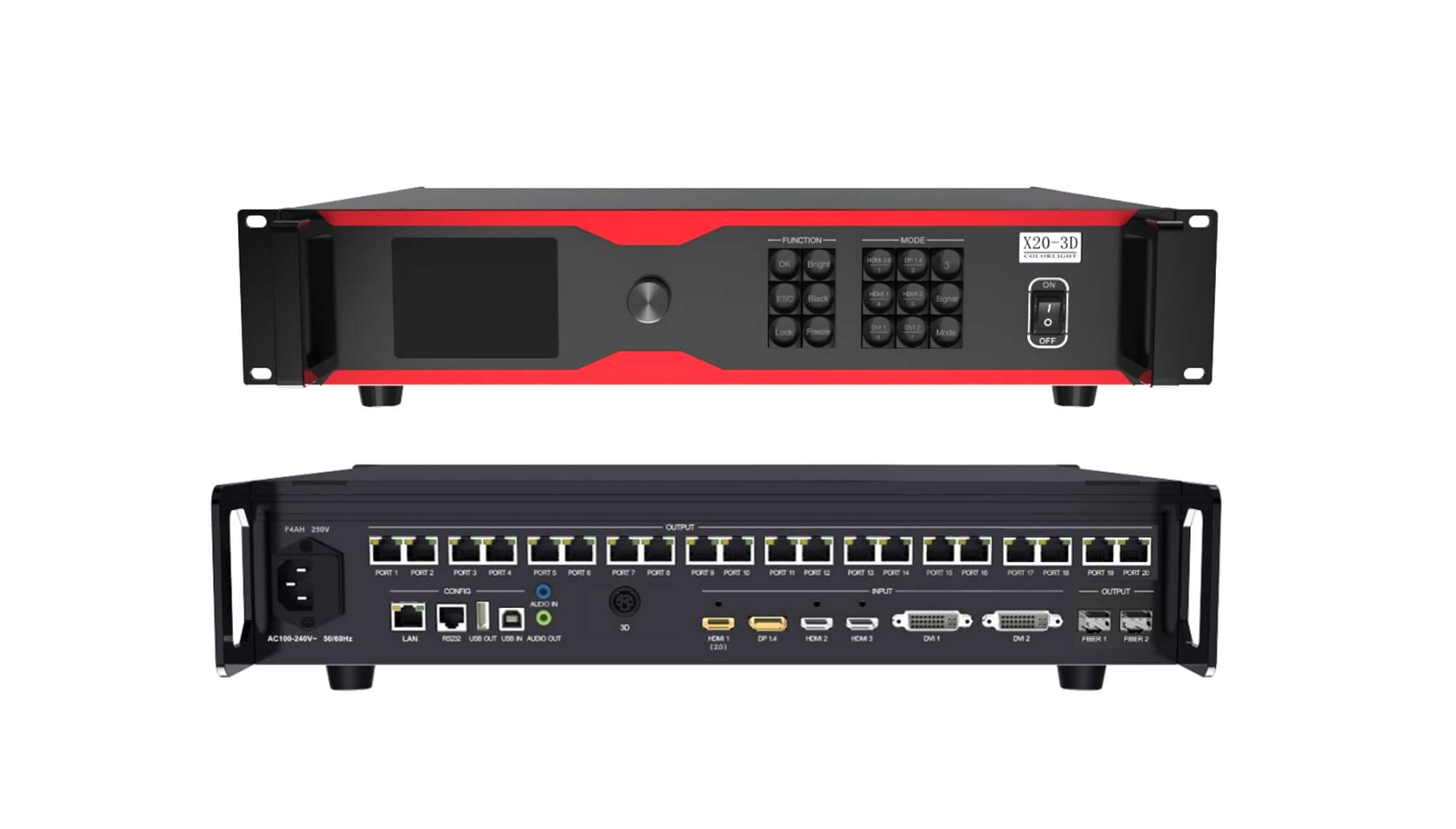
KSV24C integrated LED video controller
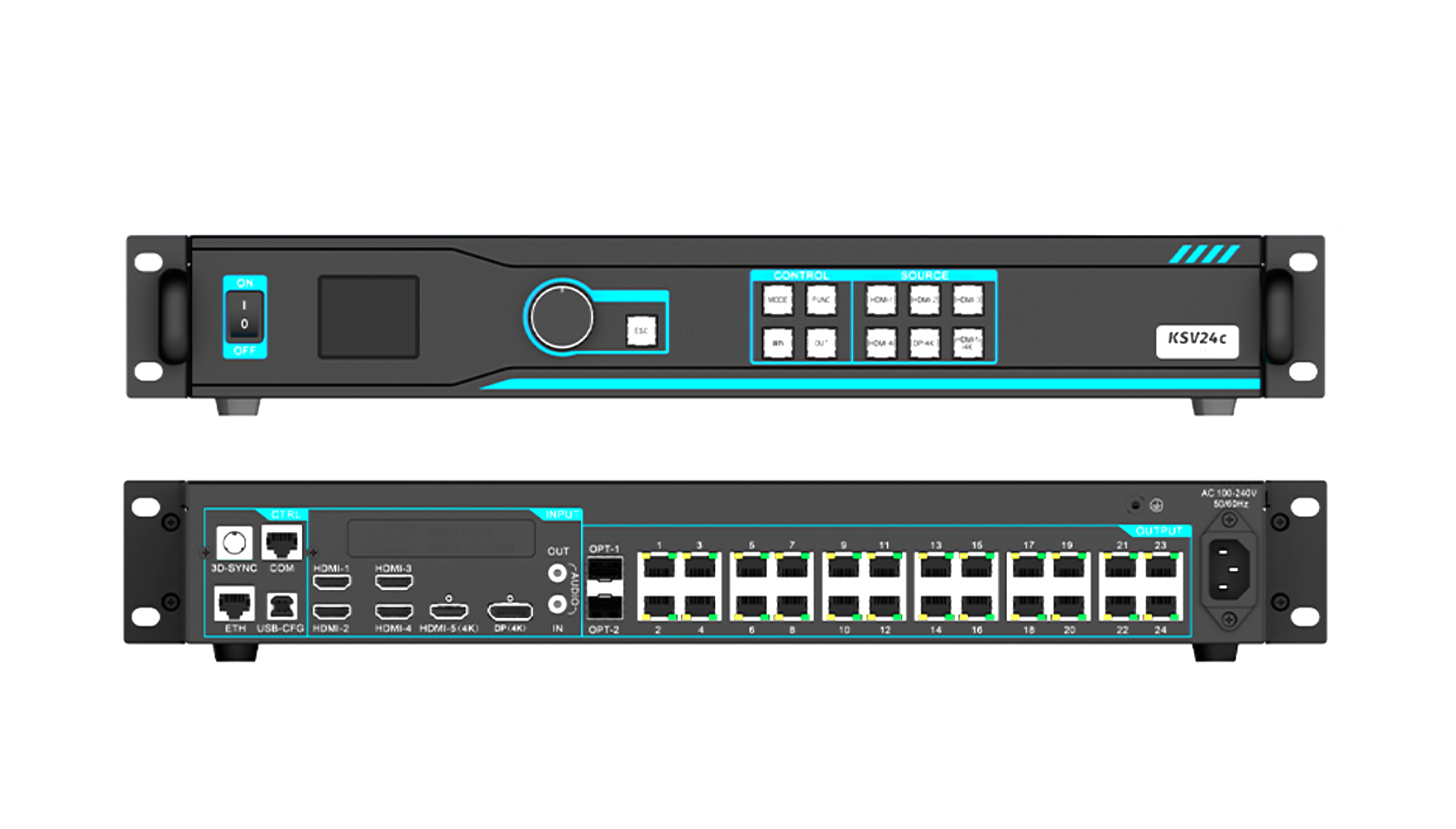
The Kystar KSV24C combines video processing and LED sending with 24 network outputs and a maximum total load of 15.6 million pixels. HDMI and DisplayPort inputs, eight-window layouts and flexible cabinet routing support large LED display installations.
Technical specifications
| Parameter | Specification |
|---|---|
| Network outputs | 24 ports |
| Maximum total LED load | 15.6 million pixels |
| Maximum load per port | 650,000 pixels |
| Maximum width | 24,540 pixels, within the total pixel limit |
| Maximum height | 15,360 pixels, within the total pixel limit |
| Video inputs | 4 × HDMI 1.3; 1 × HDMI 2.0; 1 × DisplayPort 1.2 |
| Audio input | 1 × AUDIO |
| Display layout | Up to 8 windows with flexible positioning |
| Architecture | Hardware FPGA |
Screen layout and on-site adjustment
Fiber transmission, multi-device synchronization and configurable function keys support installation and operation across larger systems.
Flexible cable routing supports non-rectangular cabinet arrangements and improves network-port utilization. EDID management allows supported source information to be read, modified and customized. Input cropping removes unwanted borders, while internal solid-color, gradient and scan-line test patterns help with setup.
Operators can adjust overall brightness and contrast, freeze the output or switch to black with one action. A key lock helps prevent accidental changes.
Frequently asked questions
What is the maximum load of the KSV24C?
The controller supports 15.6 million pixels in total through 24 network outputs, with a maximum of 650,000 pixels per port. Maximum width and height are separate limits, not a combined screen resolution.
Which video inputs does the KSV24C provide?
It provides four HDMI 1.3 inputs, one HDMI 2.0 input and one DisplayPort 1.2 input, plus an AUDIO input. Verify the selected input timing before installation.
Can it display multiple video windows?
Yes. The KSV24C supports up to eight windows with flexible positioning for multi-source layouts.
Can I crop black borders from an input?
Yes. Input cropping is supported to remove unwanted borders. Internal test patterns, EDID controls, brightness and contrast adjustments are also available for commissioning.
Product image
| Weight | 6 kg |
|---|
Be the first to review “Kystar KSV24C 4K LED Video Controller, 24 Outputs”
You must be logged in to post a review.
Will I be charged with customs and taxes?
The prices displayed on our site are tax-free (in US Dollars), which means you may be required to pay import duties and taxes once you receive your order. Import taxes, duties, and related customs fees will be determined by your local customs office when your order arrives at its final destination.
Please note that these additional charges and taxes are your responsibility, and we do not take any responsibility for them. We are not liable for paying or reimbursing any customs duties, taxes, or related fees. For more details on these charges, please contact your local customs office.
Shipping
We can ship to virtually any address in the world. Note that there are restrictions on some products, and some products cannot be shipped to international destinations..
When you place an order, we will estimate shipping and delivery dates for you based on the availability of your items and the shipping options you choose. Depending on the shipping provider you choose, shipping date estimates may appear on the shipping quotes page.
Please also note that the shipping rates for many items we sell are weight-based. The weight of any such item can be found on its detail page. To reflect the policies of the shipping companies we use, all weights will be rounded up to the next full pound..
Returns Policy
You may return most new, unopened items within 30 days of delivery for a full refund. We'll also pay the return shipping costs if the return is a result of our error (you received an incorrect or defective item, etc.)..
You should expect to receive your refund within four weeks of giving your package to the return shipper, however, in many cases you will receive a refund more quickly. This time period includes the transit time for us to receive your return from the shipper (5 to 10 business days), the time it takes us to process your return once we receive it (3 to 5 business days), and the time it takes your bank to process our refund request (5 to 10 business days).
If you need to return an item, simply login to your account, view the order using the "Complete Orders" link under the My Account menu and click the Return Item(s) button. We'll notify you via e-mail of your refund once we've received and processed the returned item..
Reviews
There are no reviews yet.