
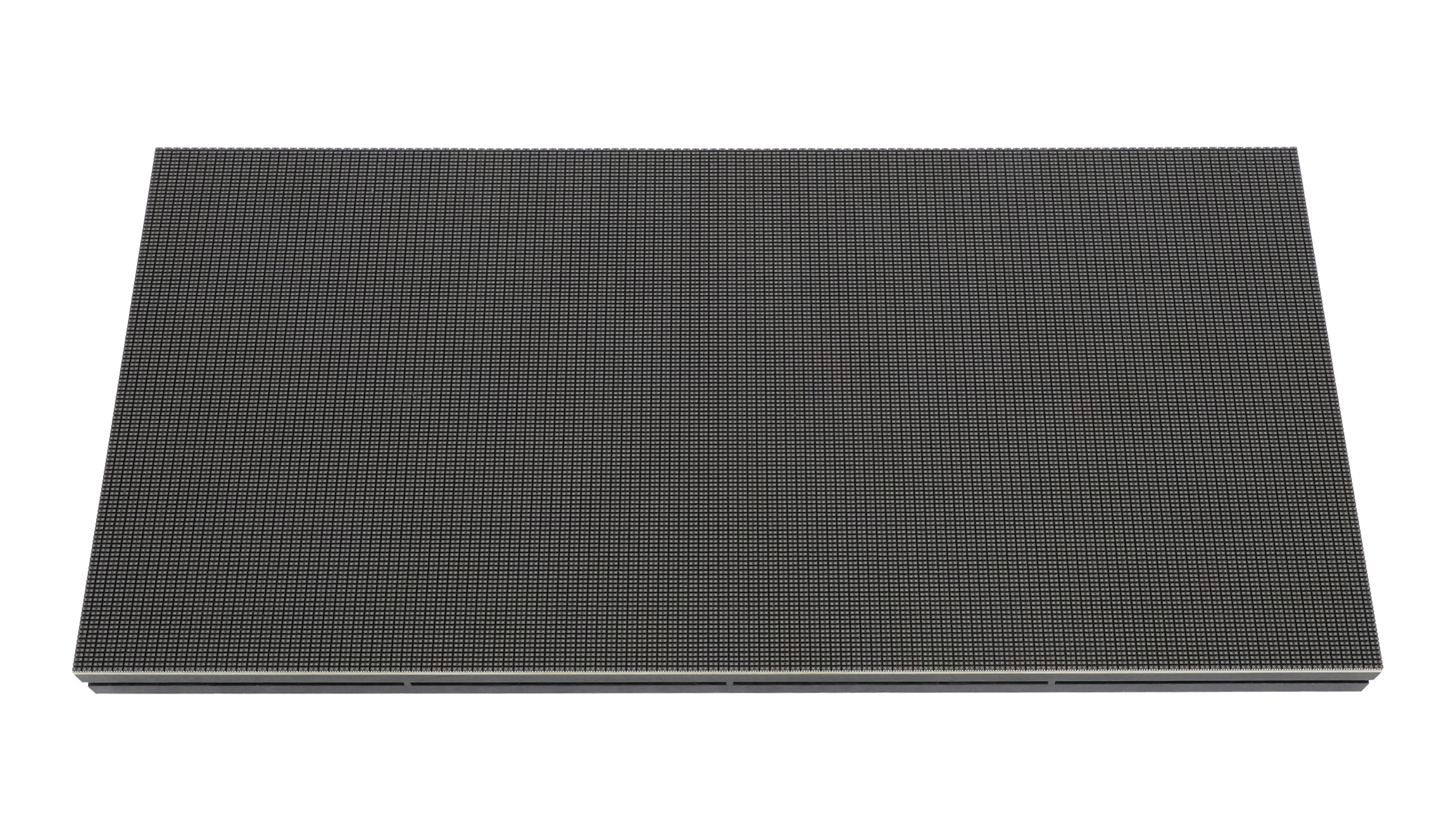
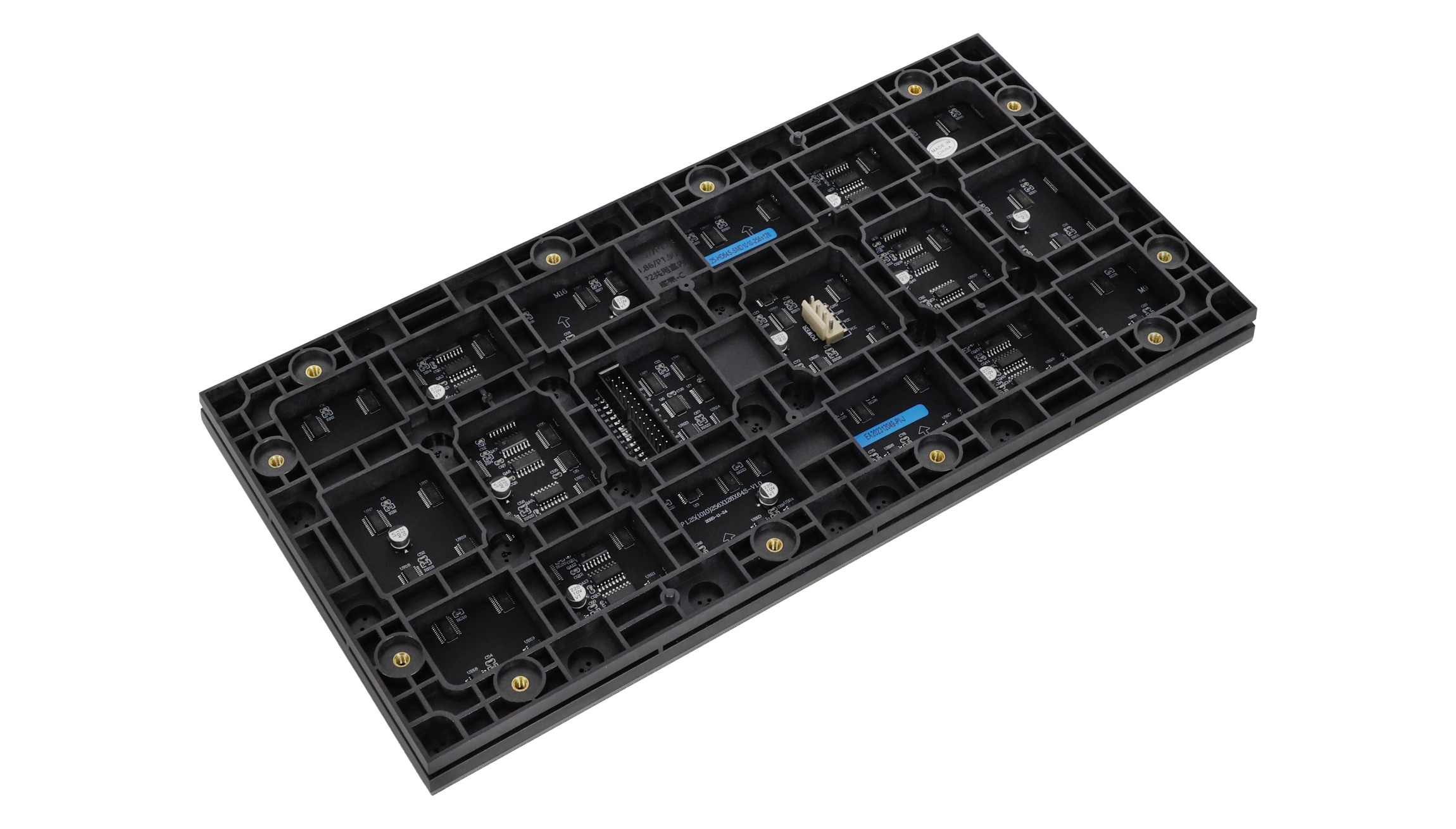
P1.25 GOB Indoor LED Module, 320 × 160 mm
$ 64.10
P1.25 GOB indoor LED module for matched screen projects.
- 320 × 160 mm module format
- 256 × 128 pixel resolution
- SMD1010 model reference
- Confirm the quoted GOB batch specification before ordering
10000 in stock
P1.25 GOB indoor LED module overview
This P1.25 GOB LED module is listed for indoor LED screens with a 320 × 160 mm module format and a 256 × 128 pixel resolution. It is intended for ordering matched modules for a screen project. Confirm the required surface treatment, mounting arrangement and control configuration before placing the order.
The existing listing specifies SMD1010 LEDs, 256 × 128 pixels and constant-current 1/32-duty driving for this P1.25 format. The listing identifies the product as a GOB version, so request confirmation that the quoted GOB batch uses the same specification before finalizing the screen design.
P1.25 module dimensions and display specifications
| Item | Published specification |
|---|---|
| Pixel pitch | 1.25 mm |
| Module format | 320 × 160 × 15 mm |
| Module resolution | 256 × 128 pixels |
| LED package | SMD1010 |
| Driving mode | Constant current, 1/32 duty |
| Brightness | ≥600 cd/m² |
| Refresh frequency | ≥3,840 Hz |
| Frame frequency | ≥60 Hz |
| Maximum module power consumption | 30 W |
| Grayscale | 14 bits |
| Module viewing angle | 140° horizontal / 140° vertical |
| Protection grade | IP31, for the documented indoor module |
A four-module-wide, three-module-high arrangement calculates to 1024 × 384 pixels and 1280 × 480 mm before allowing for the cabinet structure. Use those two calculations separately when checking the processor output and the mechanical drawing.
Calculate a P1.25 screen pixel map
Use the module’s physical size to plan cabinet dimensions, and use its pixel resolution to calculate the screen’s pixel map. For a rectangular arrangement, multiply 256 by the number of modules across and 128 by the number of modules down. Then check the receiving-card loading limits, scan configuration and wiring layout for that complete arrangement.
HDMI, DVI and SDI in the specification’s control-system section refer to the surrounding video system. Confirm the controller and receiver hardware needed for the source you plan to use. Do not connect a video source directly to a module based only on that list.
| Before ordering | What to confirm |
|---|---|
| Mechanical fit | Cabinet openings, fixing points, module depth and service access |
| Electrical configuration | Module input voltage, connectors, power distribution and the quoted batch’s wiring information |
| Control setup | Driver IC, 1/32 scan, receiver configuration file and screen pixel map |
| Visual consistency | One production batch for the screen and any spare modules ordered with it |
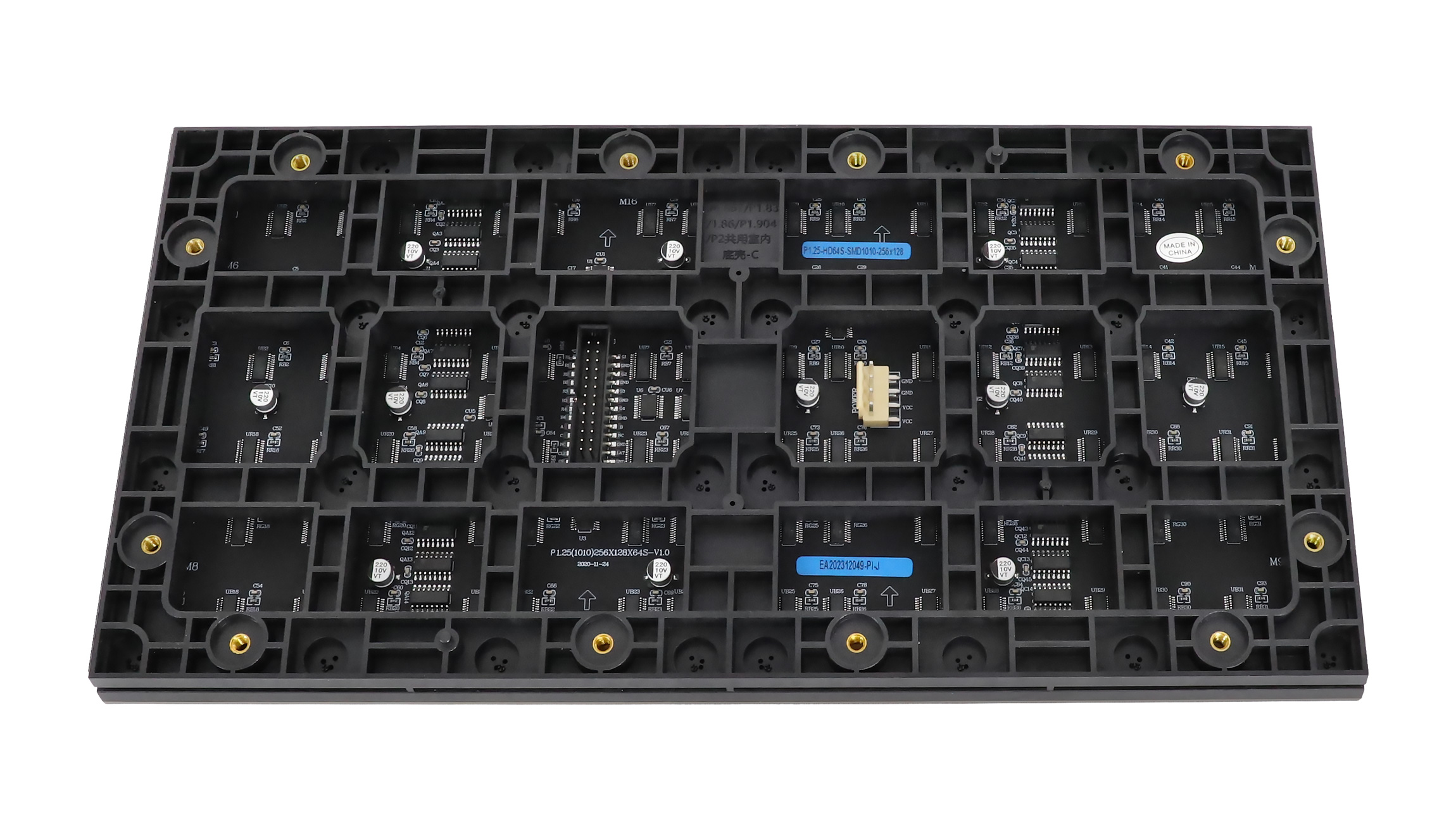
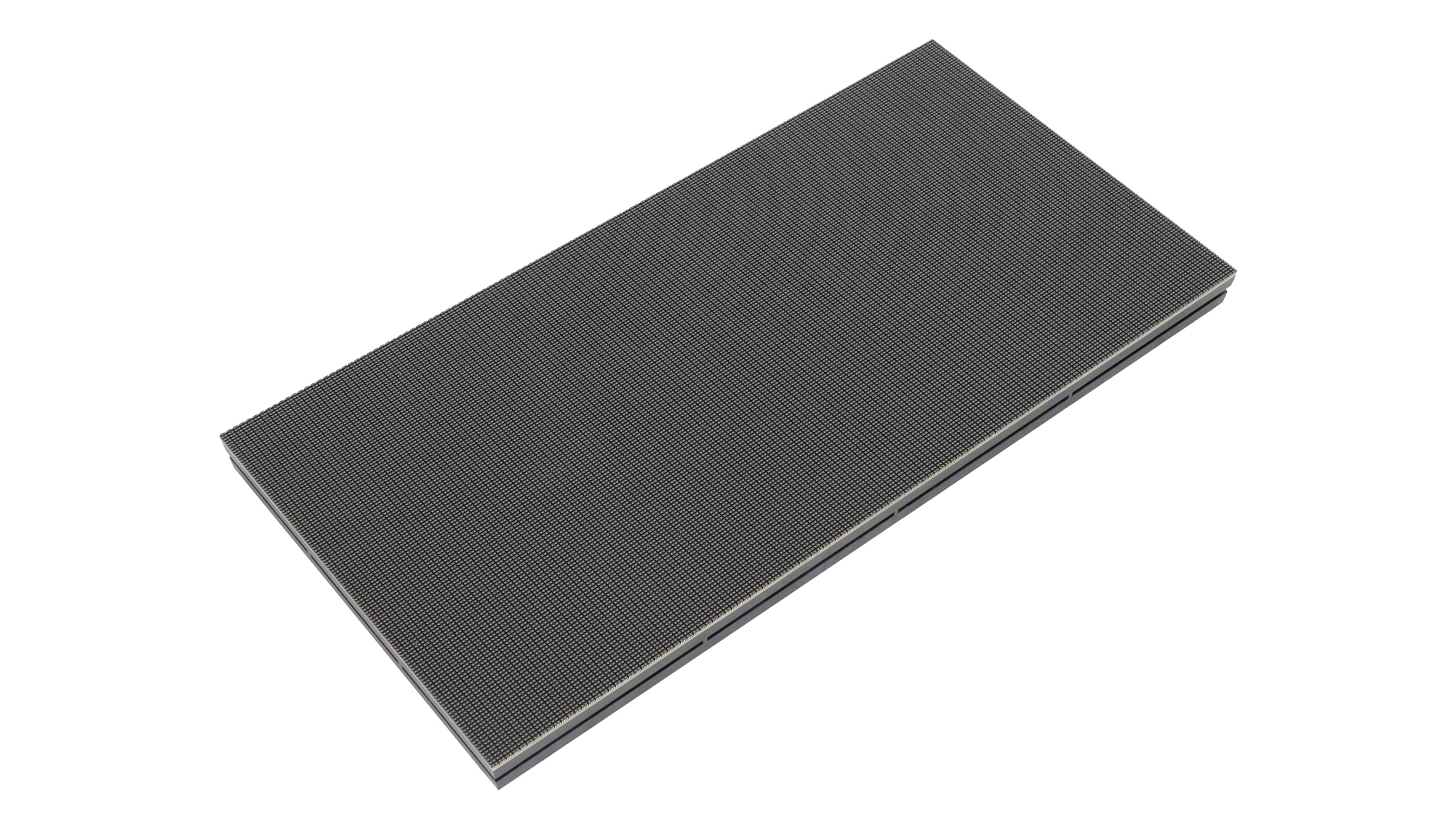
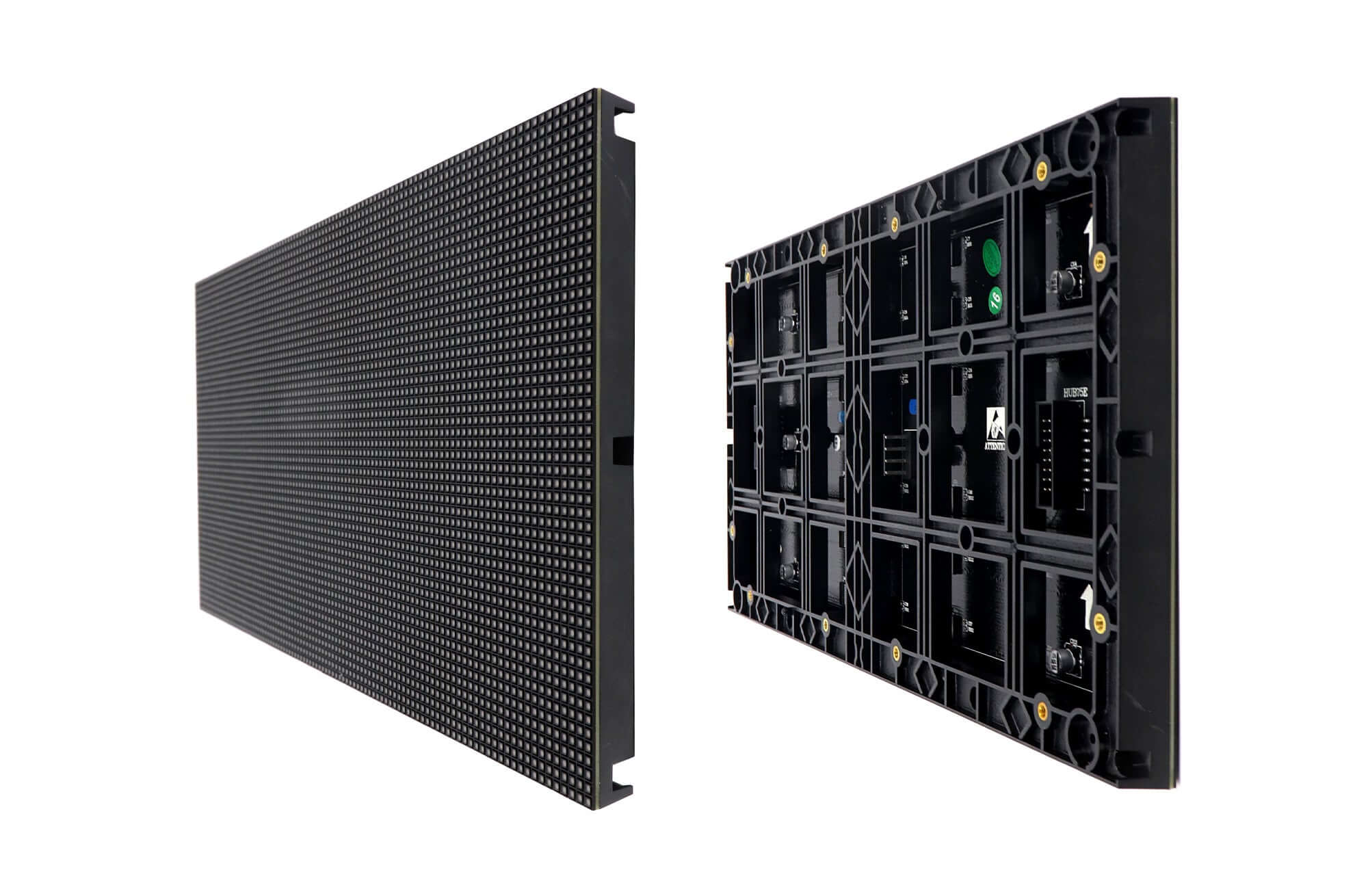
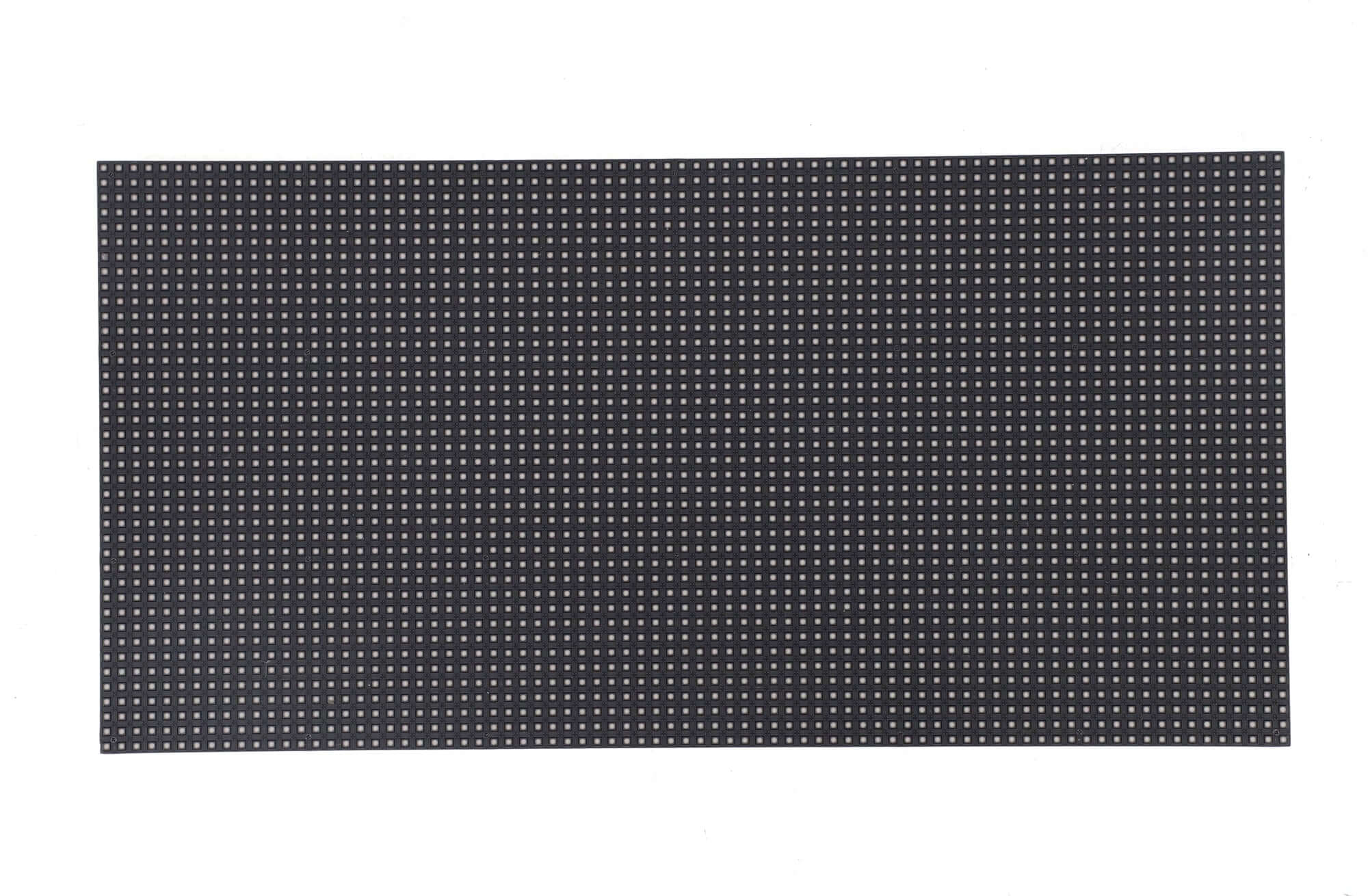
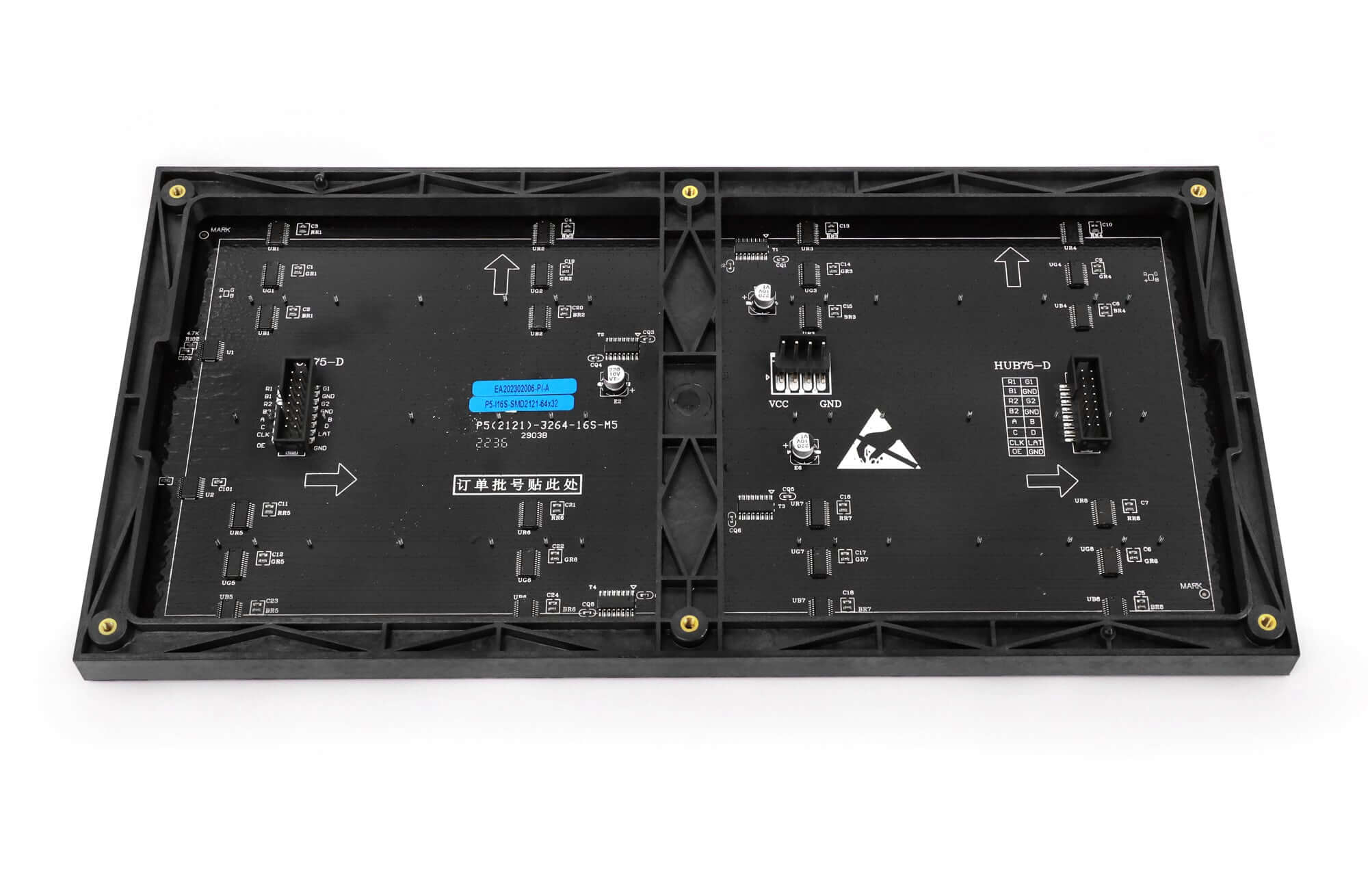
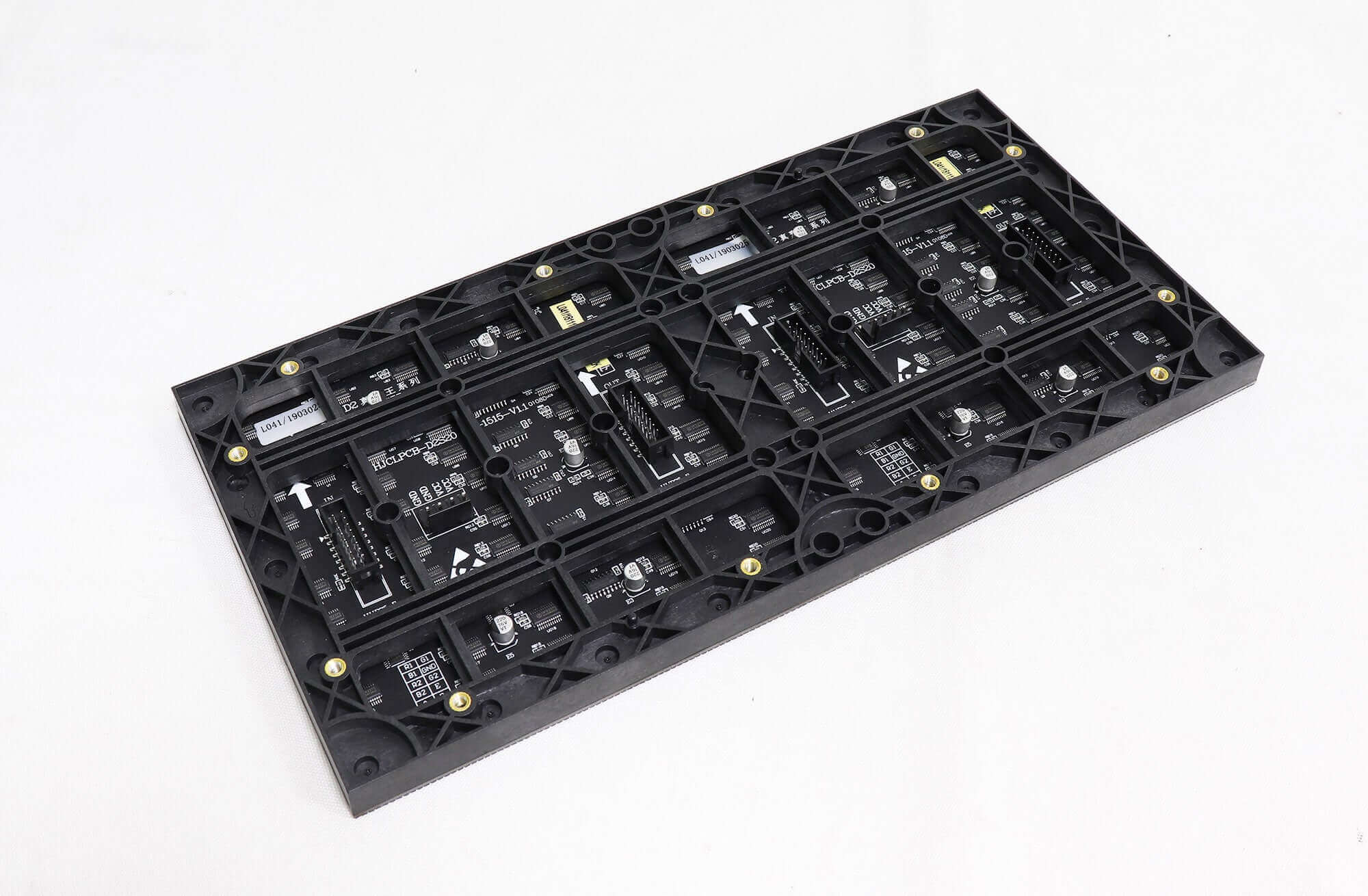
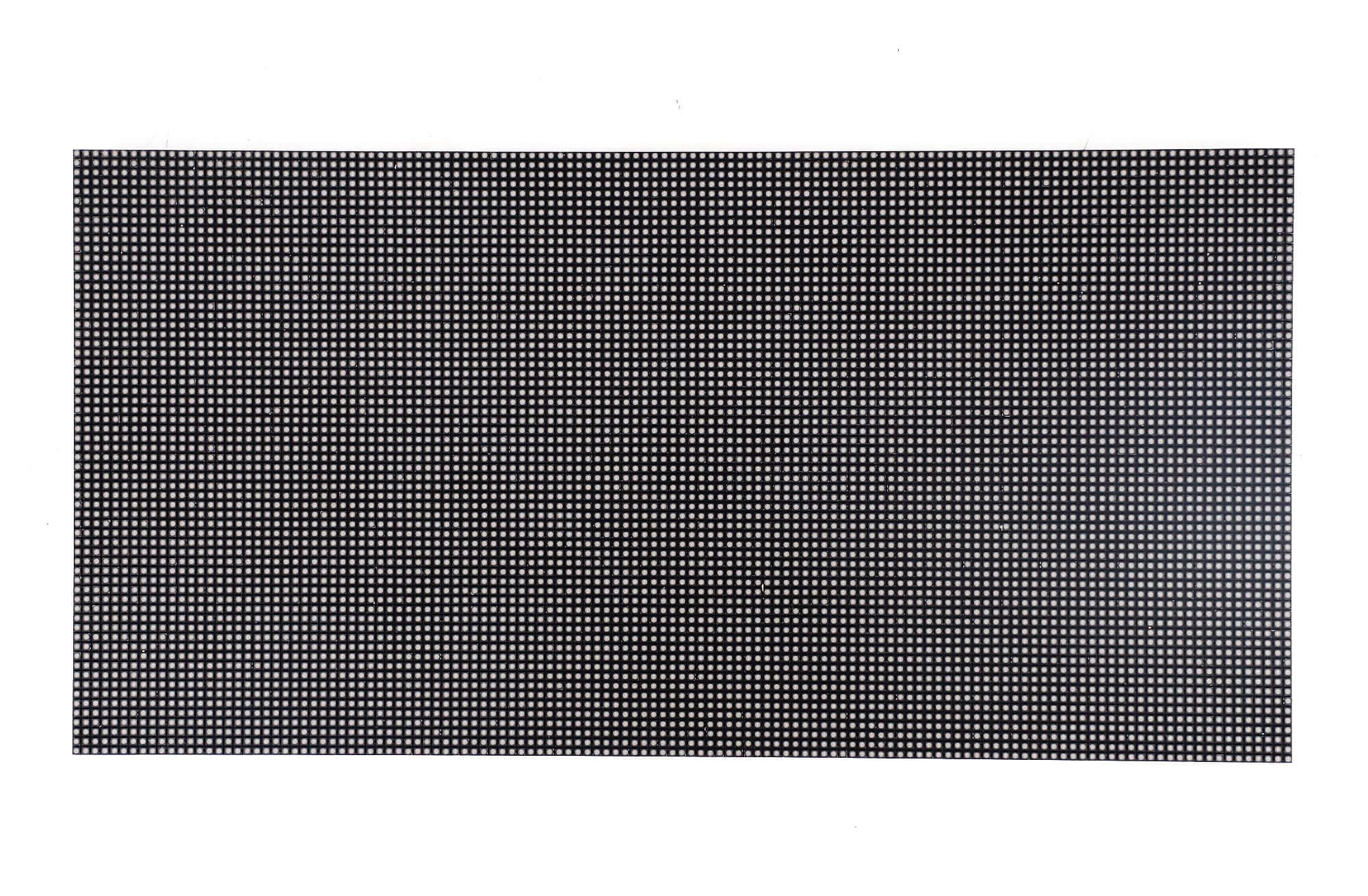
Product images and specification
Download the P1.25 SMD1010 module specification. Use the documented model number when requesting confirmation of the GOB version.
Frequently asked questions
Q1Is P1.25 GOB an outdoor module?
This product is listed for indoor use. The linked specification gives IP31 for its documented module. Check the installation environment and the exact quoted construction before ordering.
Q2Does the PDF confirm every feature of the GOB version?
The linked document is labeled for a P1.25 SMD1010 module. Request the GOB batch specification and drawing with your quotation so the surface treatment, fixings and electrical requirements can be checked together.
Q3Should spare modules be ordered with the screen?
Request the required spares in the same order and production batch as the screen modules. This follows the listing’s batch-matching requirement and helps avoid mixing modules from separate batches.
Confirm your P1.25 module order
Send the module quantity, cabinet layout, screen pixel dimensions and required GOB version through LED Mall’s contact page. You can also review the indoor LED module category and ordering instructions before requesting a batch-specific quotation.
| Weight | 1.2 kg |
|---|
Be the first to review “P1.25 GOB Indoor LED Module, 320 × 160 mm”
You must be logged in to post a review.
Will I be charged with customs and taxes?
The prices displayed on our site are tax-free (in US Dollars), which means you may be required to pay import duties and taxes once you receive your order. Import taxes, duties, and related customs fees will be determined by your local customs office when your order arrives at its final destination.
Please note that these additional charges and taxes are your responsibility, and we do not take any responsibility for them. We are not liable for paying or reimbursing any customs duties, taxes, or related fees. For more details on these charges, please contact your local customs office.
Shipping
We can ship to virtually any address in the world. Note that there are restrictions on some products, and some products cannot be shipped to international destinations..
When you place an order, we will estimate shipping and delivery dates for you based on the availability of your items and the shipping options you choose. Depending on the shipping provider you choose, shipping date estimates may appear on the shipping quotes page.
Please also note that the shipping rates for many items we sell are weight-based. The weight of any such item can be found on its detail page. To reflect the policies of the shipping companies we use, all weights will be rounded up to the next full pound..
Returns Policy
You may return most new, unopened items within 30 days of delivery for a full refund. We'll also pay the return shipping costs if the return is a result of our error (you received an incorrect or defective item, etc.)..
You should expect to receive your refund within four weeks of giving your package to the return shipper, however, in many cases you will receive a refund more quickly. This time period includes the transit time for us to receive your return from the shipper (5 to 10 business days), the time it takes us to process your return once we receive it (3 to 5 business days), and the time it takes your bank to process our refund request (5 to 10 business days).
If you need to return an item, simply login to your account, view the order using the "Complete Orders" link under the My Account menu and click the Return Item(s) button. We'll notify you via e-mail of your refund once we've received and processed the returned item..
Related products
Reviews
There are no reviews yet.