
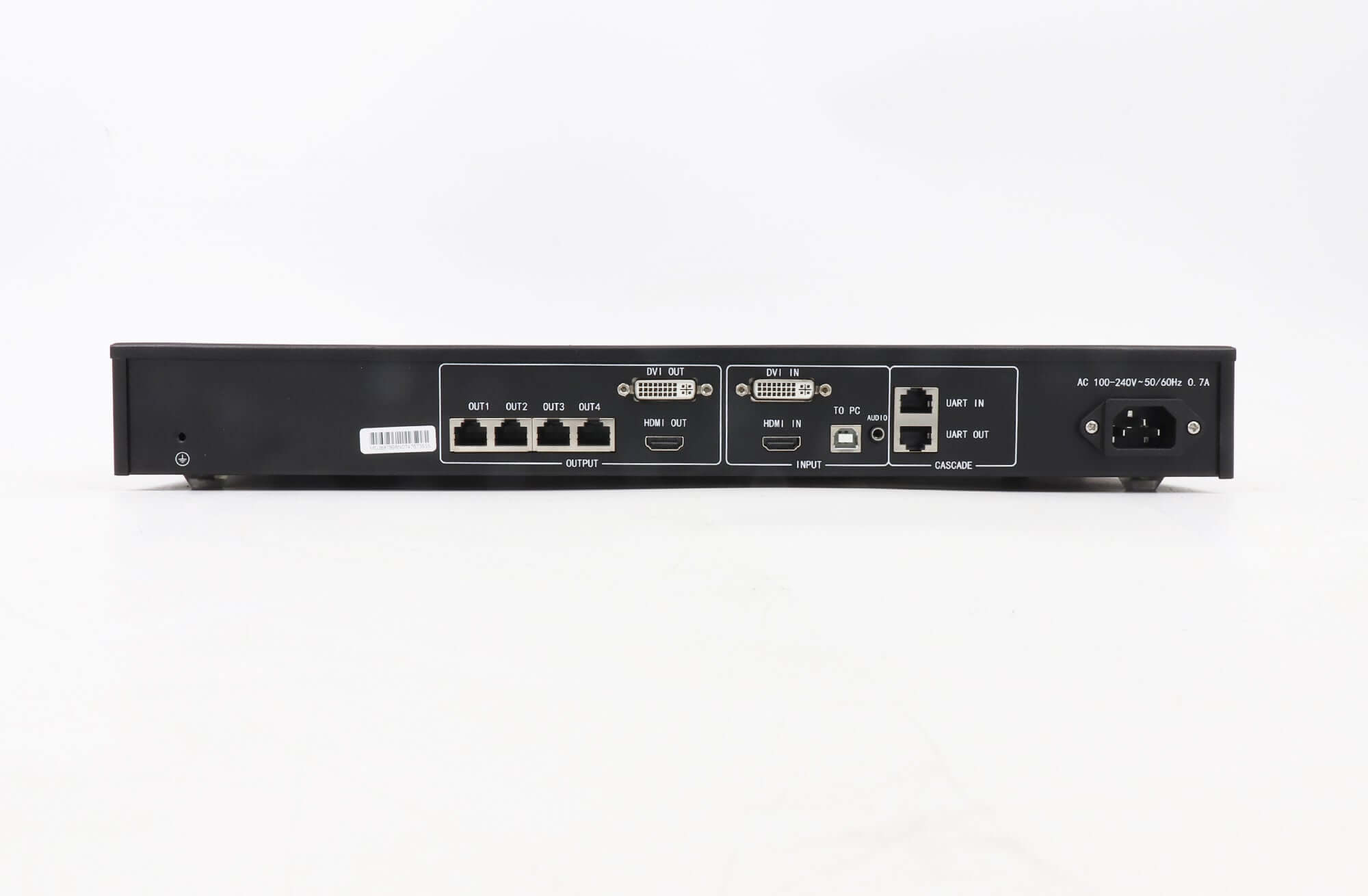
NovaStar MCTRL660 LED Display Controller | HDMI & DVI
Original price was: $ 505.00.$ 425.00Current price is: $ 425.00.
The NovaStar MCTRL660 is an independent LED display controller with HDMI and DVI inputs, four Gigabit Ethernet outputs and front-panel screen configuration. The retained V1.4.1 specification lists up to 1920 × 1200 @ 60 Hz for 8-bit input.
10000 in stock
MCTRL660 Independent LED Display Controller
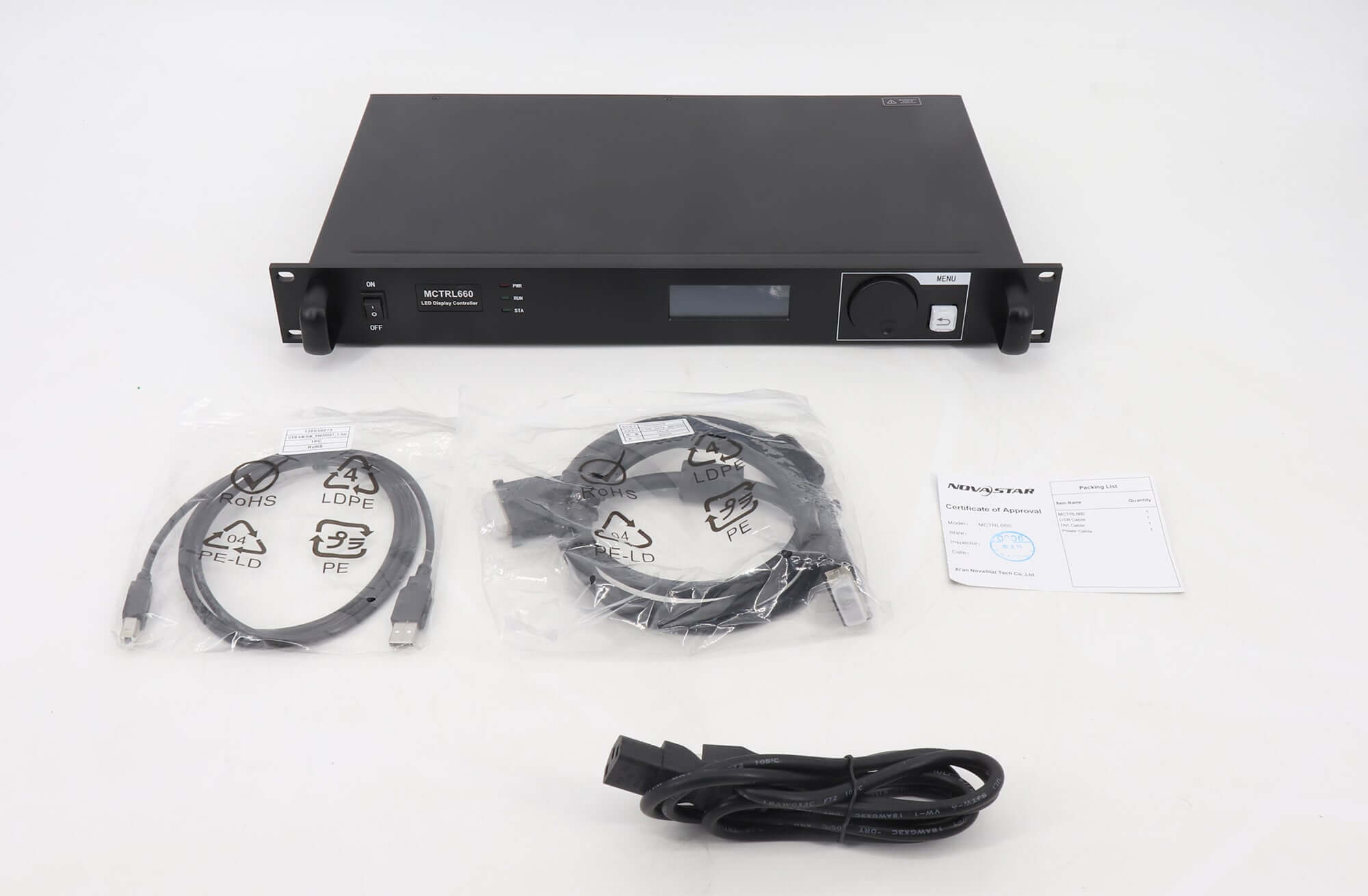
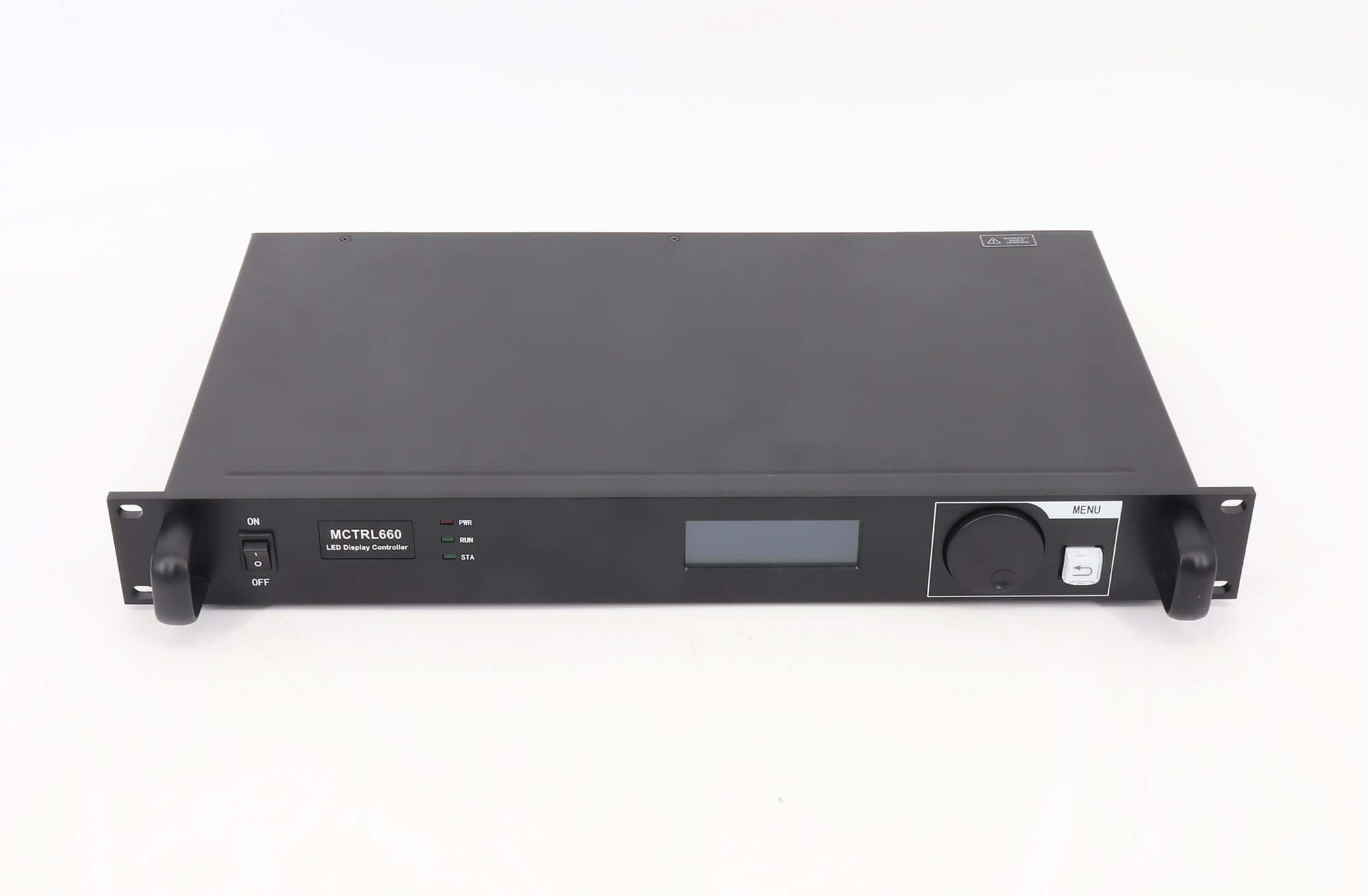
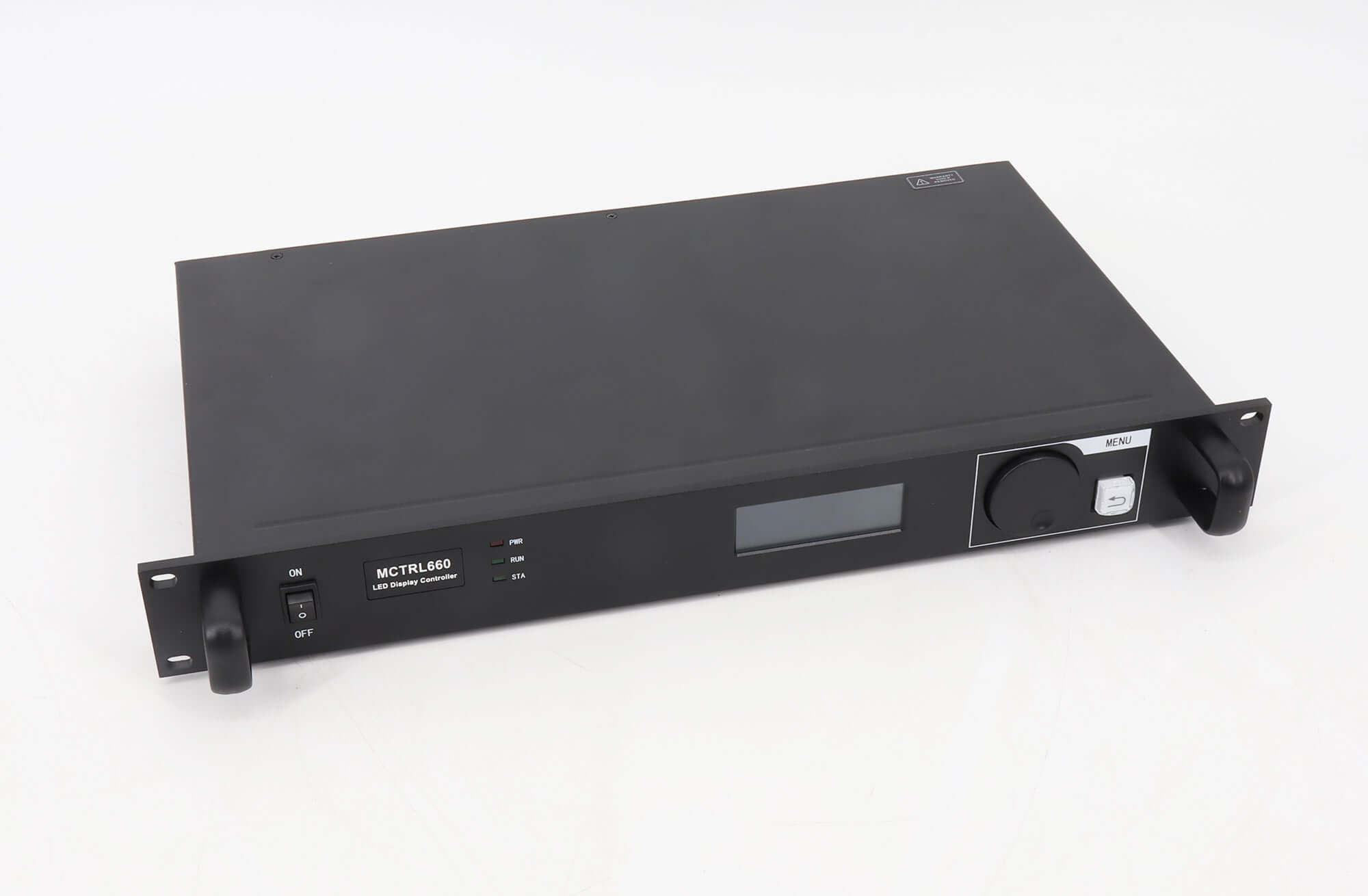
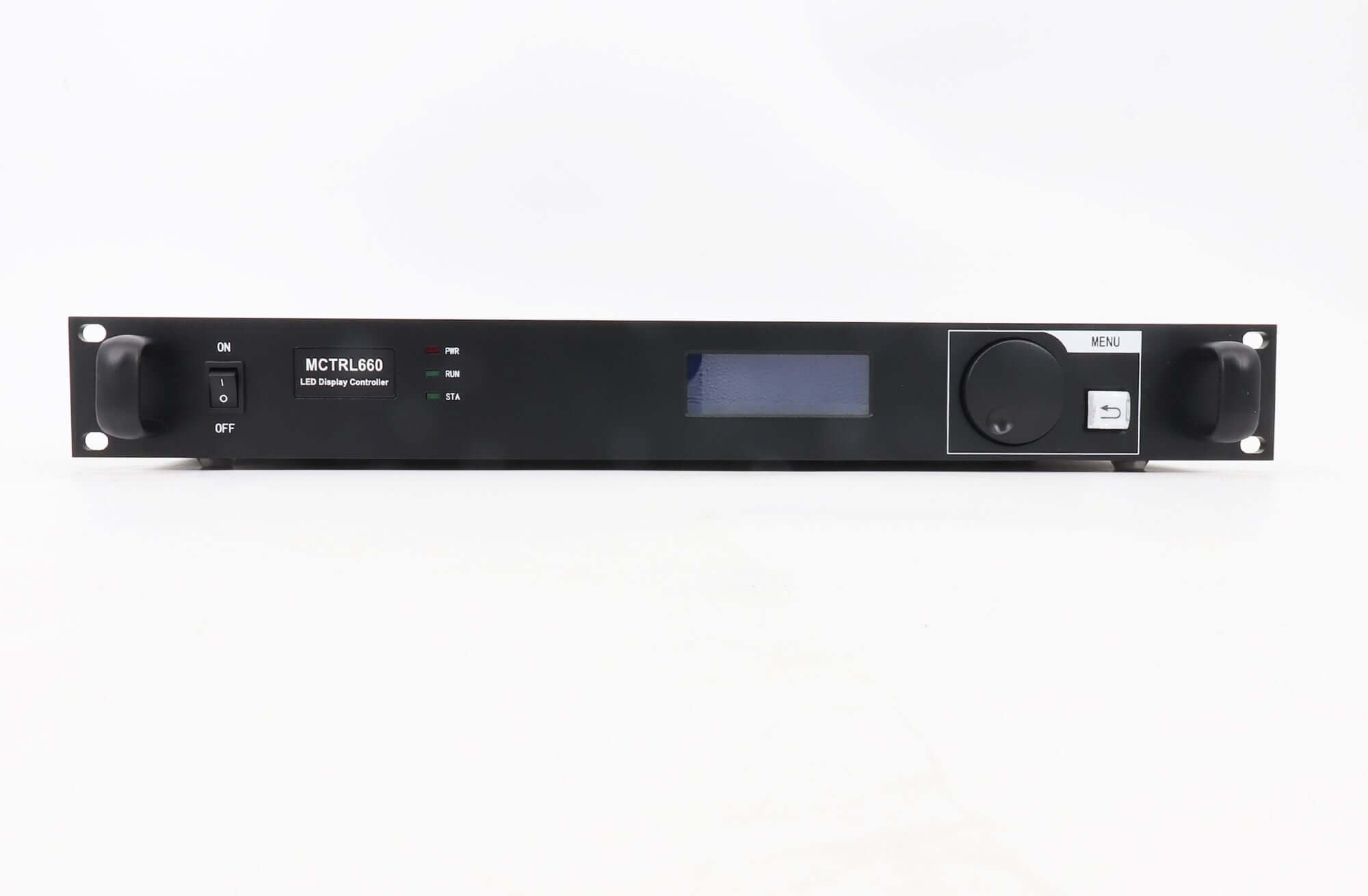
The NovaStar MCTRL660 sends HDMI or DVI video to an LED display through four Gigabit Ethernet outputs. Its LCD, control knob and BACK button allow screen configuration and manual brightness adjustment without a computer, supporting rental and fixed installations.
| Parameter | Specification |
|---|---|
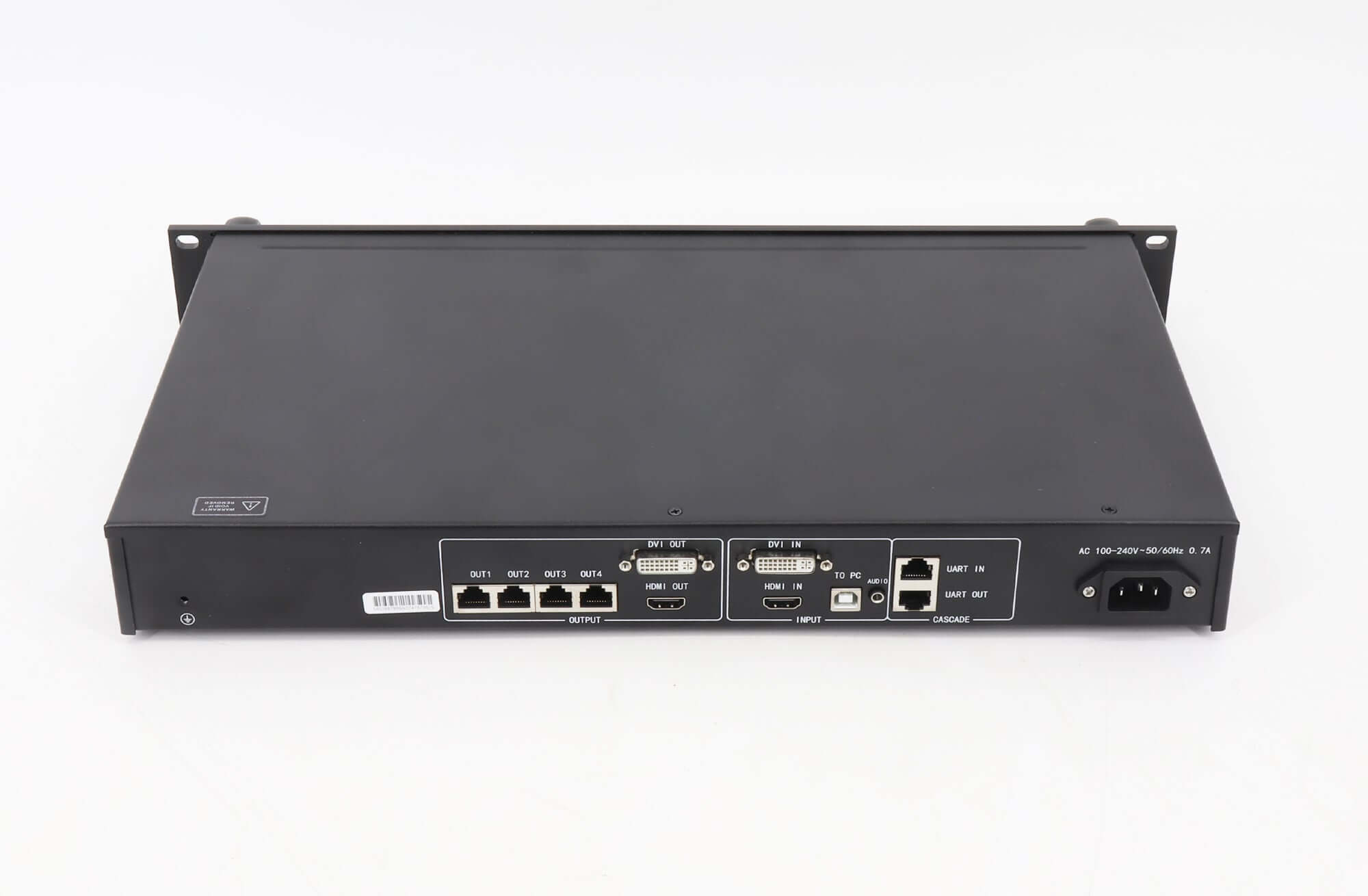
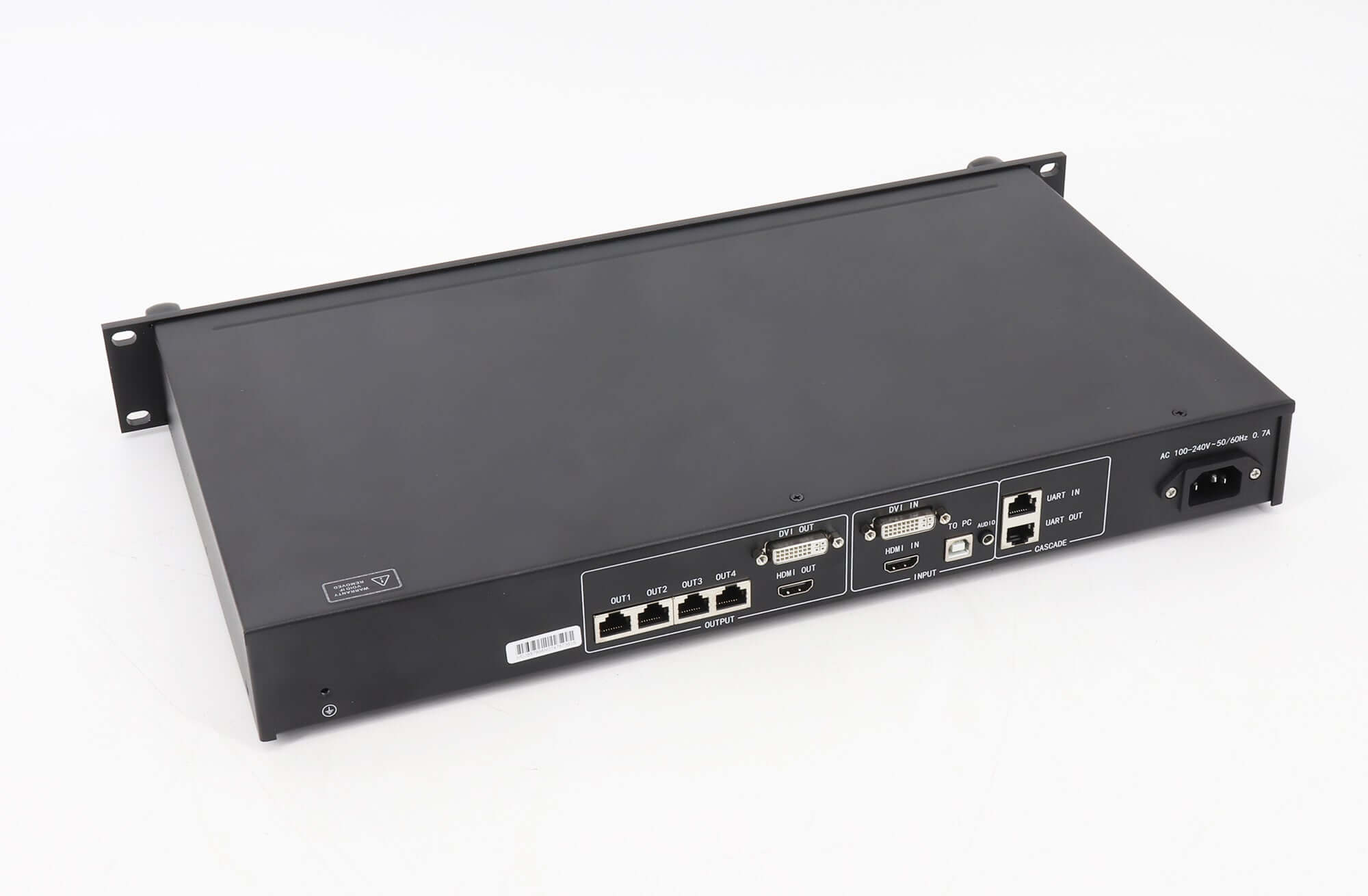
| Video inputs | 1 × HDMI 1.3; 1 × single-link DVI |
| LED outputs | 4 × Gigabit Ethernet; up to 650,000 pixels per port; port redundancy supported |
| 8-bit input | Up to 1920 × 1200 @ 60 Hz, RGB 4:4:4 |
| 10-bit / 12-bit input | 1440 × 900 @ 60 Hz; marked “Customized” in the video-format table |
| HDMI content protection | HDCP 1.4 |
| Grayscale processing | 18-bit |
| Control connections | USB Type-B to PC; UART IN and OUT for cascading |
| Cascading | Up to 20 controllers for uniform control |
| Power | AC 100–240 V, 50/60 Hz; rated consumption 10 W |
| Dimensions / space / net weight | 483.0 × 258.1 × 55.3 mm / 1.25U / 3.6 kg |
| Operating environment | −20°C to +60°C; 0–90% RH, non-condensing |
Resolution and Model Selection
The retained PDF describes MCTRL660. It is not a specification for MCTRL660 Pro. Its video-format table distinguishes standard 8-bit input from customized 10-bit/12-bit input; the higher bit depths must not be assumed to retain the 8-bit resolution limit.
The older listing also names 2048 × 1152 and 2560 × 960 resolutions, YCrCb 4:2:2/4:4:4 formats and a light-sensor interface. These claims are not confirmed by the retained V1.4.1 connector and video-format tables. For a custom timing or those features, check the exact unit and configuration before selection.
Front-Panel Setup and Status
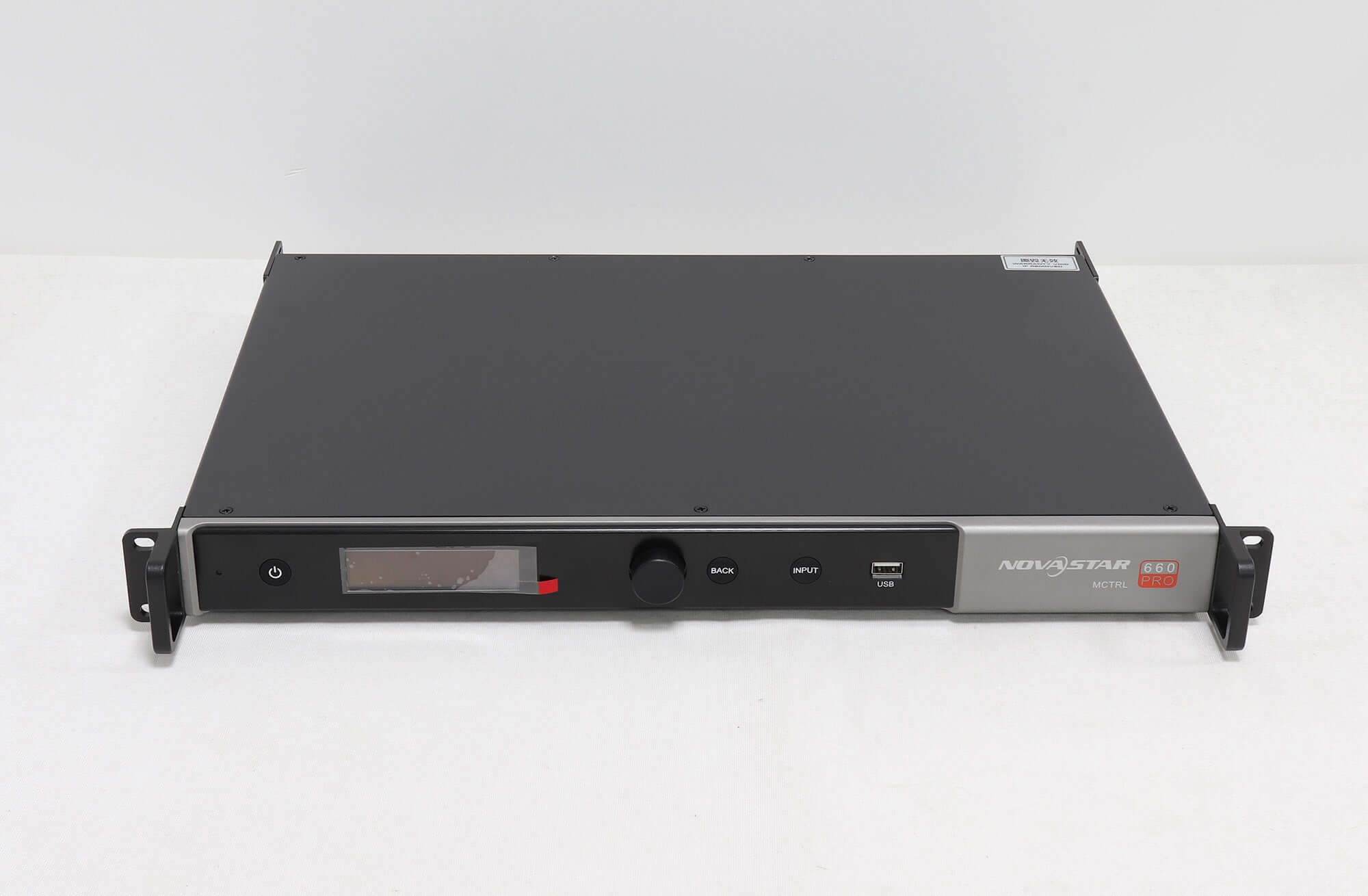
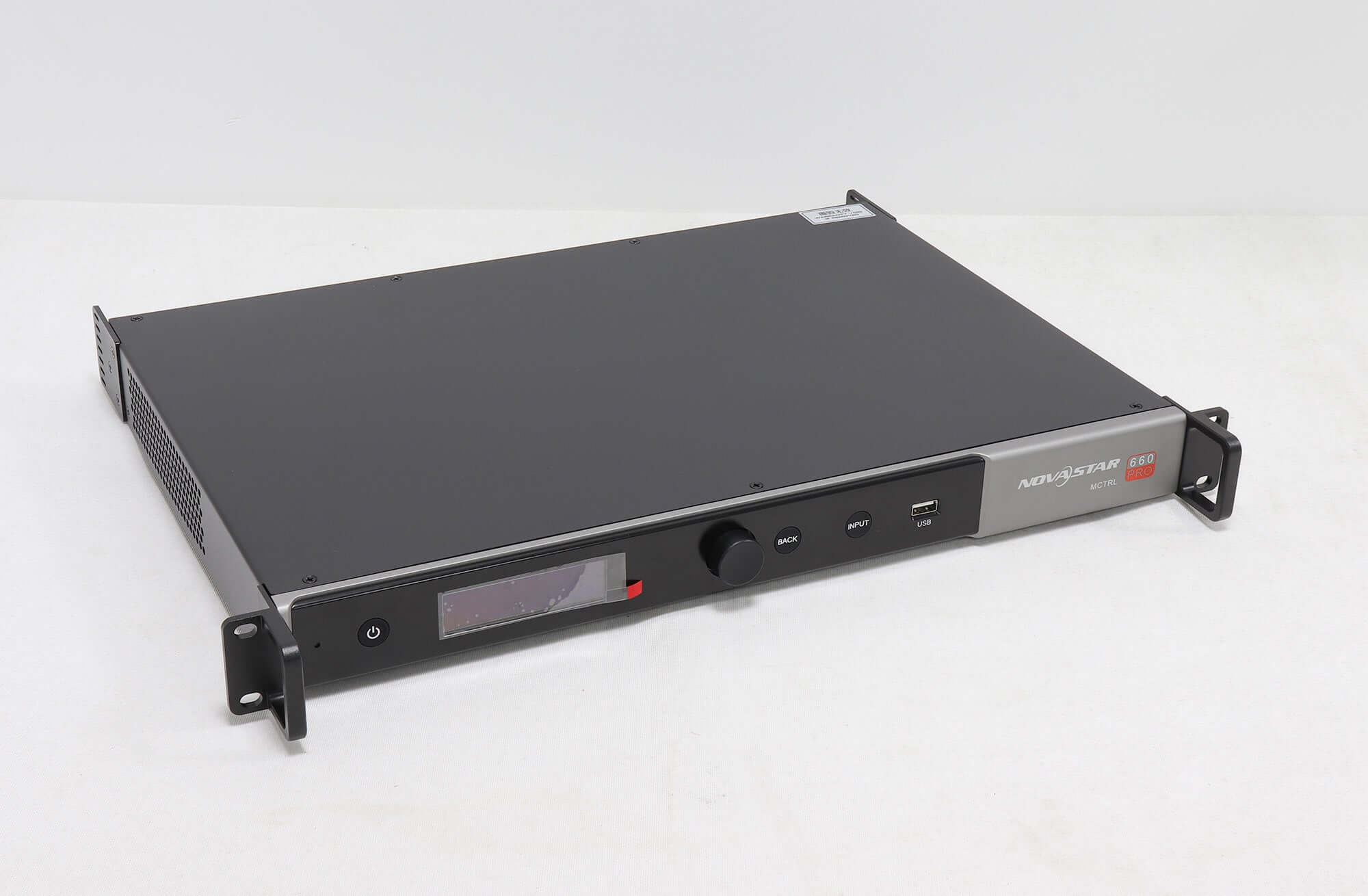
Press the knob to open or select menus and rotate it to choose items or adjust values. BACK returns to the previous menu. Holding the knob and BACK together for five seconds locks or unlocks the buttons. NovaStar calibration technology and the G4 engine are listed among the controller’s display functions.
The RUN indicator flashes slowly when no video is available and normally when video input is present. Rapid flashing indicates a startup image; a breathing pattern indicates Ethernet-port redundancy. The STA indicator remains on during normal operation.
Frequently Asked Questions
Can MCTRL660 configure an LED screen without a computer?
Yes. Screen configuration and manual brightness adjustment are available through the front-panel LCD, knob and BACK button. A USB Type-B connection is also provided for PC control.
What is the MCTRL660 input resolution at 10-bit or 12-bit?
V1.4.1 lists customized 10-bit/12-bit input at 1440 × 900 @ 60 Hz. Its standard 8-bit RGB 4:4:4 entry is 1920 × 1200 @ 60 Hz.
How many Ethernet outputs does MCTRL660 have?
It has four Gigabit Ethernet outputs, with a listed maximum of 650,000 pixels per port and support for redundancy between ports.
Is this specification for MCTRL660 Pro?
No. The linked V1.4.1 document is for MCTRL660. Some retained reference images had Plus/Pro filenames or labels; those images do not establish Pro specifications for this listing.
Why is the RUN indicator flashing slowly?
The retained specification identifies slow RUN flashing as video input unavailable. Check the selected input and source signal; normal flashing indicates an available video input.
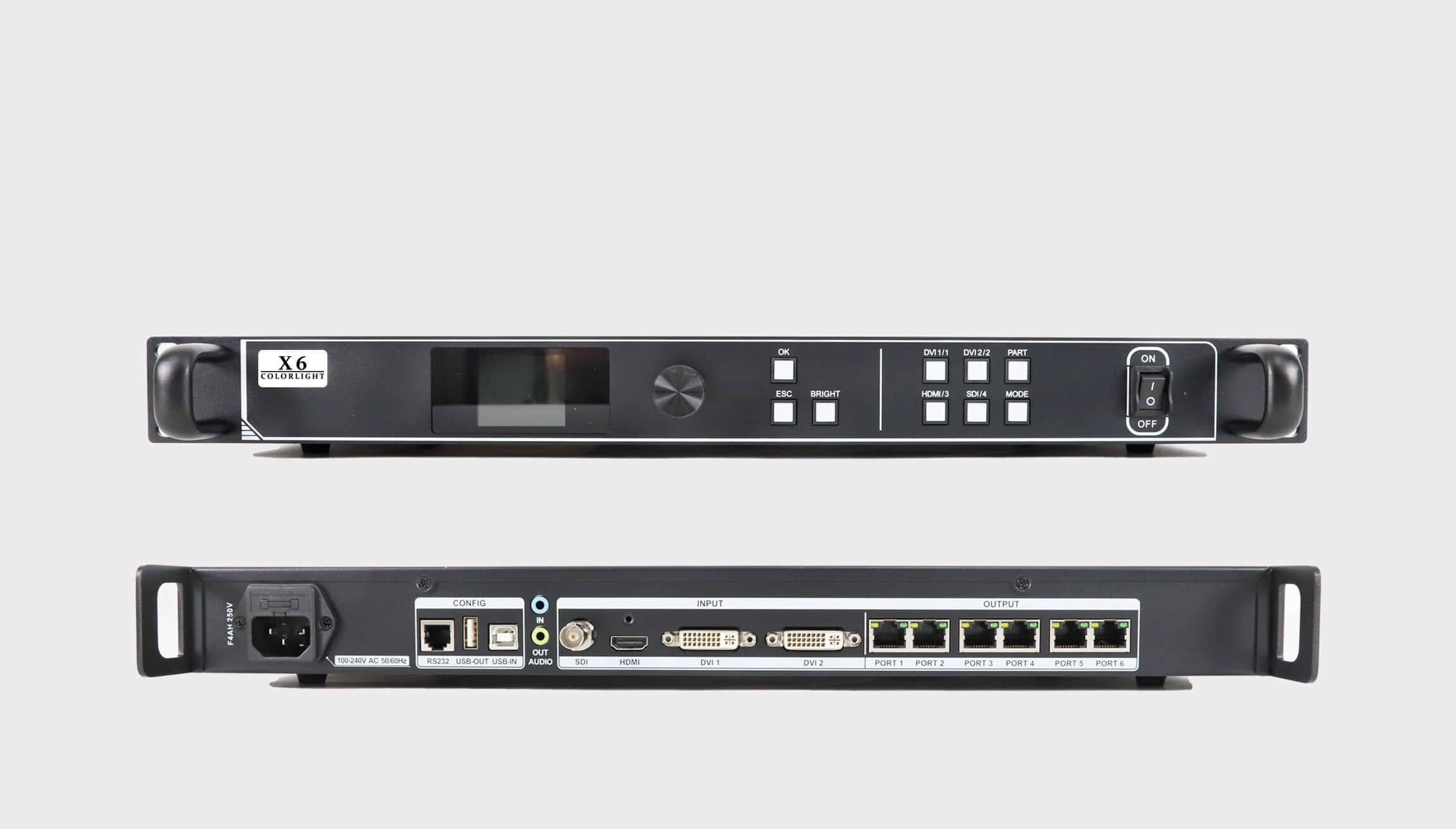
Retained Reference Images
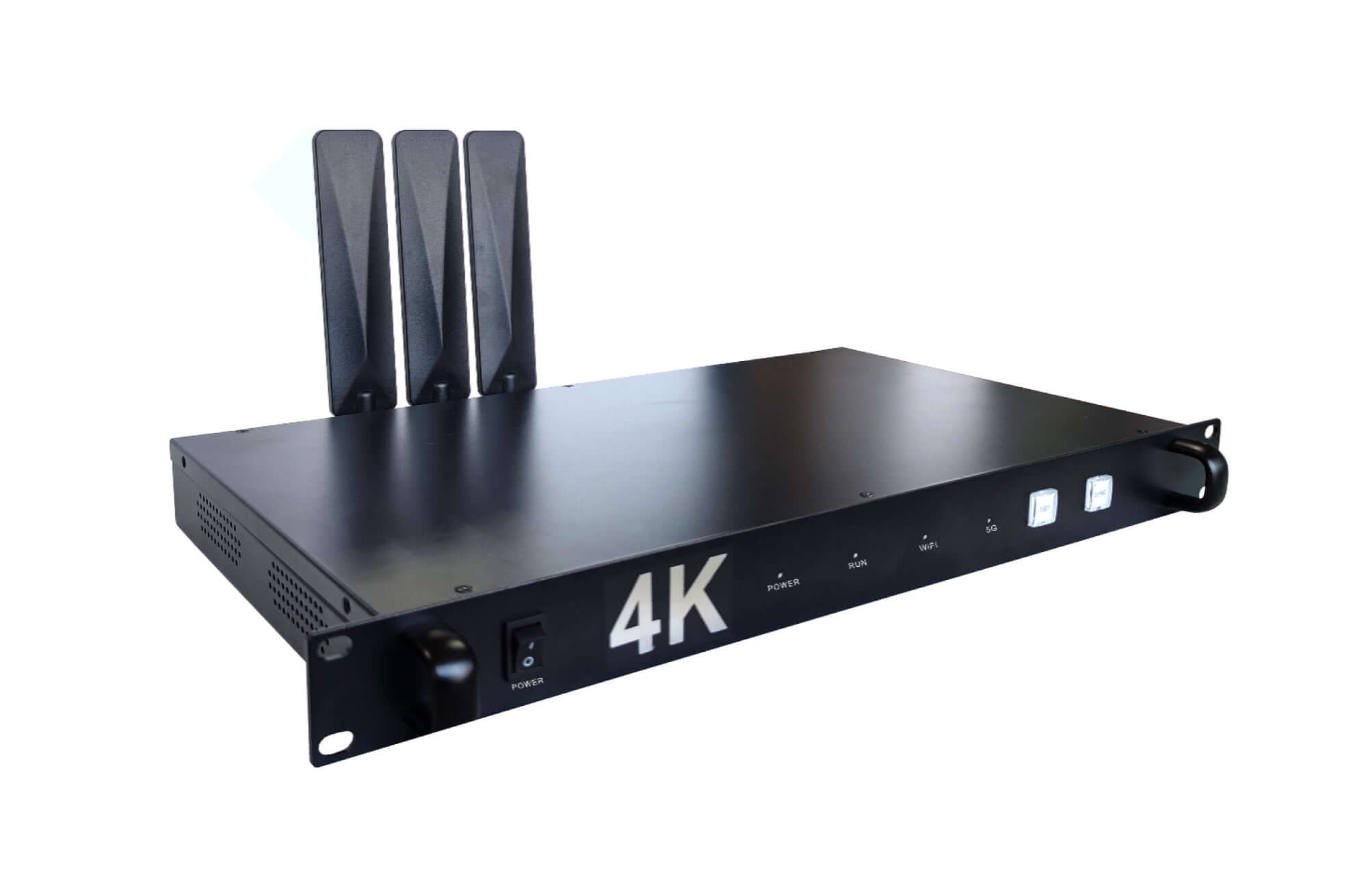
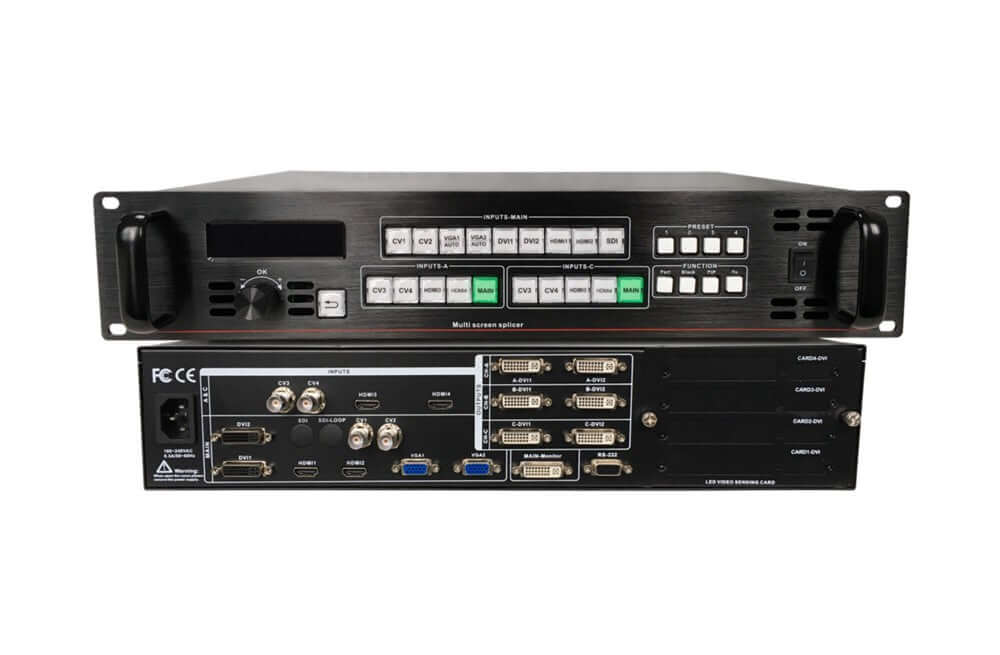
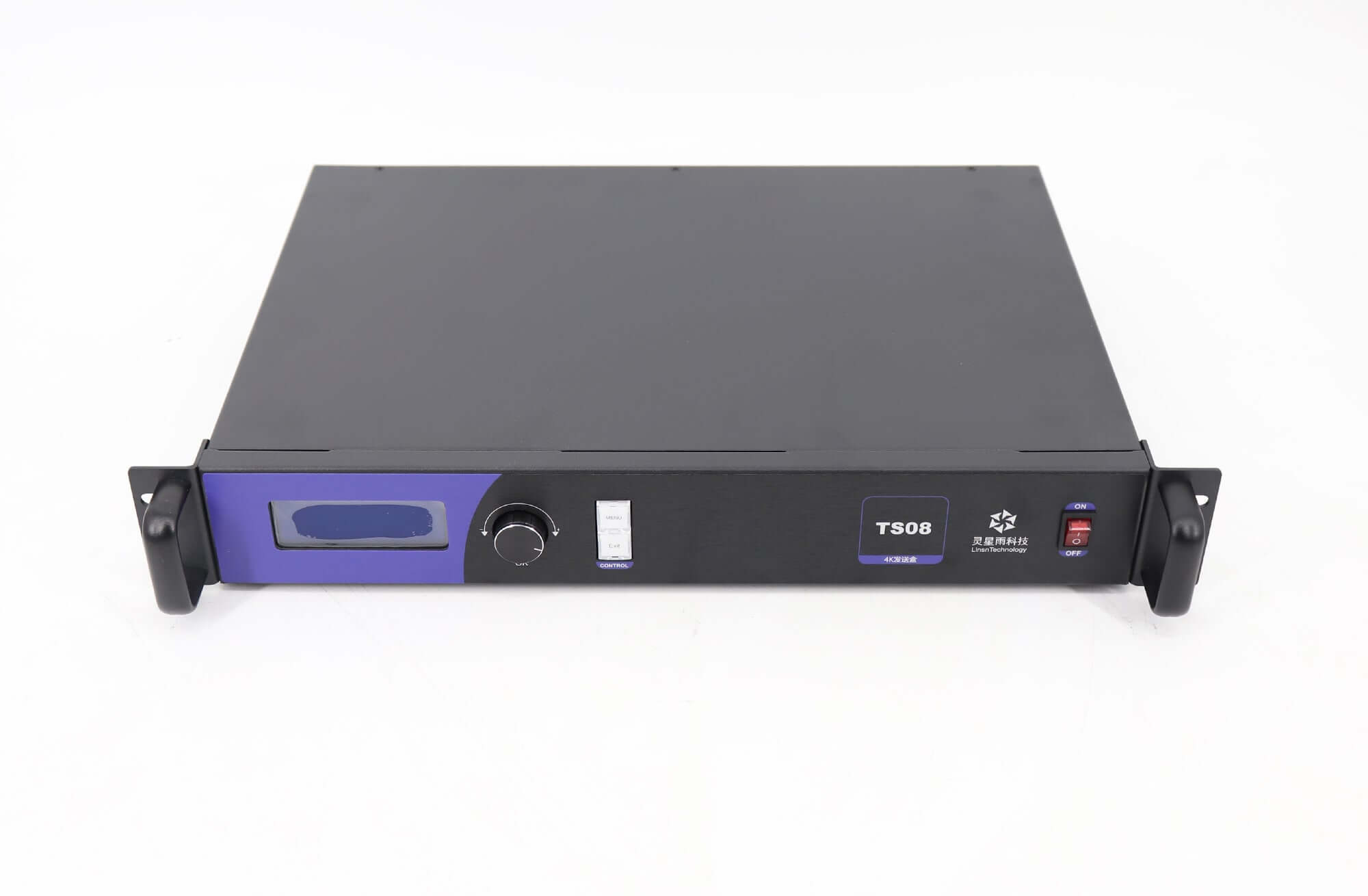
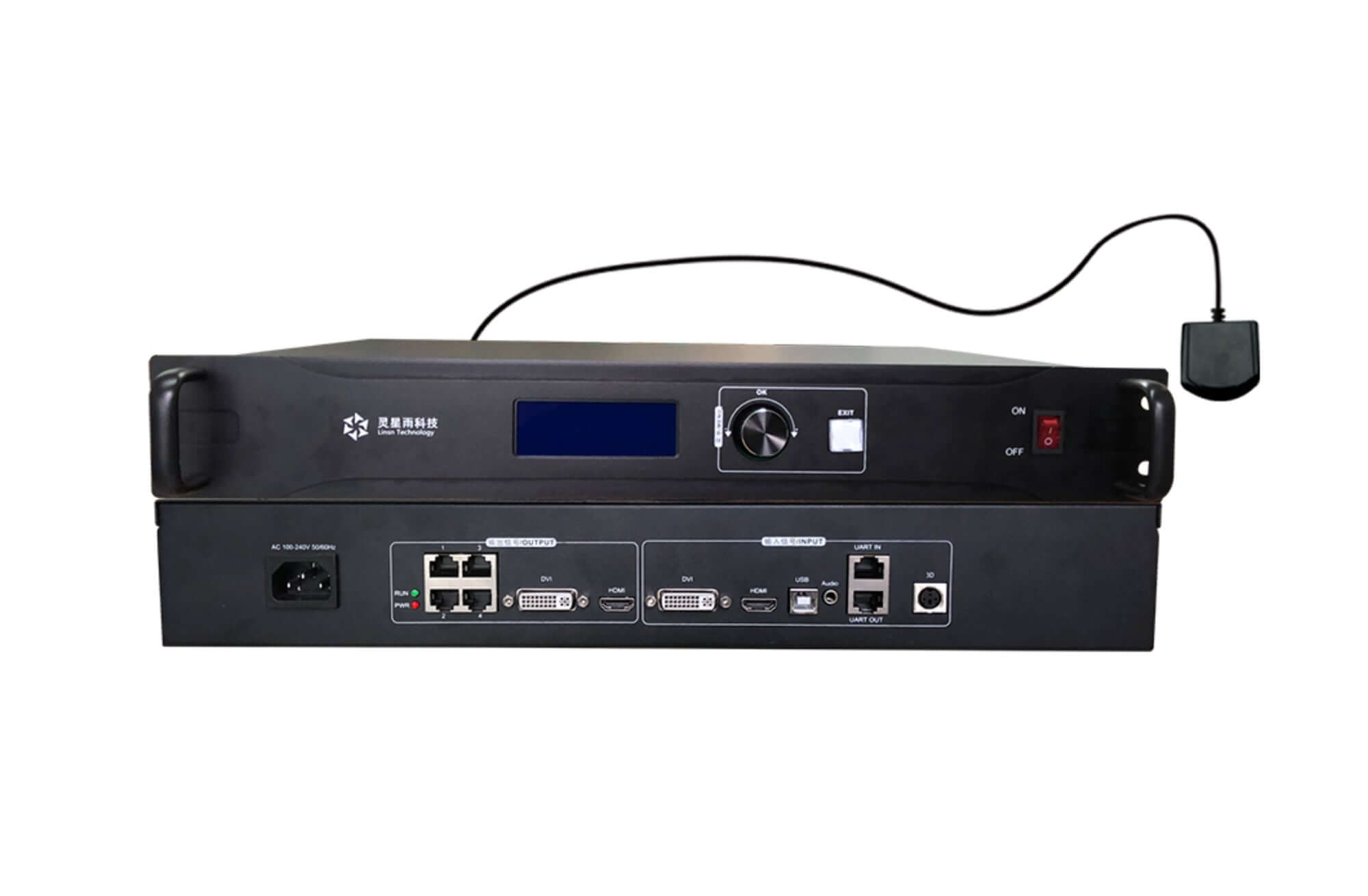
These original images are retained. Their previous filenames or labels refer to Plus/Pro; use the MCTRL660 specification for the parameters above and confirm the supplied unit’s model and panel layout.

Specification Download
MCTRL660 NOVASTAR LED Display Independent Master Sender Box Specification
| Weight | 7.26 kg |
|---|
Be the first to review “NovaStar MCTRL660 LED Display Controller | HDMI & DVI”
You must be logged in to post a review.
Will I be charged with customs and taxes?
The prices displayed on our site are tax-free (in US Dollars), which means you may be required to pay import duties and taxes once you receive your order. Import taxes, duties, and related customs fees will be determined by your local customs office when your order arrives at its final destination.
Please note that these additional charges and taxes are your responsibility, and we do not take any responsibility for them. We are not liable for paying or reimbursing any customs duties, taxes, or related fees. For more details on these charges, please contact your local customs office.
Shipping
We can ship to virtually any address in the world. Note that there are restrictions on some products, and some products cannot be shipped to international destinations..
When you place an order, we will estimate shipping and delivery dates for you based on the availability of your items and the shipping options you choose. Depending on the shipping provider you choose, shipping date estimates may appear on the shipping quotes page.
Please also note that the shipping rates for many items we sell are weight-based. The weight of any such item can be found on its detail page. To reflect the policies of the shipping companies we use, all weights will be rounded up to the next full pound..
Returns Policy
You may return most new, unopened items within 30 days of delivery for a full refund. We'll also pay the return shipping costs if the return is a result of our error (you received an incorrect or defective item, etc.)..
You should expect to receive your refund within four weeks of giving your package to the return shipper, however, in many cases you will receive a refund more quickly. This time period includes the transit time for us to receive your return from the shipper (5 to 10 business days), the time it takes us to process your return once we receive it (3 to 5 business days), and the time it takes your bank to process our refund request (5 to 10 business days).
If you need to return an item, simply login to your account, view the order using the "Complete Orders" link under the My Account menu and click the Return Item(s) button. We'll notify you via e-mail of your refund once we've received and processed the returned item..
Related products
Reviews
There are no reviews yet.