
LEDMall Blog
LCB2K LCD Player: HDMI Signage or LED Sending?
Nov
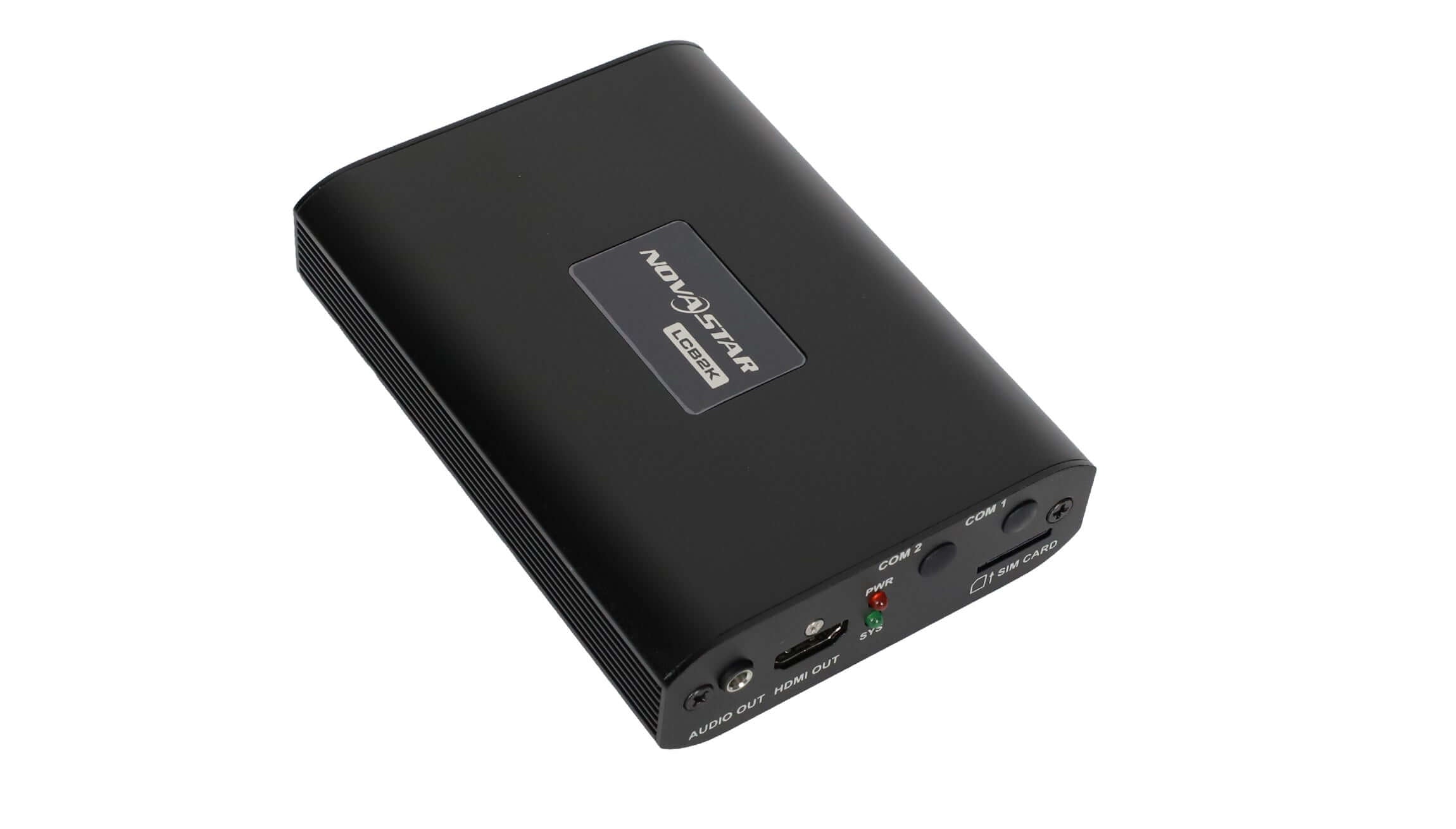
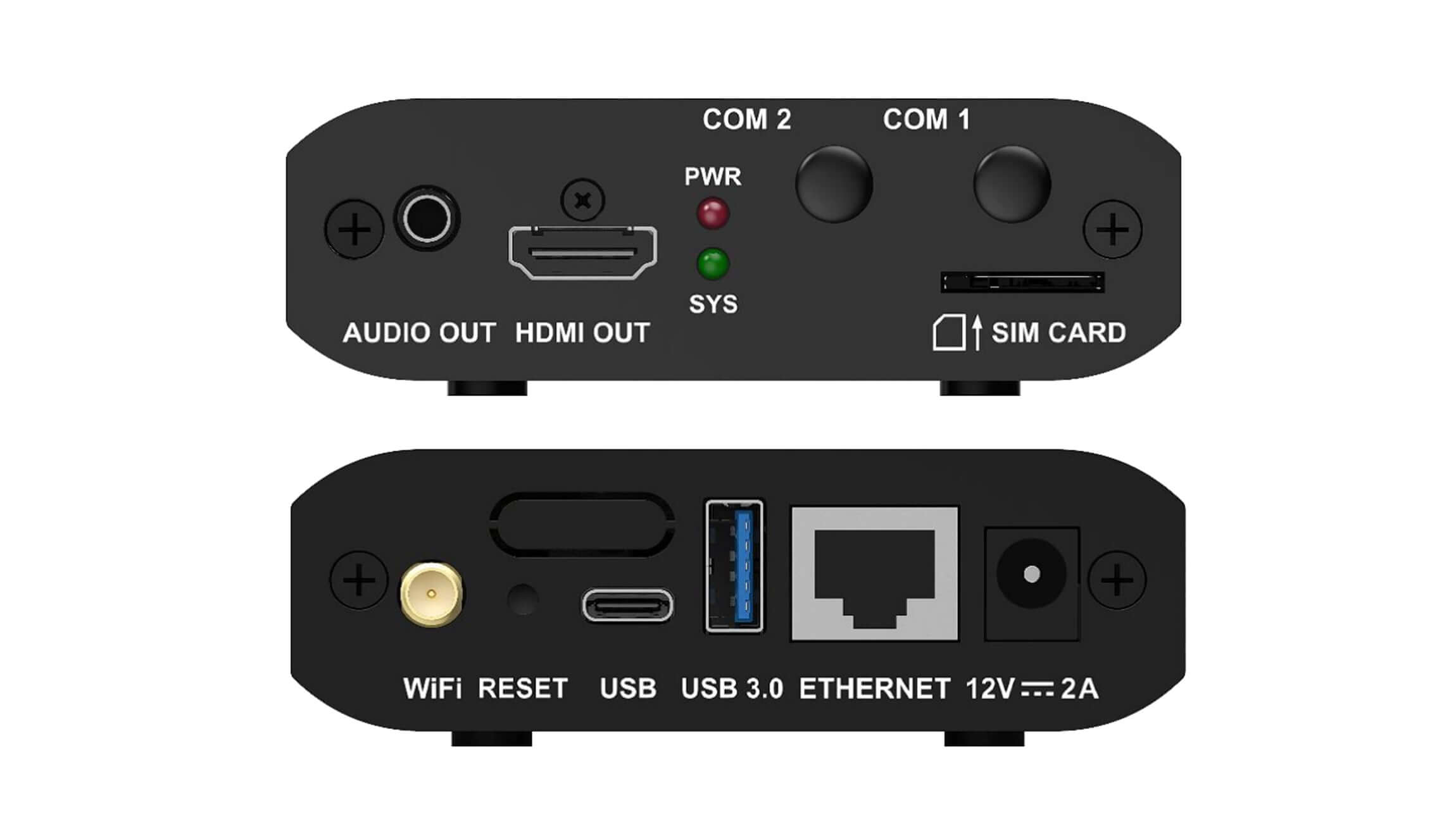
The LCB2K LCD player supplies an HDMI video output for LCD signage. It is not a direct substitute for an LED sending controller: its Ethernet connector is documented for content publishing and screen control, not as an LED OUT port. Check the receiving equipment’s input before buying a player for an existing display.
This explanation is for an AV integrator replacing content sources across a site with different display systems. It follows NovaStar LCB2K Specifications V1.2.1, released August 29, 2025. The example signal paths are purchasing checks, not approved installation drawings or evidence of a tested customer project.
What the LCB2K LCD player sends
The manufacturer’s specification identifies this model as an LCD multimedia player and lists one HDMI output. That makes the display’s documented HDMI input the first compatibility question. A matching brand name elsewhere in the system, or the presence of a familiar network connector, does not establish that two devices perform the same job.
In an ordinary HDMI signage arrangement, the content source prepares a picture for the receiving display. In an LED cabinet system, sending and receiving equipment also needs an appropriate LED data path and screen configuration. These are different responsibilities. Replacing the content source does not automatically replace the equipment responsible for addressing the LED cabinets.
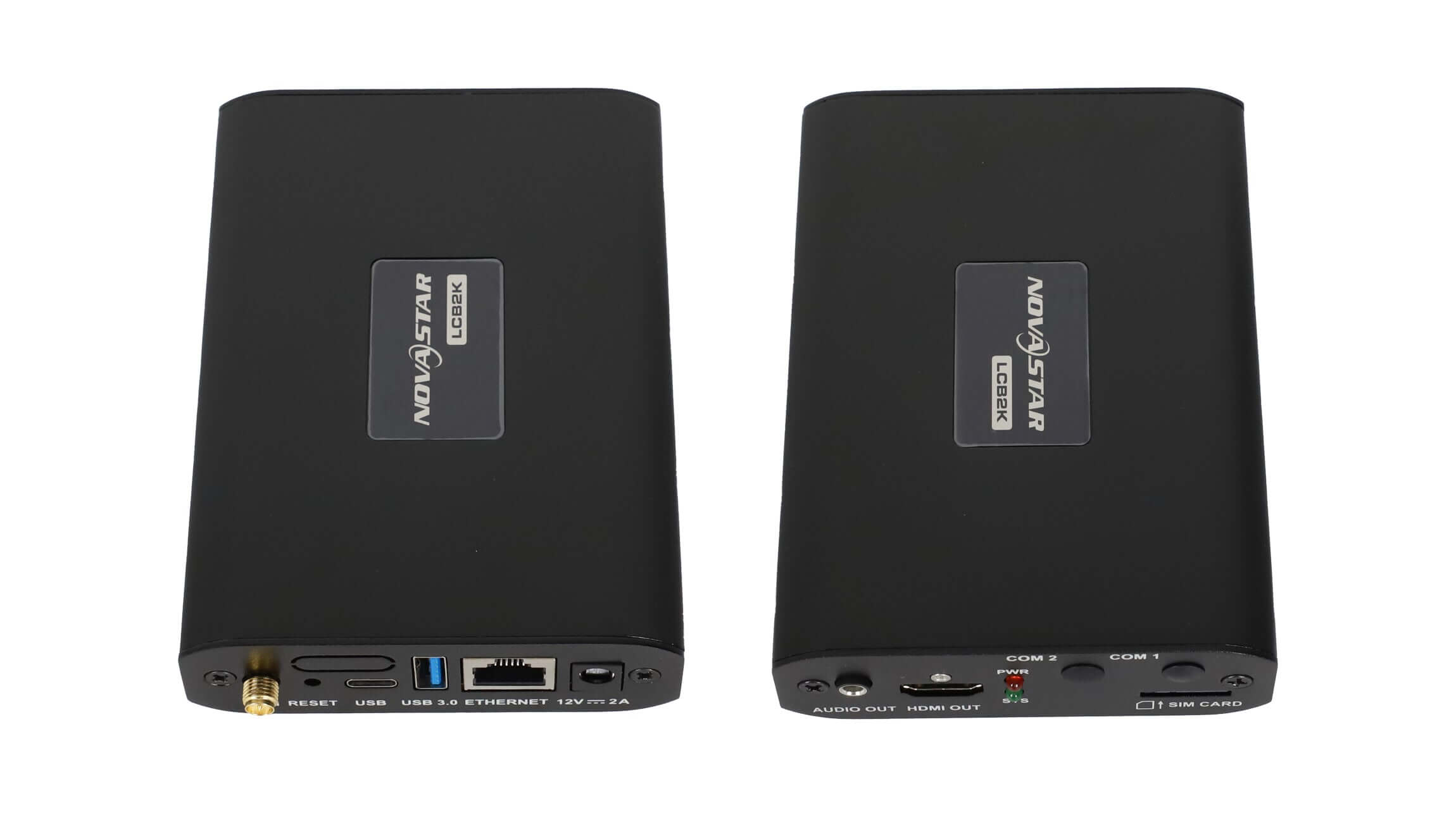
When considering an LCB2K LCD player, label the proposed connections by function: video to the display, publishing from the operator and power to each device. This small distinction prevents an incomplete equipment list from looking complete simply because every box has at least one RJ45 socket. Keep the manufacturer’s port names on the drawing so the installer can reconcile it with the actual hardware.
The LCB2K product listing provides the physical model and broader configuration notes. Use the model-specific specification to identify the interface, then check the receiving device’s own documentation. Product-category wording alone is not a compatibility test.
Match the complete path to the existing display
An LCB2K LCD player proposal should identify the first device that receives its HDMI signal. For an integrated LCD sign, that may be the display itself. If the project includes an LED controller with an appropriate video input, an upstream player may occupy a different position in the chain. That arrangement still needs the integrator’s format and configuration review.
| Existing endpoint | Evidence to request | Incomplete purchasing assumption |
|---|---|---|
| Integrated LCD sign with HDMI input | Display model, supported HDMI timings and a test using the actual campaign. | Any picture on a different monitor proves this sign will behave identically. |
| LED controller receiving a video source | Exact controller model, input format and retained output-to-cabinet configuration. | The new media player replaces the whole LED control chain. |
| LED cabinets and receiving cards without a suitable video-input stage | A complete proposed sending and receiving architecture from the system designer. | A cable or passive connector adapter creates the missing LED sending function. |
Do not treat the last row as a cable-shopping problem. Ask the supplier which equipment will turn the video source into the data expected by the cabinets. For a broader explanation of those roles, see the LED sending-controller signal-chain comparison. A separate controller may be relevant, but the correct choice depends on the actual screen and source requirements.
For an LCB2K LCD player connected through intermediate equipment, list every device and its purpose. A demonstration with the intermediate unit omitted answers a different question. If the site uses a distribution or extension system, include that system in the review rather than assuming a direct short-cable test represents the installed route.
Check the resolution where the screen receives video
V1.2.1 specifies HDMI output up to 1920 × 1080 at 60 Hz. It describes adaptive playback-window resolution based on the LCD display’s EDID. It also lists 4K video decoding separately. A decoded source-file resolution is not a promise of the same resolution at the physical HDMI output.
For the LCB2K LCD player, ask the integrator to record the actual output timing accepted by the intended display. A monitor’s front-panel information page can help identify the received signal when the display exposes that information. The acceptance record should identify the observation method and the receiving device, rather than relying on the source file’s name.
Show the real content, especially small prices, contact details and thin graphic lines. A display can receive a picture without meeting the buyer’s readability requirement. Check the content from the normal customer position and confirm which parts of the layout must remain visible. Approve the displayed result instead of accepting only that the screen is no longer blank.
If the display is mounted vertically, include orientation and the final visible layout in the demonstration request. Do not infer the content’s orientation from how the player chassis is mounted. Ask who prepares the portrait artwork, which device performs any required image treatment and how that setting will be preserved during replacement.
Prepare a replacement brief that preserves the working system
Before ordering an LCB2K LCD player, document the old source’s role while the system is still understood. Keep photographs of labeled connections, the current display model and the equipment list. Identify which cables carry video and which support management. This helps the supplier distinguish a source replacement from a change to the display-control architecture.
The replacement brief should describe the update routine as well as the picture. State whether staff publish from a local computer, use an approved network workflow or deliver offline content. Name the person responsible for routine changes and explain what access they have. A technically compatible source can still be a poor operational fit if the local staff cannot carry out the agreed update process.
An LCB2K LCD player acceptance test should retain the normal display route and use approved representative content. Observe a routine content change and a planned restart. Agree on what the operator should see afterward, including the selected display input. Record any manual action needed to restore the intended picture so that “automatic operation” has a clear meaning for this site.
Keep control of changes during replacement. Avoid changing the player, display settings, network arrangement and intermediary equipment simultaneously unless the project explicitly includes all of them. If the result differs from the approved demonstration, a clear before-and-after record helps locate the changed condition and reduces unnecessary replacement purchases.
Buyer questions
Does the LCB2K LCD player require a 4G subscription for every installation?
The specification describes 4G hardware as optional and separately purchased; it also documents local publishing and network connections. Define the intended management route before discussing mobile service. A SIM slot by itself is not evidence that a module, SIM or service plan is supplied.
Can I assume an HDMI adapter makes an unsupported display compatible?
No. Identify the signal conversion or processing needed, then require the integrator to validate the complete route. Connector fit alone does not establish compatible timing, image treatment or control behavior. Include any proposed adapter in the actual system test.
What should be retained when the old player is removed?
Keep the approved content package, relevant configuration records, connection photographs and the accepted display behavior. Identify any organization account that an authorized operator must manage without putting passwords in the public handover document. Agree on the recovery process before the old equipment is taken out of service.
Review the proposed signal path before purchasing
For an LCB2K LCD player review, send the receiving display or controller model, supported input timing, connection diagram and representative content. Explain the current update routine and which equipment must remain in service. Request a review of the player and display connection so the proposed hardware, documentation and current availability can be checked against the actual project.