

LEDMall Blog
Huidu HD-A4L 4K Playback: Check Your Files Before Ordering
Nov
Huidu HD-A4L 4K playback can work for stored video files that match a supported decoding format. Huidu documents up to 4096 × 2304 for selected codecs, with different limits for frame rate, bit rate, and file container. Before ordering, compare the actual campaign export with the corresponding codec row and ask the supplier to play that file on the intended unit.
For a signage integrator specifying a shopfront LED display, the purchase question is whether the approved campaign will play in the intended program. Keep three specifications separate in the equipment request. The file decoder opens stored video, HDMI IN takes a live source, and the LED outputs feed the physical screen.
File properties for Huidu HD-A4L 4K playback
Start with the actual export the content team will deliver. Record its container, video codec, profile, frame dimensions, frame rate, and bit rate. Include audio details if the program needs sound. An MP4 filename identifies the container, which holds the video and audio streams. A media information utility or an export report can show the codec inside it.
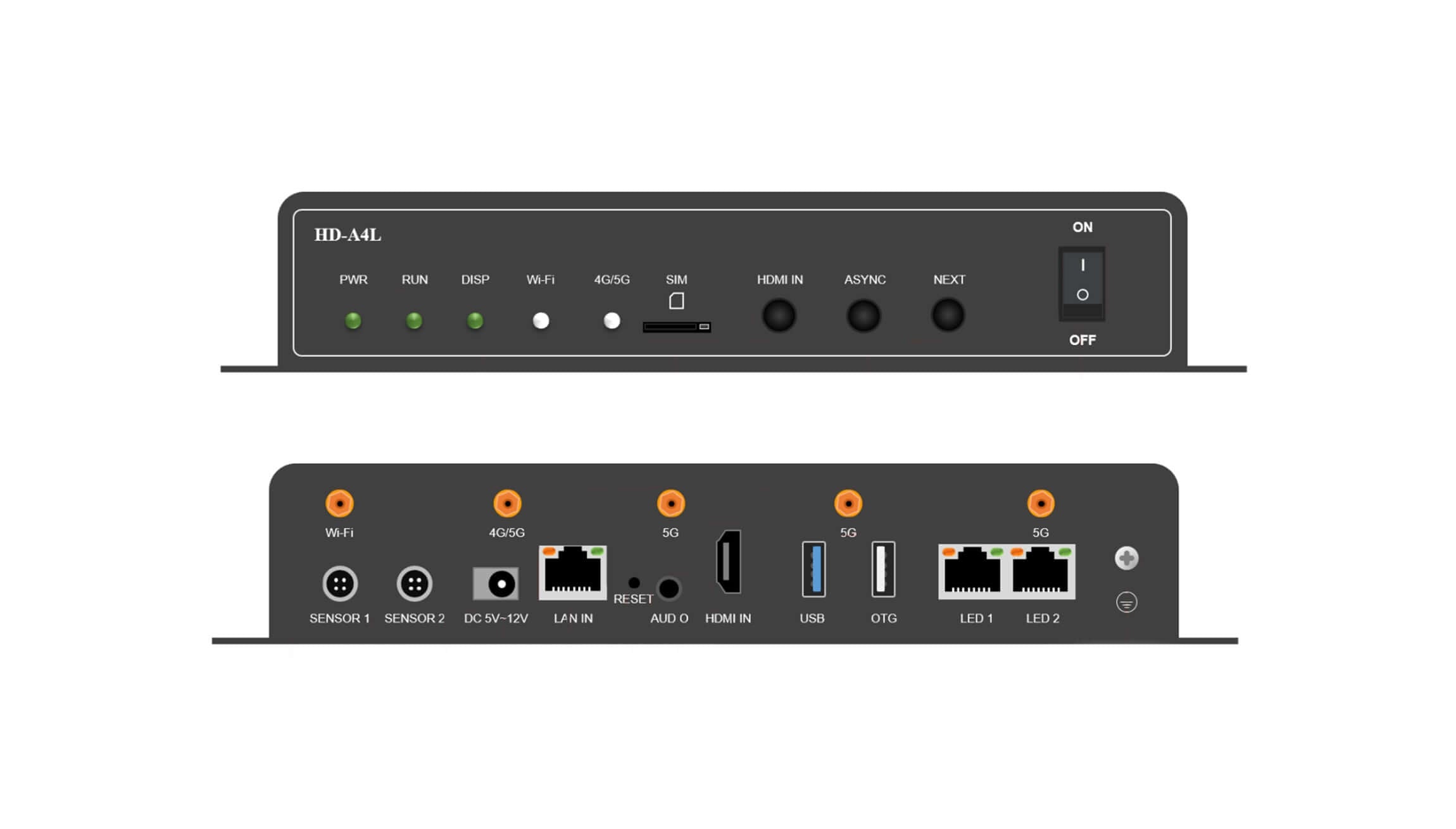
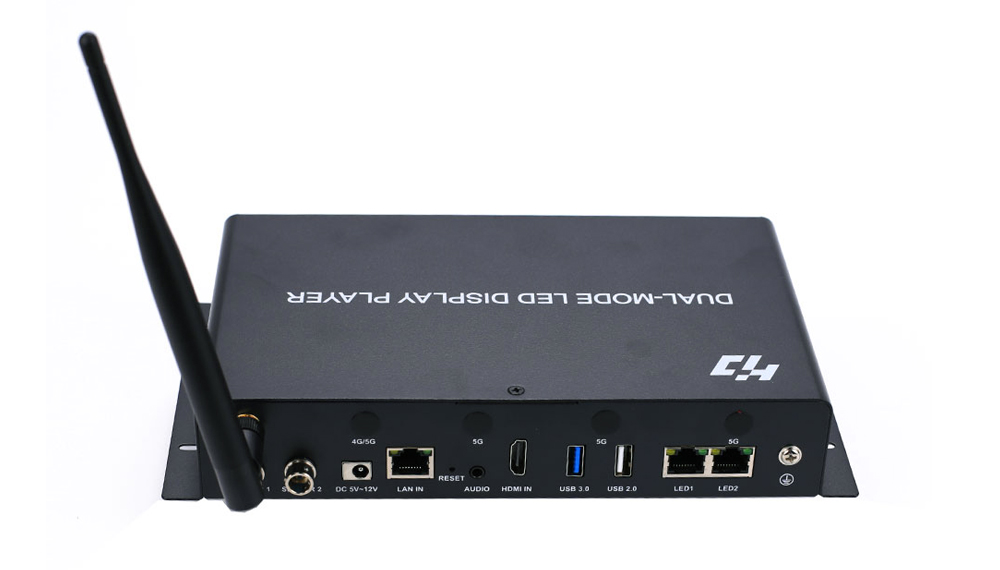
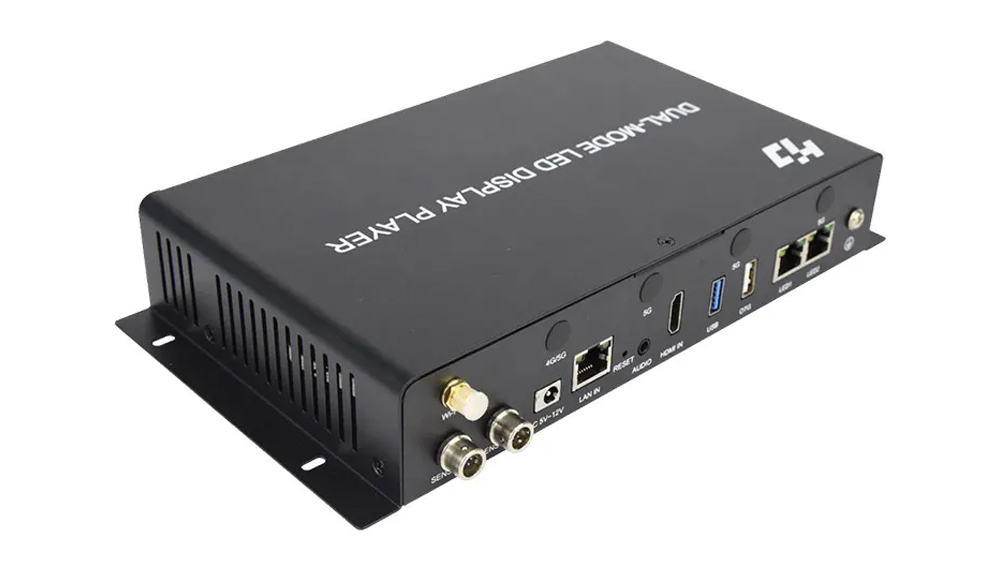
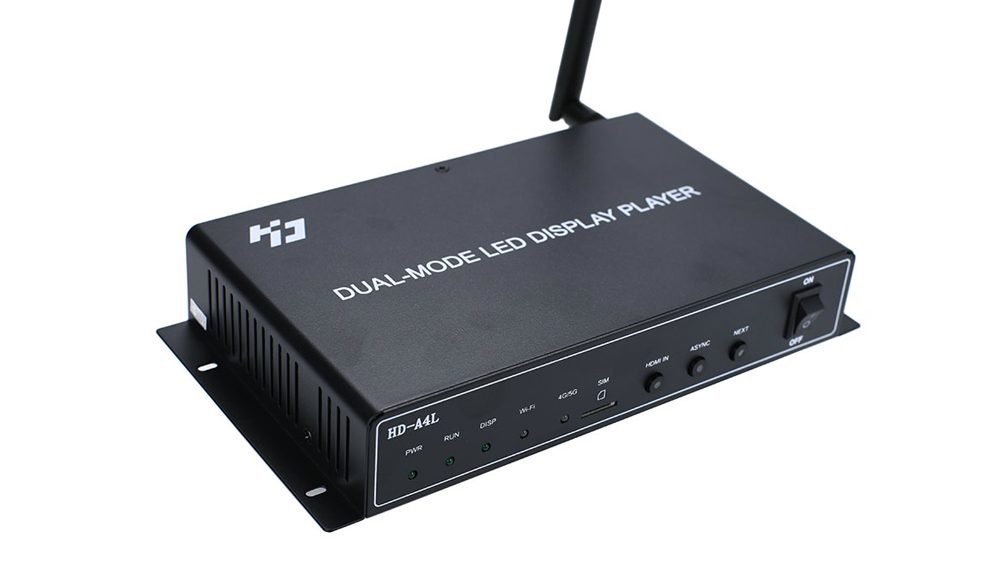
The HD-A4L multimedia player listing identifies the model. Put the full HD-A4L designation in the request so the supplier can match the correct specification and the unit to be quoted. Keep a reference copy of the file and record its name, size, and export date. That gives both teams a way to identify the same asset if the media is revised.
Huidu HD-A4L 4K playback should be evaluated with the file the operator will publish. A review link, an editor preview, or a low-resolution proxy may use different encoding. If the design team supplies several exports, label the one intended for the sign and include a sample of each format the project will use.
Compare the manufacturer’s decoding rows
The selected rows below agree in Huidu’s HD-A4L specifications V1.0 and V1.1. Use the published limits to screen a file for a test. V1.0 describes the maximum bit rates as ideal values, so ask for a demonstration when a file approaches a listed limit or several windows have to run together.
| Codec in the file | Published upper resolution and frame rate | Published maximum bit rate | Container or profile notes |
|---|---|---|---|
| H.264 / AVC | 4096 × 2304 at up to 60 fps | 80 Mbps | MP4 is listed among the supported containers. |
| H.265 / HEVC | 4096 × 2304 at up to 60 fps | 100 Mbps | MP4, MKV, MOV and TS are listed. The row names Main Profile. |
| VP9 | 4096 × 2304 at up to 60 fps | 80 Mbps | WebM and MKV are listed. |
| MPEG-4 entry in the specification | 1920 × 1088 at up to 30 fps | 38.4 Mbps | MP4 is also listed for this separate codec entry. |
Consider two hypothetical exports saved as campaign.mp4. Both are 3840 × 2160 at 30 fps and 35 Mbps. The one encoded as H.264 falls within the listed resolution, frame rate, and bit rate for that row. The one identified as MPEG-4 under the separate decoding entry exceeds that row’s resolution limit. The first file is a candidate for a trial. Ask the content team for another export of the second and review the new file’s properties.
For Huidu HD-A4L 4K playback in a program with multiple windows, share the complete layout along with each file. List which videos appear together, the intended window sizes, and the order of transitions. A single successful clip verifies one workload. Leave the complete layout as a separate test until the supplier has run it.
If the sign is tall or unusually wide, ask the designer whether the export already has the intended aspect ratio. A 4K landscape asset can include text too small for a narrow LED canvas when the full frame is placed in a small window. Decide with the content team whether to crop, scale, letterbox, or recompose the artwork, then test the chosen result. Show that decision in the program layout sent with the file.
Check the live input and screen separately
Huidu HD-A4L 4K playback specifications describe file decoding. Huidu identifies HDMI IN as an HDMI 1.4 synchronous input with adaptive scaling. If the project also has a media computer or camera, give the supplier its exact output resolution, frame rate, and color format. Request confirmation for that source and timing. The file-decoding table does not specify which live timings the input accepts.
The HD-A4L’s documented LED loading capacity is 655,360 pixels, with two Gigabit outputs for HD-R receiving cards. A 3840 × 2160 source file has 8,294,400 pixels per frame. Use the actual cabinet map and display resolution when checking the controller’s load. During the test, include an asset with the smallest required text and inspect it at the planned display size.
The Huidu A-series model comparison is a starting point when the screen requires a different load or output count. Carry the original sample files and viewing requirements into that review.
Define a playback test the supplier can repeat
For Huidu HD-A4L 4K playback acceptance, specify the unit and firmware version, the approved files, and the full program layout. State how the operator will publish and play the content. A demonstration using the intended production route helps reveal whether the problem, if any, lies in the file, program, or display layout.
- Start the stored program and watch enough of each clip to include fast motion, small text, and transitions.
- Watch the change from the last clip back to the first and confirm whether the result meets the display brief.
- If the program uses sound, check intelligibility and synchronization on the intended audio path.
- Capture the file’s identifying details and the result, including which program version and hardware were used.
If the supplier recommends a new export, agree on who will deliver it and whether the supplied artwork permits resizing. Record the codec, profile, frame rate, and bit rate after export. Repeat the playback check with the revised file and the intended program. That gives the operator an approved reference when future campaigns have to be prepared.
Keep the delivery method in the Huidu HD-A4L 4K playback test brief. If staff will replace the campaign through the program publishing workflow, ask the supplier to demonstrate both the first publication and a later replacement. Include the expected order and timing of clips so the test covers what the operator sees after an update. An exported checklist or a short recording can preserve the result for the handover.
Frequently asked questions
Does the HEVC entry confirm support for a Main 10 export?
The listed HEVC row identifies Main Profile. Ask for confirmation and a demonstration of the exact Main 10 file before including it in the acceptance scope. If the design permits an alternative export, agree on that option with the supplier and content team.
What if the software reports both an average and a peak bit rate?
Supply both values if your tool provides them, especially for variable-bit-rate files. If a brief peak occurs during a busy scene, include that section in the sample. Ask the supplier to say how it evaluated the file before relying on the reported average.
Can I sign off with a clip that is shorter than the finished program?
A short clip can qualify a proposed export format for further testing. Keep full-program sign-off open if the clip omits other codecs, transitions, audio, or overlapping windows that the installation needs.
Request a file and player review
For a Huidu HD-A4L 4K playback assessment, prepare a sample you can share, its media properties, the program layout, and the screen resolution with receiving-card details. Add the source timing if the project also uses live HDMI. Ask LED Mall to review the file and playback requirements before ordering.