
Blog di LEDMall
TB40 HDMI Scaling: Why Input Size Does Not Guarantee Fit
novembre
TB40 HDMI scaling can reduce a supported live picture to fit an LED screen; it cannot enlarge that picture. The source must be at least as wide and as tall as the target canvas. Check this scaling condition separately from HDMI input acceptance, video-file decoding and the controller’s LED loading capacity.
This explanation is for a fixed-installation integrator deciding whether an existing laptop can feed a TB40 installation. It follows NovaStar TB40 Multimedia Player Specifications V1.2.1, released October 20, 2024. Examples are calculations for planning a source format, not a report of a tested installation or a complete wiring design.
The documented TB40 HDMI scaling conditions
For synchronous full-screen scaling, the specification requires source width and height each between 512 and 2048 pixels, with a maximum source resolution of 1920×1080. It allows downscaling only. Both source dimensions must equal or exceed the corresponding screen dimensions. These conditions belong together; meeting just the width check is insufficient.
Write the source as width × height and place the LED canvas beside it in the same order. Comparing diagonal size, cabinet quantity or the label “Full HD” will not answer the dimension question. The useful canvas is the actual number of addressable horizontal and vertical pixels in the installed screen.
Evaluate TB40 HDMI scaling against the requirement at the screen, not against a familiar television format. A wide, shallow sign can need a different decision from a conventional presentation display even when the total pixel counts look modest. Keep the required content shape visible when the technical team reviews the signal.
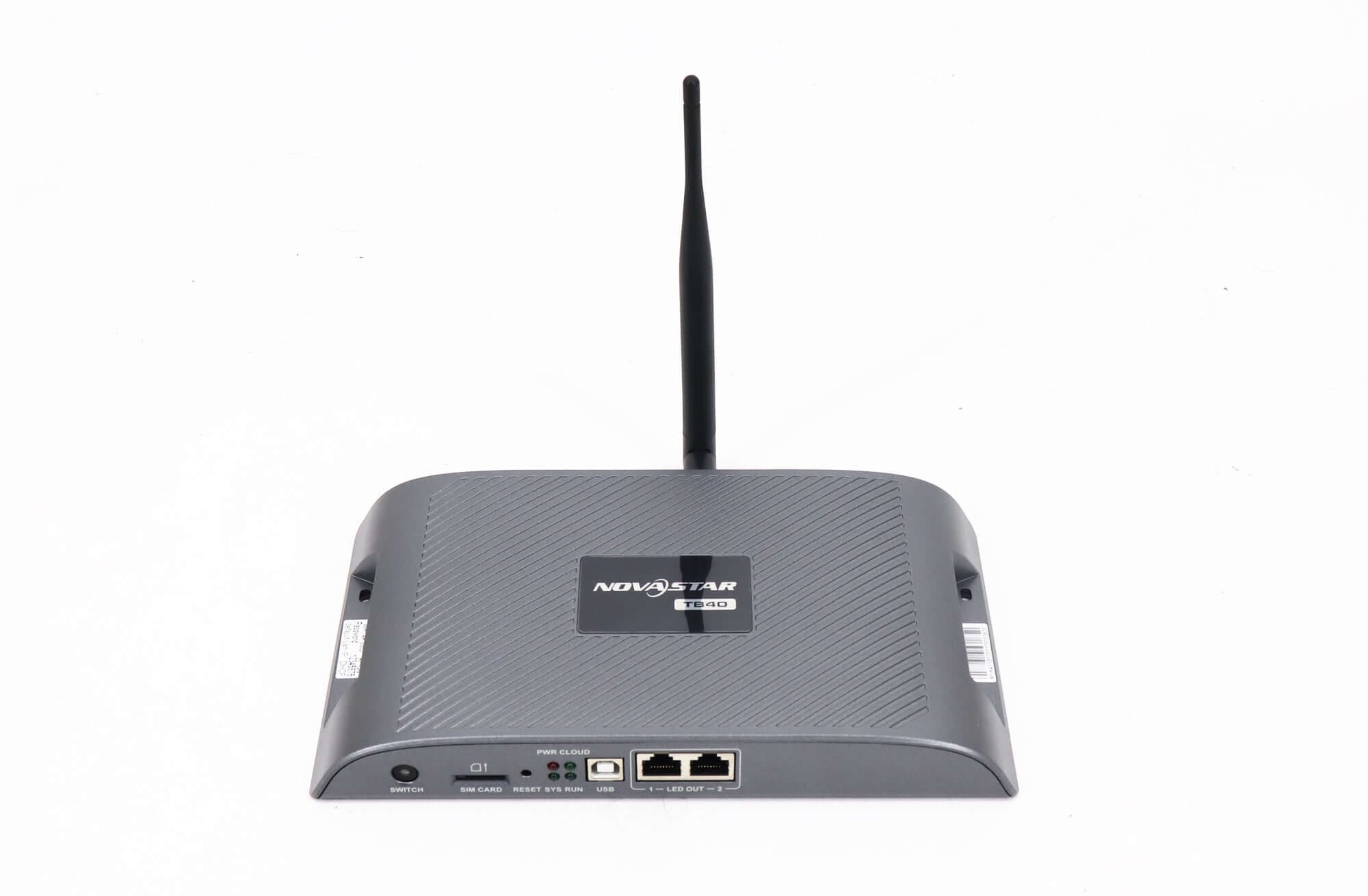
Migliori NovaStar TB40 product page identifies the model and its two LED outputs. When checked on November 17, 2026, the listing showed the unit as out of stock. Confirm current availability and any proposed replacement separately; this article does not establish stock, delivery or interchangeability.
Check both axes before approving a laptop
These illustrative TB40 HDMI scaling examples use a 1600×800 LED canvas, totaling 1,280,000 pixels. The published total loading limit is 1,300,000 pixels. Being below that total does not confirm port allocation, receiving-card configuration or the finished image; those remain separate system checks.
| Proposed source | Dimension comparison | Decisione di pianificazione |
|---|---|---|
| 1920 × 1080 | Both axes exceed the canvas. | Meets this dimension test; still verify timing, mode and image geometry. |
| 1280 × 720 | Both axes are smaller. | Would require enlargement; do not approve it under the downscaling rule. |
| 1920 × 720 | Width is sufficient; height is not. | Fails the vertical test despite its wide shape. |
| 1600 × 900 | Width matches; height exceeds the canvas. | Meets this dimension test only; custom timing still needs confirmation. |
The table provides a way to reject unsuitable assumptions before equipment is ordered. It is not a list of certified source timings. In particular, do not turn the last row into a promise that any laptop or adapter will offer that output mode. Obtain the actual format from the intended source equipment.
A portrait sign makes the same distinction clear. An assumed 800×1600 canvas contains the same 1,280,000 pixels as the example above, but a 1920×1080 source is shorter than that canvas. The total has not changed; the vertical comparison has. Do not use an acceptable landscape demonstration as evidence for a portrait order. For TB40 HDMI scaling, carry the actual orientation and both pixel dimensions into the review, even when purchasing several signs with identical pixel totals.
Also decide what a correct picture should look like. A widescreen slide placed on a different-shaped canvas can raise an image-geometry question even when dimensions pass. Ask the designer to provide recognizable reference material: a circle, a border and text near every edge make a review more useful than a photograph of an unrelated video.
Input acceptance is a separate decision
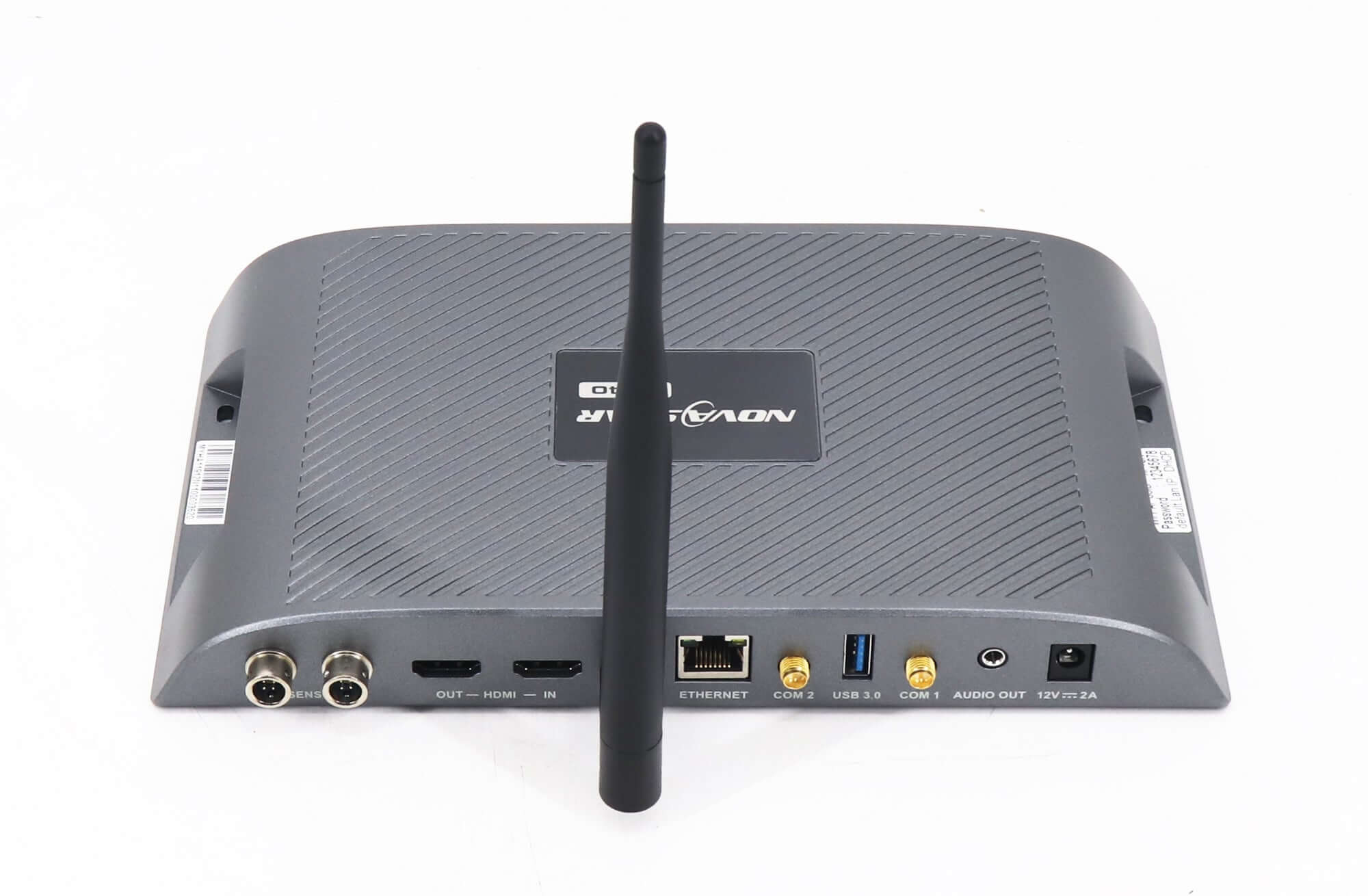
TB40 HDMI scaling is not defined by the largest HDMI input alone. The same specification lists HDMI IN up to 1920×1200 at 60 Hz with a pixel-clock ceiling of 153 MHz and no interlaced input. Do not read those input figures as an extension of the narrower full-screen-scaling conditions stated above.
Similarly, a quoted 4K video-decoding capability describes internal media handling, not permission to feed an arbitrary 4K HDMI signal. Synchronous operation uses the HDMI source; asynchronous operation uses the internal source. Keep the two playback paths separate when describing what the buyer expects to show.
For a replacement project, request a photograph of the source output settings and a written canvas resolution. A product brochure for the laptop is weaker evidence because it may describe a capability that the installed adapter, operating mode or display configuration is not using. Ask the operator to confirm the active output rather than just the available list.
If an input is accepted but the result is wrong, preserve those facts separately. Record whether the entire frame is visible, whether text is readable and whether shapes retain the intended proportions. “The screen lights up” is a useful observation, but it does not close the purchasing requirement.
Make the source check repeatable
A TB40 HDMI scaling review should identify one known source configuration that the site can reproduce. List the computer, adapter, connection path, output format and LED canvas. Then agree which changes require another check, especially when staff routinely substitute a different laptop for presentations.
- Confirm the requirement: state whether the screen needs a live computer picture, stored signage or both at different times.
- Record the actual signal: collect resolution, refresh rate and progressive or interlaced status from the intended source.
- Compare the canvas: check width and height independently, then review total loading and output mapping.
- Review the picture: use the approved reference content and record any scaling or geometry compromise.
- Keep a handover record: retain the accepted settings and name the person responsible for source changes.
Do not solve an incompatibility by changing the quoted screen requirement without telling the buyer. If a different source format is needed, have the content and installation teams agree on it before purchasing. If another processor is proposed, review its own documented behavior rather than transferring the TB40 assumptions.
For installations that need a different processing approach, browse the categoria controller video LED as a starting point. A replacement’s connector type, loading total and scaling functions must each match the requirement. A similar model name or a higher headline pixel figure is not a complete compatibility answer.
Remaining questions about TB40 HDMI scaling
Does passing the dimension check prove that small text will be readable?
No. Pixel dimensions do not establish viewing distance or the quality of the designed content. Review representative text on the proposed screen before accepting the result.
Can a different laptop be substituted without another review?
Do not assume so. Record and compare its active output settings and connection path against the accepted configuration. The replacement computer’s model name alone does not verify TB40 HDMI scaling compatibility.
Should a drawing in meters be enough for a source-format quotation?
No. Physical dimensions help describe the installation, but this decision also needs the screen’s actual pixel canvas. Ask the cabinet supplier or installation team for the horizontal and vertical pixel counts.
Confirm TB40 HDMI scaling for the actual source
Send the source’s active output settings, adapter details, LED pixel canvas and a sample of the required content. Include whether the project is a new installation or an existing TB40 replacement, and identify any image compromise the buyer will not accept.
Ask LED Mall to review the source and screen requirement. Request separate confirmation of technical suitability and current supply before making a purchase decision.