
وبلاگ ال ای دی مال
ظرفیت بار A5s Plus: وقتی 512 × 384 اعمال نمیشود
نوامبر
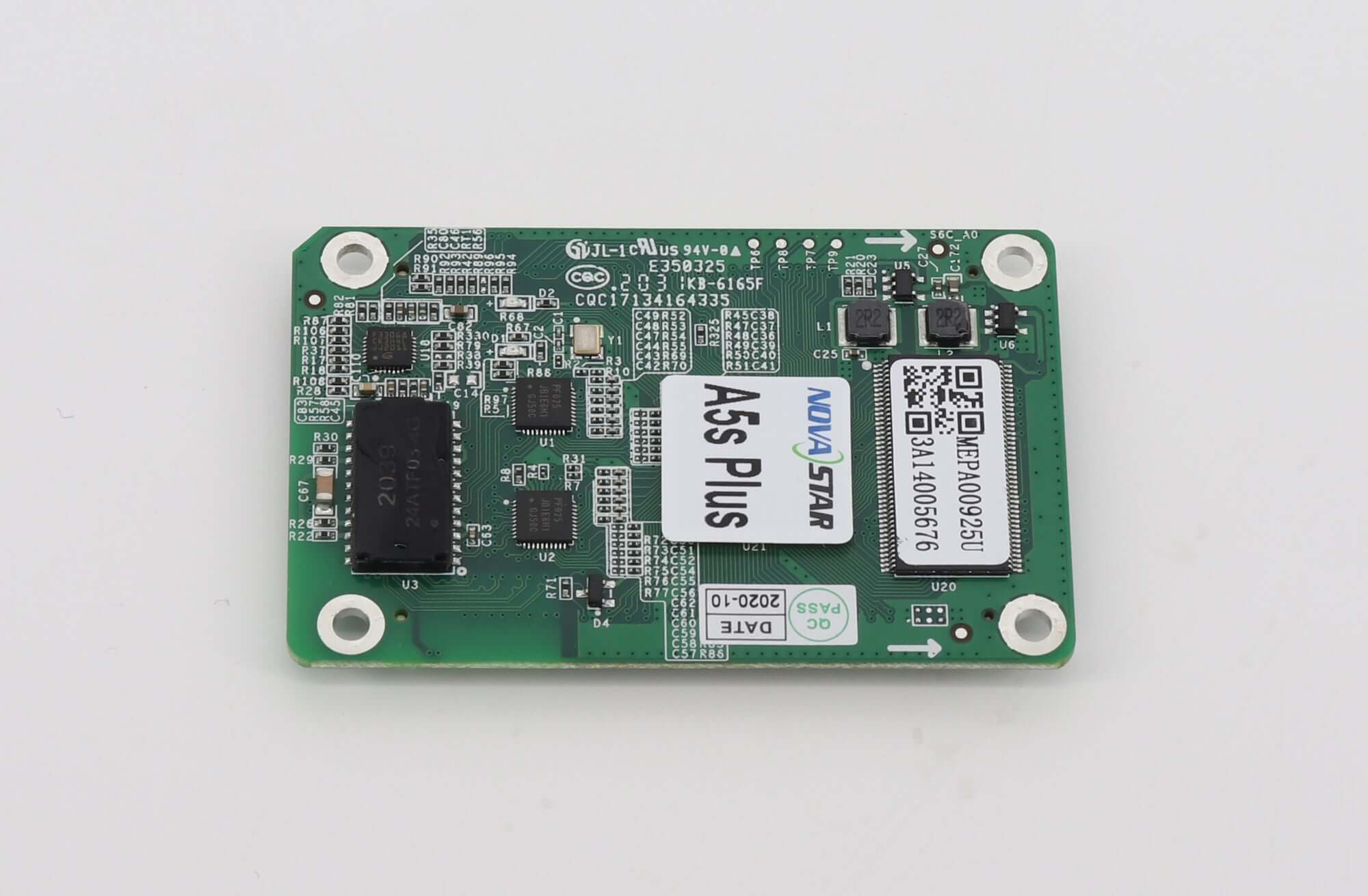
A5s Plus load capacity depends on both the video-source bit depth and the module driver IC category. The headline 512 × 384 figure applies to an 8-bit source with PWM drivers at 60 Hz. It is not a universal allowance for every cabinet or signal format.
For an integrator reusing a cabinet layout, the practical question is whether the pixel area assigned to each receiver still fits after a source-format change. A specification that matches the old operating mode can become insufficient for the proposed mode, even when the physical modules stay in place.
The figures below come from NovaStar’s A5s Plus Receiving Card Specifications V1.3.1, released October 29, 2024. They describe A5s Plus, without the separate Plus-N suffix. The examples are planning calculations, not measurements of a supplied cabinet.
1. Read the A5s Plus load capacity conditions together
The manufacturer’s table separates four combinations. Select the row that matches the proposed system rather than choosing the largest number. All four figures are stated at 60 Hz; this article does not extrapolate them to other frame rates.
| Module driver category | Video-source depth | Maximum rectangle at 60 Hz | Decision before reuse |
|---|---|---|---|
| آی سی درایور PWM | 8-بیتی | 512 384 XNUMX پیکسل | Check the existing receiver area against this mode. |
| آی سی درایور PWM | 10-bit یا 12-bit | 256 384 XNUMX پیکسل | Recheck any receiver area wider than 256 pixels. |
| آی سی درایور مشترک | 8-بیتی | 384 384 XNUMX پیکسل | Do not borrow the larger PWM allowance. |
| آی سی درایور مشترک | 10-bit یا 12-bit | 192 384 XNUMX پیکسل | Confirm whether the existing division remains usable. |
A5s Plus load capacity should therefore appear in a quotation as a conditional value. A useful line identifies the driver, source depth, frame rate and assigned width by height. “Supports 512 × 384” alone leaves the buyer unable to tell which proposed operating mode has been checked.
2. Check the receiver’s actual rectangle, not just total pixels
Consider a hypothetical receiver assigned a 320 × 320-pixel area. Its area is 102,400 pixels. Against the published PWM rows, both dimensions fit the 8-bit rectangle, but the proposed 10-bit rectangle has a smaller permitted width. That same 320-pixel-wide assignment does not fit the stated 256-pixel width.
The example illustrates a screening calculation, not a cabinet approval. It cannot establish scan configuration, wiring suitability or the remaining signal-chain limits. It does show why keeping the same number of receivers without checking the operating mode is a purchasing risk.
A5s Plus load capacity is specified as width by height. Do not multiply the two limits and then treat the product as a pool that can be reshaped freely. A long, shallow receiver area needs its own dimensional check, even when its total pixel count looks small.
Changing the receiver division may mean changing the hub-board arrangement or cabinet wiring. A mathematical split on a drawing does not prove that the existing connectors expose the required data paths. Ask for a revised per-receiver map before assuming that adding another card will solve the problem.
For the separate question of how receiver allocations affect active cards and spare quantities, see our receiving-card count explanation. Use the conditional rectangle first, then work out the quantity from an approved layout.
There are two separate questions in a format upgrade: can the upstream equipment accept the proposed source, and can the receiving layout carry the resulting signal in the selected mode? A positive answer to the first does not settle the second. Request confirmation for each stage instead of accepting an input-connector label as approval for the cabinet.
3. Resolve the configuration details that a product name cannot supply
Before accepting an A5s Plus load capacity claim, obtain the module’s exact driver IC identification. A cabinet description such as “indoor fine pitch” does not answer that question. If the bill of materials and board markings disagree, leave the proposed loading mode unapproved until the supplier resolves the difference.
Record the signal format that the sending equipment will actually deliver. A media file label or graphics-card capability does not, by itself, document the format used across the configured LED control chain. Ask the integrator to identify the selected source depth and show the corresponding system settings.
Keep document revisions with the order. The LED Mall A5s Plus product page references an earlier V1.1.5 document. This article uses the later V1.3.1 capacity table for this specific question. Obtain confirmation that the proposed hardware and firmware correspond to the approved specification; do not merge unrelated revision values.
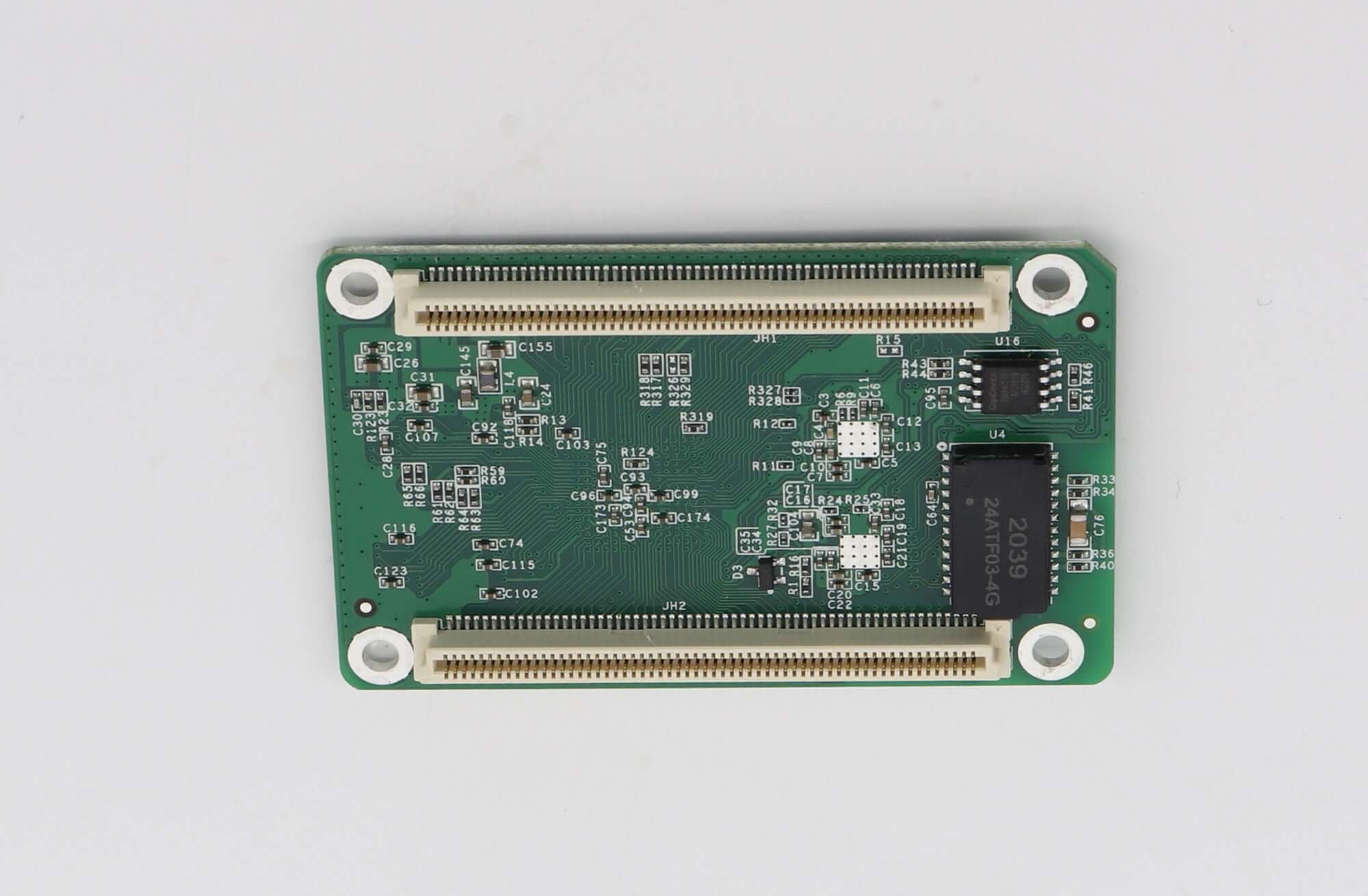
Also distinguish the card’s model from similarly named listings. A5s Plus load capacity figures in this document should not be copied automatically into a Plus-N purchase order. A suffix difference is a reason to request the matching document and hardware confirmation, rather than a reason to assume identical behavior.
4. Make the proposed operating mode testable
Ask for an acceptance record that ties one representative cabinet to the proposed order configuration. The record should identify the receiver model, driver IC, firmware, configuration file, source depth, frame rate and assigned rectangle. Screenshots without those identifiers are difficult to use when the production batch arrives.
A5s Plus load capacity belongs in the acceptance criteria before the test begins. Otherwise, a demonstration using a different source depth may appear successful while leaving the intended mode untested. Agree which settings must be visible and retain the relevant configuration with the cabinet identifier.
Include ordinary content and diagnostic patterns appropriate to the project. Record missing areas, unexpected mapping or display instability rather than accepting a still photograph as proof of every operating condition. The project team should define the required observation period; no universal duration is established here.
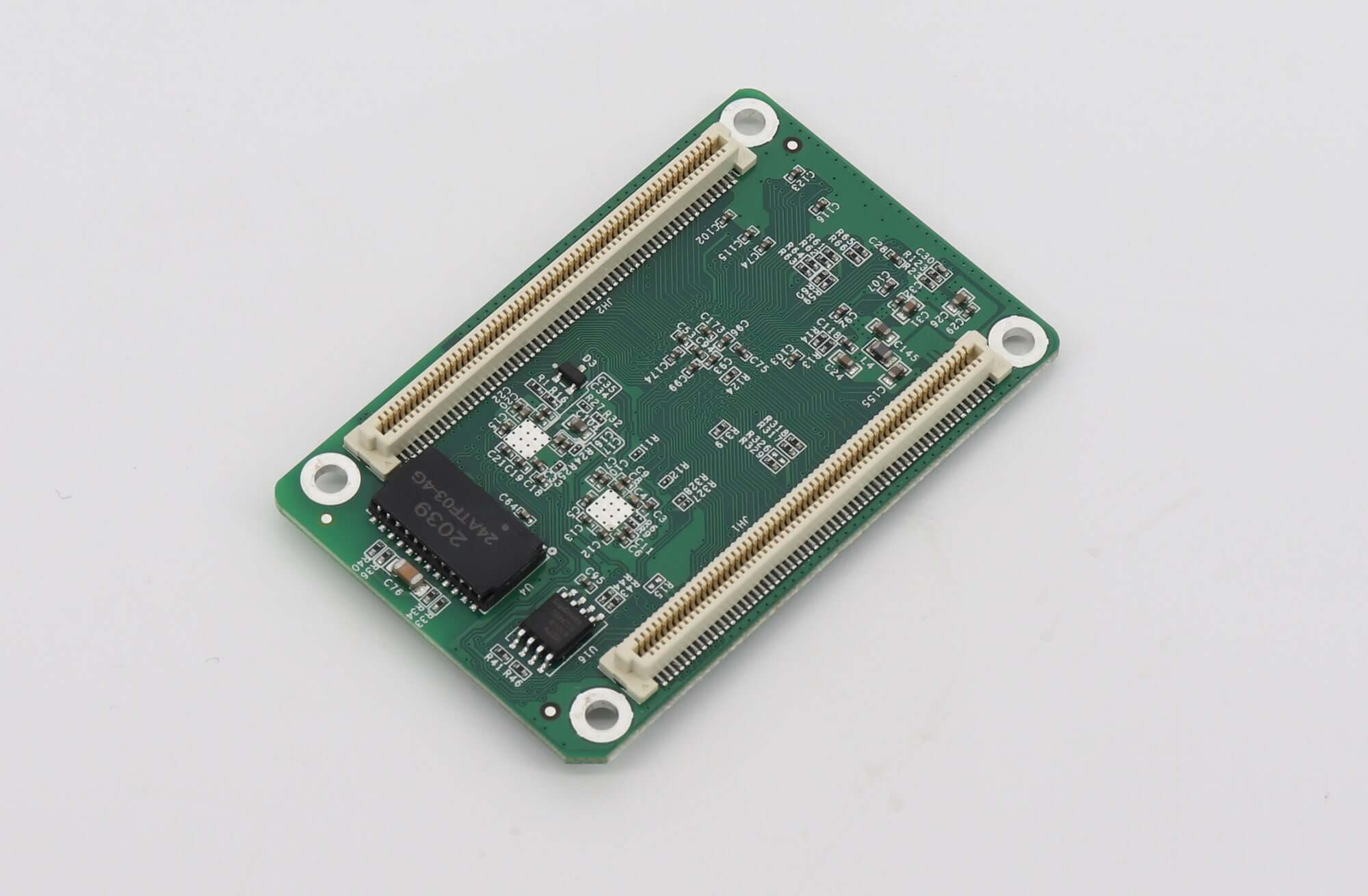
Put unresolved items in the quotation as explicit conditions. For example, approval can remain subject to identification of the driver IC and confirmation of the per-receiver map. That is more useful than a general compatibility statement because purchasing staff can see what evidence is still missing. If the seller proposes a different receiver division, ask whether the quoted scope includes the necessary hub boards, wiring changes and configuration work; do not assume these follow automatically from the card quantity.
Finally, protect the approved configuration from later changes. A new media workflow, sender setting or replacement module may require another check. Keep the original settings and the proposed changes side by side so that acceptance remains tied to the system the buyer will actually operate.
سوالات متداول
Does “18bit+” identify the video-source depth for this table?
No. Do not use a separate image-processing feature name as the source-depth entry. The table distinguishes 8-bit, 10-bit and 12-bit video sources. Have the integrator document the selected signal format directly.
Can a software update alone approve a larger receiver area?
Do not assume it can. An update does not replace the need for an applicable manufacturer specification and configuration confirmation. If a supplier proposes a different limit, request the exact document, supported hardware and firmware conditions before changing the order.
Should spare cards be configured before shipment?
Ask for spares that are identified and prepared against the approved cabinet configuration, with a recoverable copy of the relevant files. Merely matching the label does not establish that a spare is ready to replace the assigned receiver without setup work.
Request an A5s Plus configuration check
Send the module driver IC, per-receiver pixel map, source format, frame rate and current card photographs through LED Mall’s inquiry page. Include the specification revision and any proposed changes. That information makes an A5s Plus load capacity discussion specific enough to identify unresolved conditions before an order is placed.