

Blog de LEDMall
VX400 Pro 3D Capacity: When Does the Pixel Budget Halve?
Nov
VX400 Pro 3D capacity is halved at the device level when 3D is enabled and the input uses Side-by-Side or Top-and-Bottom format. For a Frame Sequential source, NovaStar separately requires the output frame rate to be set manually to match the input frame rate. Confirm the source format before assigning cabinets or approving the equipment quote.
NovaStar's Especificaciones del controlador todo en uno VX400 Pro V1.4.0, dated July 30, 2026, gives those conditions in its function limitations. An integrator should record the physical LED load, the exact input signal and the synchronization hardware together. A successful 2D demonstration leaves the 3D-specific conditions to be tested.
The required display area should be expressed in actual LED pixels. Ask the content supplier to state how the left and right views are packaged in the video source and indicate the timing delivered at the planned input. The wall layout and the source file have separate dimensions.
Match VX400 Pro 3D capacity to the input format
Identify the output format of the playback chain at the VX400 Pro input. A content file can be prepared in one format while a player changes the signal it sends. Request the actual input packing and frame rate from the team responsible for playback. Record the planned input connector beside those details.
For a media server feeding a switcher, check the feed at the planned controller input with the switcher in its show configuration. A clip name in the delivery folder records what the content team intended. Ask for the output settings and a signal readout at the actual connector, then label that sample with the playback and switcher configuration it represents.
| Input format with 3D enabled | Documented condition | What to capture before purchase |
|---|---|---|
| Lado a lado | Device output capacity halves | Actual delivered packing and the proposed 3D cabinet load |
| Arriba y abajo | Device output capacity halves | Actual delivered packing and the proposed 3D cabinet load |
| Frame Sequential | Set the output frame rate manually to the same value as the input frame rate | Input and output frame rates and separate approval of the required cabinet load |
Frame Sequential needs its own VX400 Pro 3D capacity check. The cited table specifies the timing action for that format and gives the halving rule for the other two formats. Ask the supplier for the supported load for the exact Frame Sequential settings proposed for the project.
Check the proposed LED load before ordering
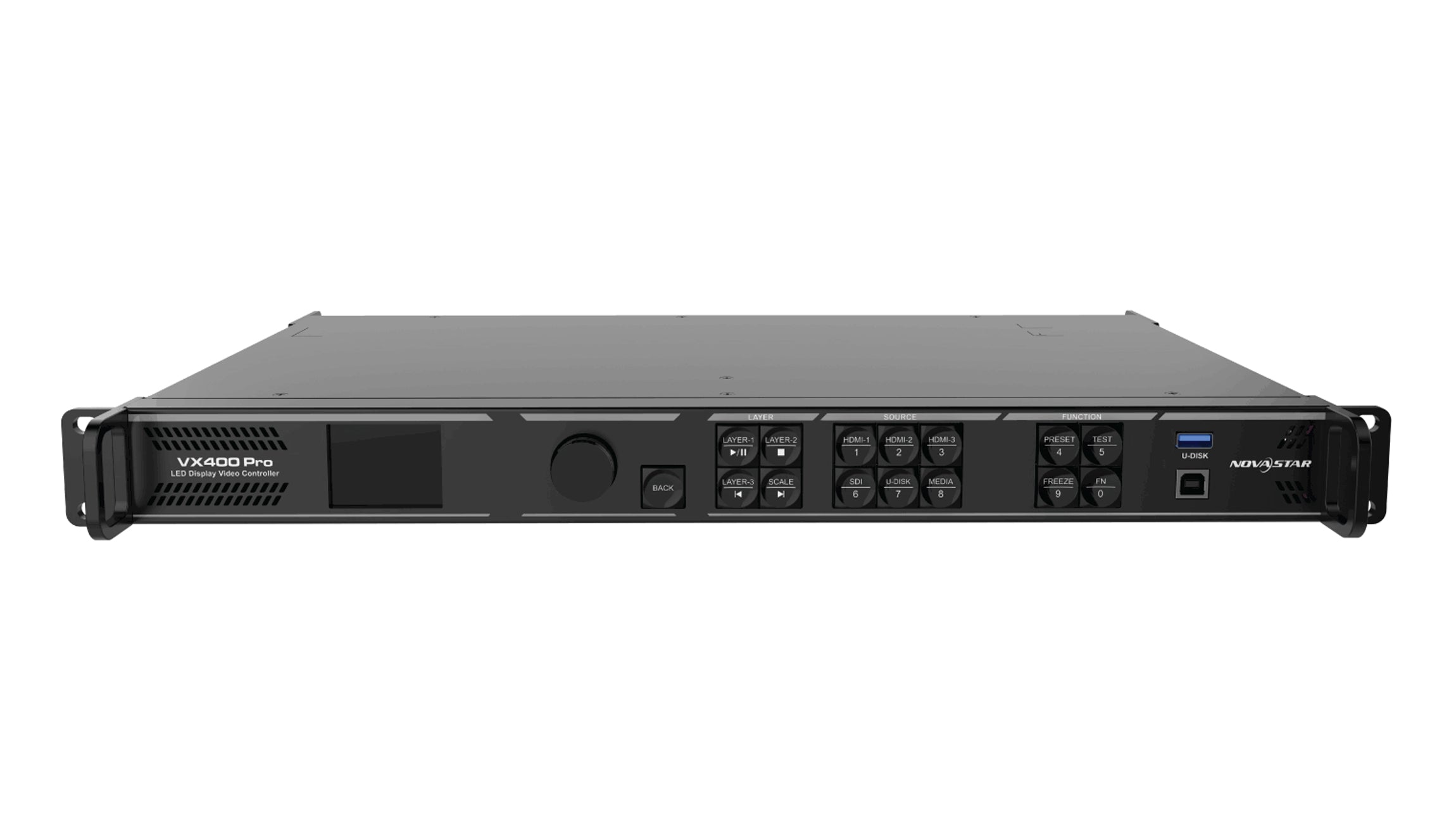
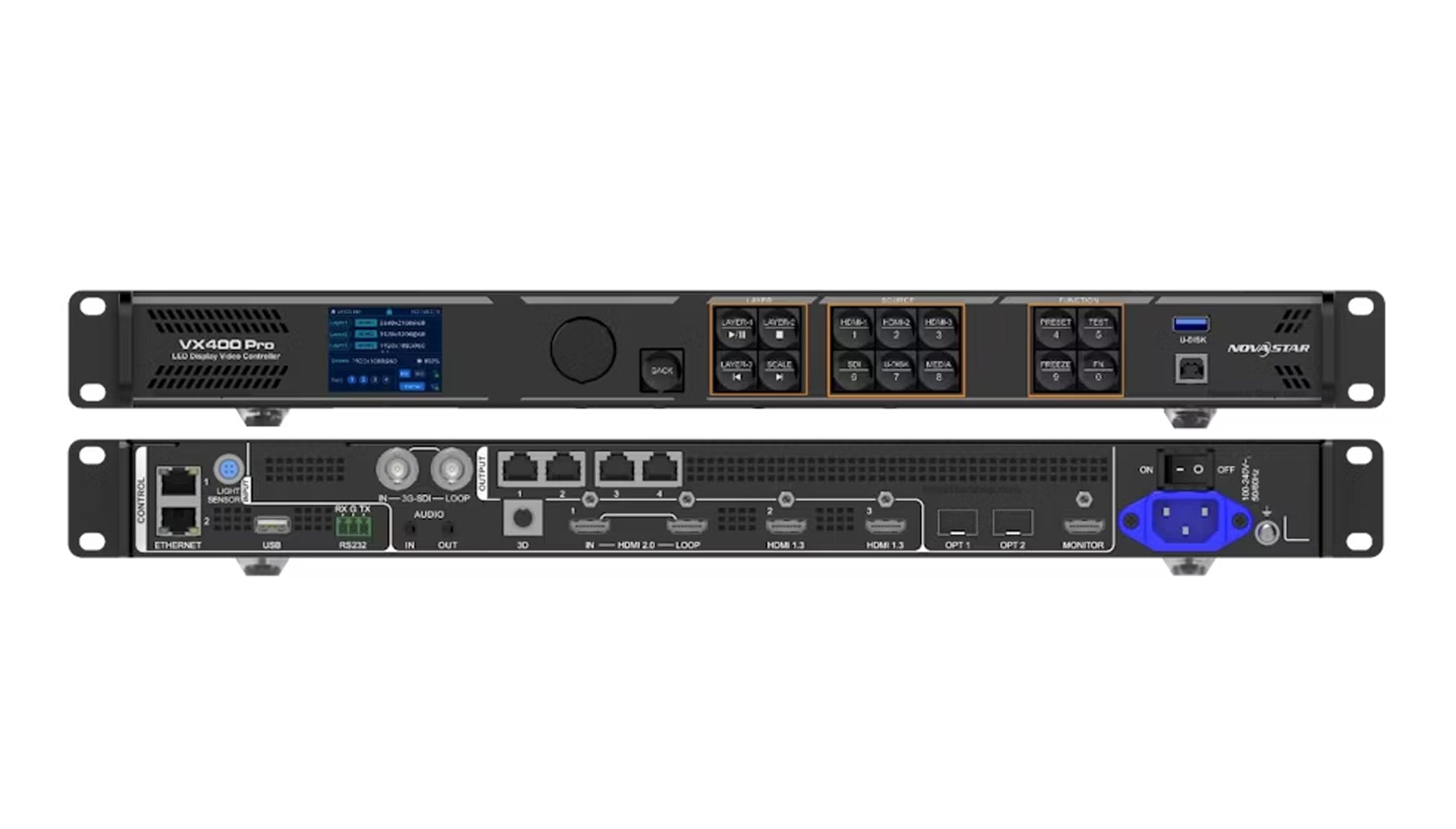
El LED Mall VX400 Pro product reference identifies the controller. Its manufacturer’s V1.4.0 specification lists a device maximum of 2.6 million pixels. Applying the halving rule to that maximum gives 1.3 million pixels as an upper screening figure for VX400 Pro 3D capacity in the two specified formats. An actual wall still needs verification for its port assignments, receiver setup and required timing.
Consider a hypothetical rectangular wall of 1,280 × 960 LED pixels. Its load is 1,228,800 pixels, below that initial screening figure. A wall of 1,536 × 960 has 1,474,560 pixels and exceeds the figure. For the larger proposal, require a revised design before approving one VX400 Pro for that load in Side-by-Side or Top-and-Bottom 3D operation. For the smaller wall, verify the port-by-port layout before final approval.
Include cabinet resolution, position and output assignment in the drawing. Two quotes can name the same total screen size and distribute the cabinets differently across the outputs. Check the actual allocation for the proposed equipment, then keep that approved drawing with the VX400 Pro 3D capacity calculation. Table 4-1 states a device rule. Request confirmation for each individual port in your design.
Set aside the approximate wall size once the cabinet drawing is available. During a late revision, a panel with a different pixel count can change the load even when both proposals cover a similar physical area. Require a new total and a revised output allocation whenever cabinets are added or replaced. A system close to the screening figure deserves a test that represents the final cabinet count and the most demanding allocation in the drawing.
NovaStar also lists input crop as incompatible with the 3D function. If a presentation relies on trimming the incoming image, settle the required framing with the content team before ordering. Confirm the image composition the player will deliver and demonstrate it on the intended cabinet layout in the chosen mode.
List the emitter and the matching glasses
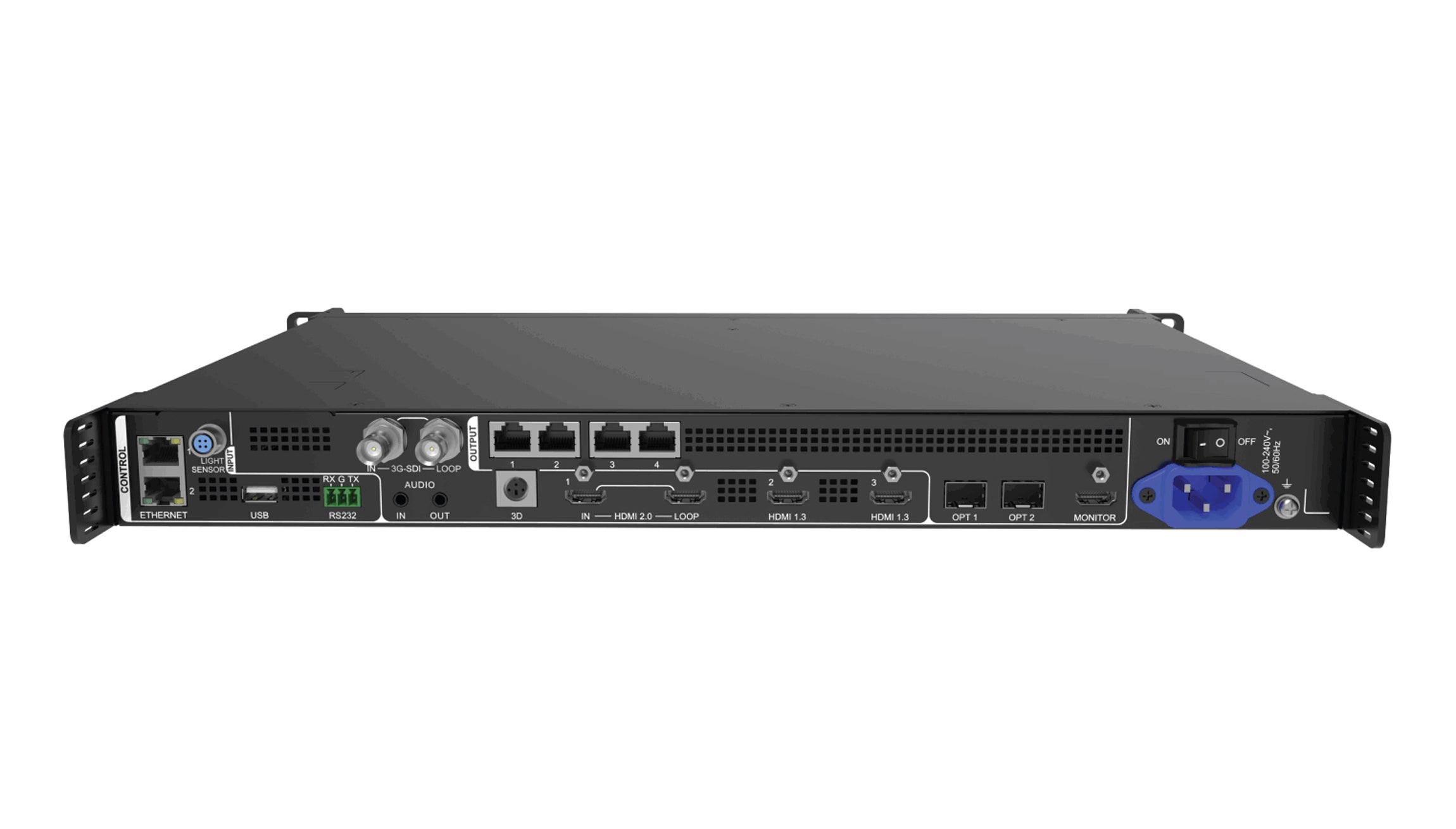
The V1.4.0 specification describes a traditional solution using the EMT200 Pro emitter connected to an Ethernet port and a solution with a third-party emitter connected to the dedicated 3D connector. Both require suitable glasses. Have the supplier name the emitter and the compatible glasses in the quotation, together with the connector and any cable or accessory needed for that proposal.
If an emitter or glasses will be reused, send the exact model and version information. Ask the supplier to verify that combination for the selected packing, the expected timing and the actual controller. Specify the demonstration quantity and any handover equipment the installer needs. The complete working combination should be clear from the quote and test record.
Ask for a format-specific handover
A VX400 Pro 3D capacity demonstration should use both the intended mode and a cabinet allocation that represents the agreed load. Ask the supplier to show the source format readback, the 3D setting and, for Frame Sequential, the manually matched input and output frame rates. Use source material that lets the project team identify the two views while confirming the expected screen area and cabling.
Bring a short reference clip with readily identifiable left and right views and a representative clip from the actual program. Agree on viewing locations and use the specified glasses there to assess the intended result. If framing moves upstream to satisfy the input crop restriction, replay the revised source during acceptance and record the delivered packing and rate again. Keep that sample with the acceptance notes so a change in the source can trigger a targeted recheck.
Record the source version, input setting, controller settings, receiver arrangement and the emitter and glasses identifiers. If a shop demonstration can only use part of the screen, mark the full installed cabinet layout as a separate site test. Keep the observed result beside the conditions so the installation team knows which statements apply to the final delivery.
Preguntas frecuentes
Do fewer layers recover the reduced VX400 Pro 3D capacity?
The halving rule is tied to 3D enablement and input packing. Review VX400 Pro layer resources for a separate check of the simultaneous source composition. A layout that fits its layer budget still needs the correctly mapped physical LED load.
What should a quote mean by “120 Hz 3D”?
Ask which point in the system the value describes and whether it is the input or output rate. For Frame Sequential, record both required values and the actual matching setting. Have the supplier demonstrate the proposed combination at the intended timing.
What if the same installation will run both 2D and 3D?
Ask the integrator to document each operating configuration and demonstrate the transition using the planned source and screen. List the required source timing and framing for each, the controller settings and any procedure the venue operator has to follow before playback.
Request a combined configuration review
Send the proposed input format and timing, true LED pixel dimensions, cabinet diagram and per-port assignments, along with the emitter and glasses models. Include the purchase scope and the conditions needed at handover. Ask LED Mall to review VX400 Pro 3D capacity for the proposed setup antes de finalizar la lista de equipos.