
LEDMall blog
TB10 Plus szinkronizált lejátszás: Miért változik a videó költségvetése
November
TB10 Plus synchronized playback reduces the device’s decoding capability by half, according to NovaStar’s published specification. A program approved for ordinary playback therefore needs another capacity check before it is accepted for a synchronized group. The number of screens is not enough to describe that media requirement.
For a signage integrator reusing an existing campaign, this is a media-planning decision before it becomes an equipment order. Here, synchronized playback means coordinating content across multiple screens. It should not be confused with accepting a live HDMI input or with the LED screen’s pixel-loading limit.
This explanation uses TB10 Plus Multimedia Player Specifications V1.0.0, released May 27, 2025. It explains the documented reduction and the evidence needed for a proposed program. The examples are hypothetical approval situations, not reports of a tested installation.
1. TB10 Plus synchronized playback changes the decoding budget
The specification’s reduction applies to decoding capability. It does not supply a universal conversion table for every synchronized combination of codecs, resolutions, frame rates and concurrent media. Ask the supplier for the applicable limits for the intended program rather than converting a headline stream count into a guessed result.
For example, a generic statement that a player handles several videos in ordinary mode does not establish the synchronized allowance for those files. Dividing a video count and rounding it down is not an approved operating profile unless the manufacturer or supplier confirms the complete conditions behind that calculation.
Keep TB10 Plus synchronized playback separate from LED loading. The same document lists a screen-loading capacity of up to 650,000 pixels. The decoding reduction is not a statement that this pixel figure automatically becomes 325,000, or that the physical screen must be cut in half.
Storage is another separate item. Enough space to hold a campaign does not demonstrate enough decoding capacity to play its media in the selected mode. Likewise, an available network connection does not establish the media allowance. A useful proposal identifies these requirements individually instead of using “supports synchronization” as approval for all of them.
2. Describe the actual media requirement
Start a TB10 Plus synchronized playback review with the files and timeline the project will use. Record the video codec, image dimensions, frame rate and bit rate, together with the number of media items that must run concurrently. Include overlaps and transitions that are part of the intended program.
A file extension such as MP4 is not the complete description. Provide the actual encoding information, and identify the exported version of the file. If a designer changes the encoding or adds another simultaneous video after the demonstration, the approved record no longer describes the same media requirement.
| Item being checked | Bizonyítékok gyűjtésére | Az általa támogatott döntés |
|---|---|---|
| Individual media file | Actual codec, resolution, rate and exported file identity | Whether that file fits the applicable decoding specification |
| Concurrent program | Media layout, overlapping elements and final playback mode | Whether the whole program fits the synchronized decoding allowance |
| LED output load | Approved screen pixel map and receiver configuration | Whether the physical screen fits the separate loading requirement |
| Synchronization arrangement | Selected timing method, required modules and configuration | Whether the supplied system includes the chosen synchronization path |
TB10 Plus synchronized playback should be named explicitly on the supplier’s program approval. A test report saying only “video plays” leaves the active mode unclear. Keep the program identity, mode and relevant device versions beside the observed result so that the approval can be used again at delivery.
3. Compare two purchasing decisions
Consider a hypothetical campaign that has already passed a normal-mode demonstration on one player. The project now needs the same campaign coordinated across several displays. Reusing those files may be practical, but the earlier demonstration has not answered the decoding question in the new mode. Request a test of the final synchronized program before approving additional units.
In a second hypothetical proposal, the designer wants to add another moving video beside the existing content. This changes the concurrent program as well as the playback arrangement. A TB10 Plus synchronized playback approval should identify the added media, its encoding and its timing overlap. The fact that each video works alone does not approve the combined layout.
If the combination is not confirmed, ask the project team to compare concrete revisions. It may be possible to simplify the layout, change an export profile, or choose different playback equipment. Those are proposed remedies to verify, not guaranteed fixes. Retain the accepted media versions so that a later export does not quietly reintroduce the unresolved requirement.
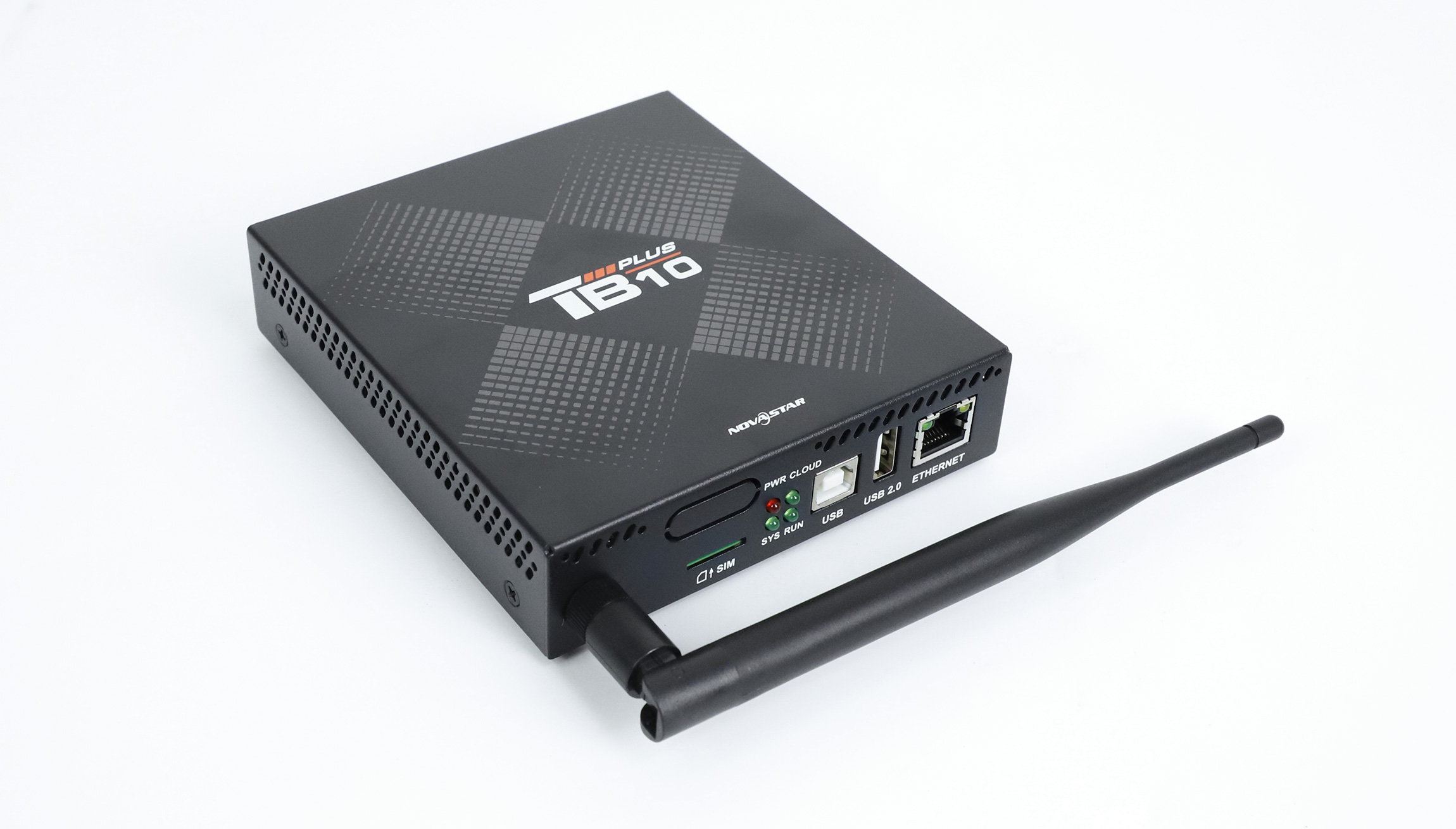
Az LED Mall TB10 Plus product page identifies the player under discussion. If the project needs another device, compare the actual program against the relevant LED media player options. Do not transfer a synchronized capacity claim between models because they share a product family or software interface.
When a quotation names several players, show the program assigned to each unit. A fleet total does not describe what one player must decode. For a repeated campaign, retain the approved media profile with the required equipment quantity. If sites use different layouts or overlapping media, identify those versions separately. A shared campaign name should not hide a different per-player workload.
4. Approve the final synchronized mode
Test TB10 Plus synchronized playback using the intended group arrangement, program and media files. The record should identify the selected synchronization method, participating player models, relevant versions and any specified modules. Agree what the project needs to observe before the demonstration begins.
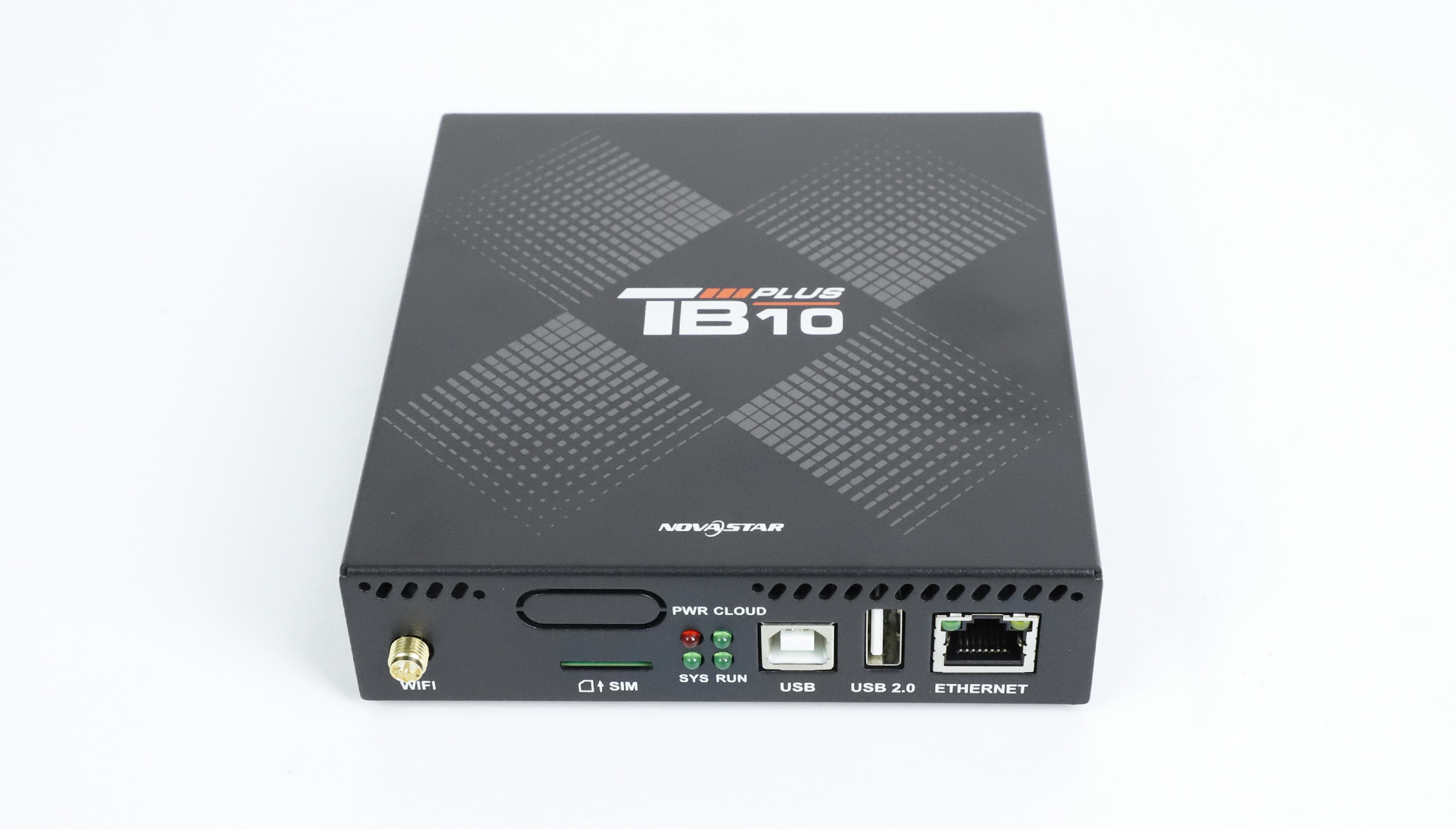
Use content that exposes the intended timing relationship between screens. Observe the required program sequence and the transitions included in the design. A still photograph can identify the equipment or layout, but it cannot document how a moving sequence behaved over time.
If start-up or recovery behavior matters to the installation, include those conditions in the agreed demonstration. Record what was actually observed and leave untested conditions marked as unverified. Do not turn a general synchronization feature into a promised timing accuracy that the supplied documentation and test have not established.
Define how revised media will be approved after handover as well. The content team should know which encoding and layout details formed the accepted profile, and which changes require another check. That avoids treating every later file with the same campaign title as though it were the original demonstrated program.
Keep the accepted settings and media with the handover. A seasonal campaign, replacement player or changed layout can alter the conditions behind the original result. Compare a proposed change with the approved record instead of assuming that the original player model alone preserves the same performance.
TB10 Plus synchronized playback is clearer to purchase when the quotation separates hardware supply, optional modules, configuration and program verification. The buyer can then see whether the supplier has approved the final media or has only offered a player with a synchronization feature.
Gyakran Ismételt Kérdések
Does a general 4K claim approve H.264 at 60 fps?
No. V1.0.0 lists different codec ceilings: H.264 up to 30 fps and H.265 up to 60 fps in its decoding table. Those figures still do not approve an entire synchronized program. Check the actual file and the applicable mode together.
Does every synchronization method require a 4G module?
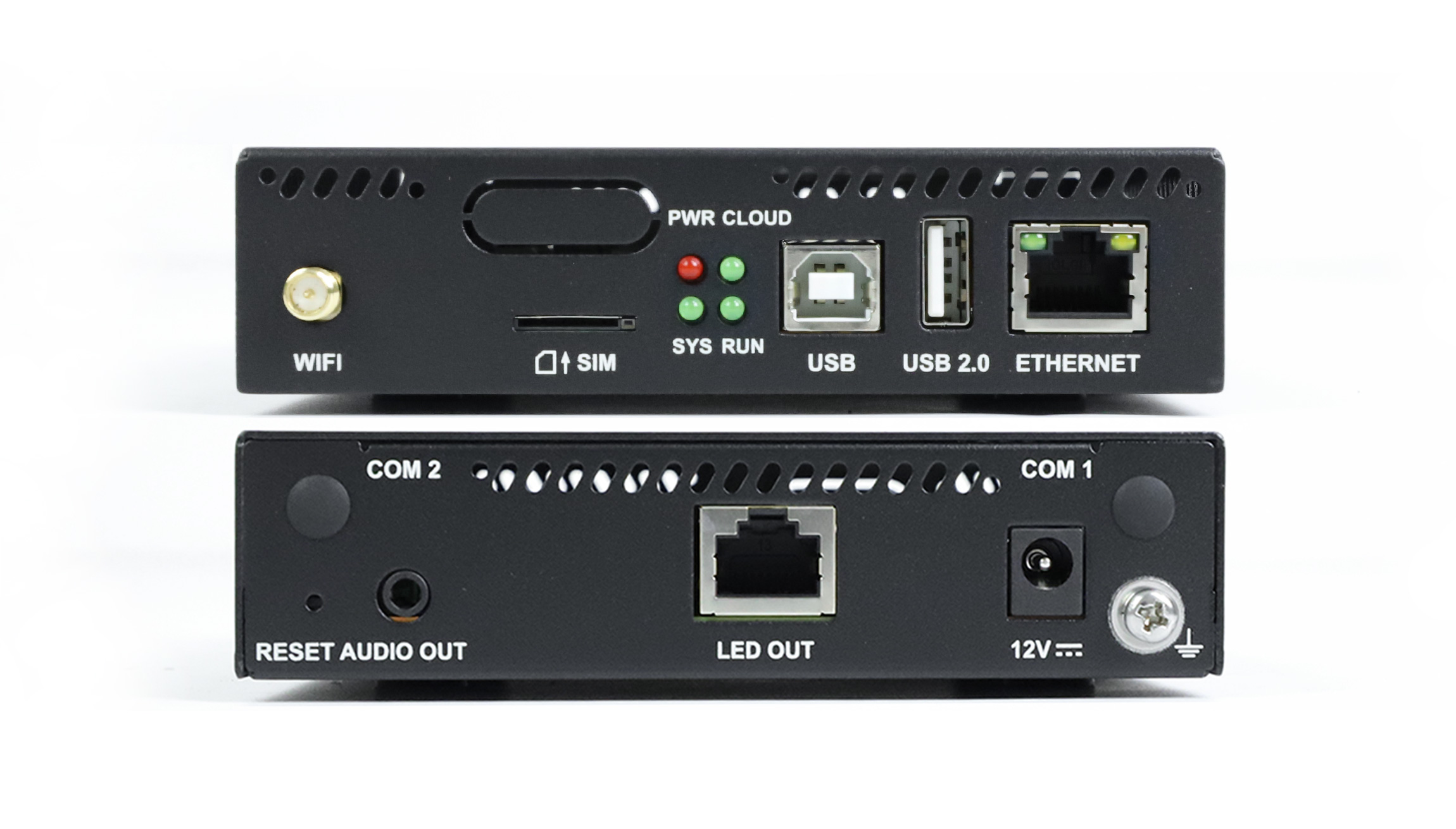
The specification lists NTP, GPS with a specified 4G module, and RF with a specified RF module. It also says the player ships without a 4G module. Ask which method and hardware the proposal includes rather than assuming a photographed antenna establishes the supplied configuration.
Can adding USB storage restore the reduced decoding allowance?
Do not treat storage expansion as a decoding upgrade. The cited reduction concerns decoding capability; additional space does not, by itself, approve the program in synchronized mode. Request a program-capacity check separately from the storage requirement.
Request a synchronized-program review
Send the media encoding details, program layout, overlapping videos, screen pixel map and intended timing method through A LED Mall ajánlatkérő oldala. Include any required start-up or recovery checks. A TB10 Plus synchronized playback review can then focus on an identifiable program and the remaining conditions for purchase approval.